.schem
52
Steps
12
Materials
~1h 44m
Time
DifficultyEasy
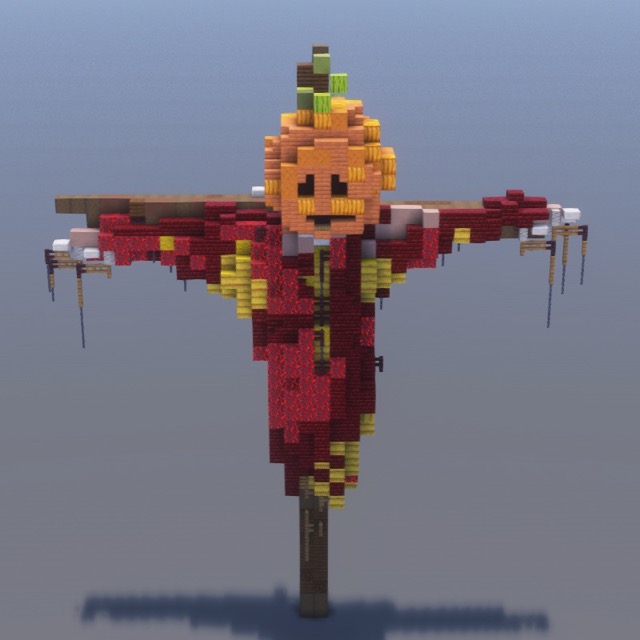
Materials Needed12 blocks
Pumpkin × 220220
Red Sand × 168168
Smooth Red Sandstone × 105105
Orange Concrete Powder × 100100
Orange Terracotta × 9292
Stripped Acacia Wood × 5757
Black Concrete × 5151
Smooth Red Sandstone Slab × 99
Brown Concrete Powder × 99
Black Concrete Powder × 22
Smooth Red Sandstone Stairs × 22
+1
How do I use the .schem file?
Litematica (free Java mod, survival): drop the file into
.minecraft/schematics/, press M in-game, load the schematic, and build using the ghost overlay.WorldEdit (creative): place the file in
schematics/, then run //schem load evil-pumpkin and //paste.Bedrock players: follow the step-by-step guide — every block is shown with images.