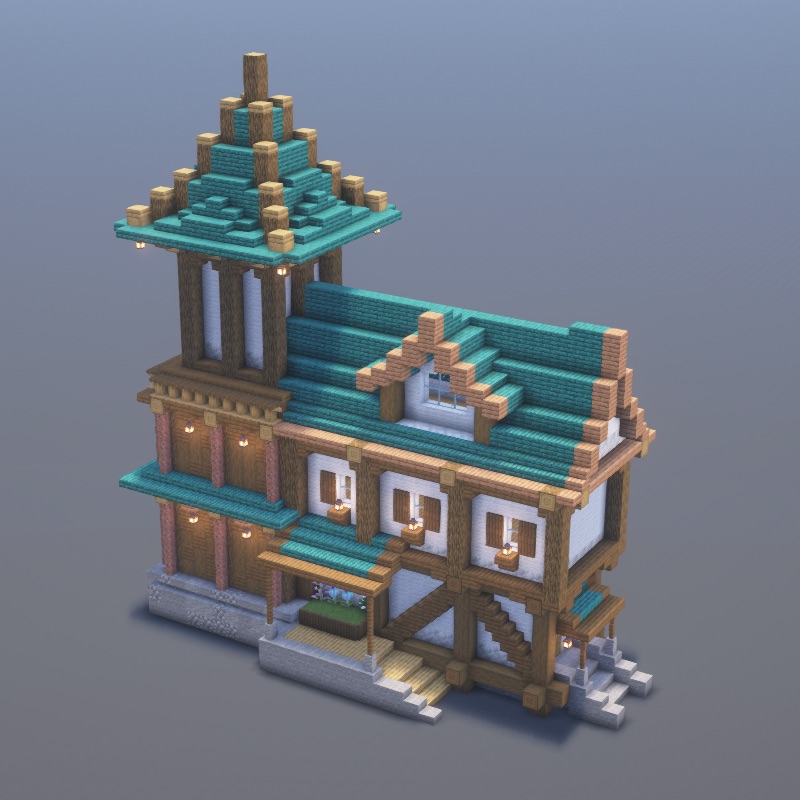
.schem
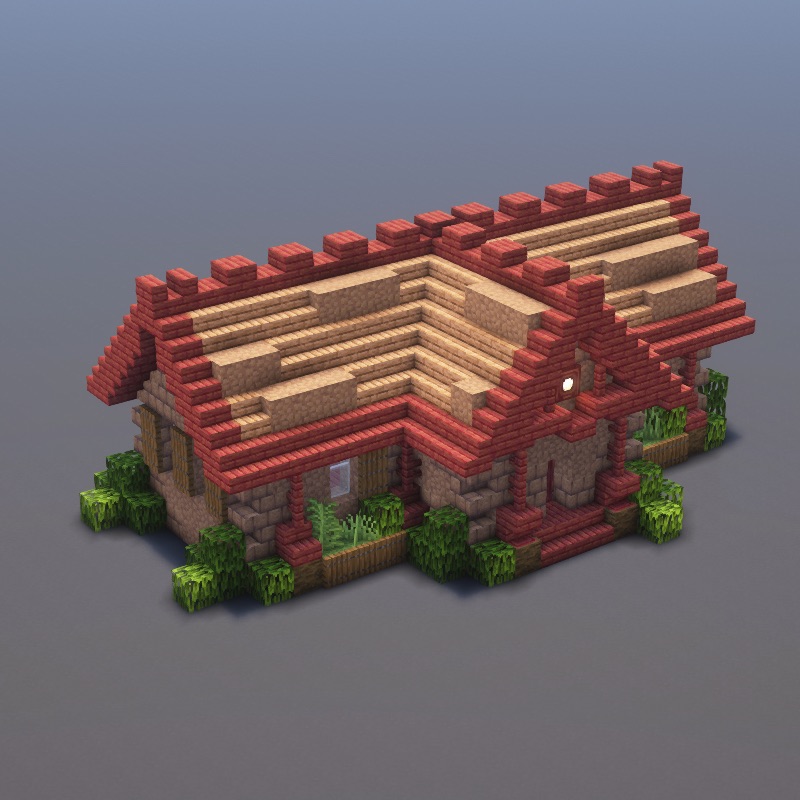
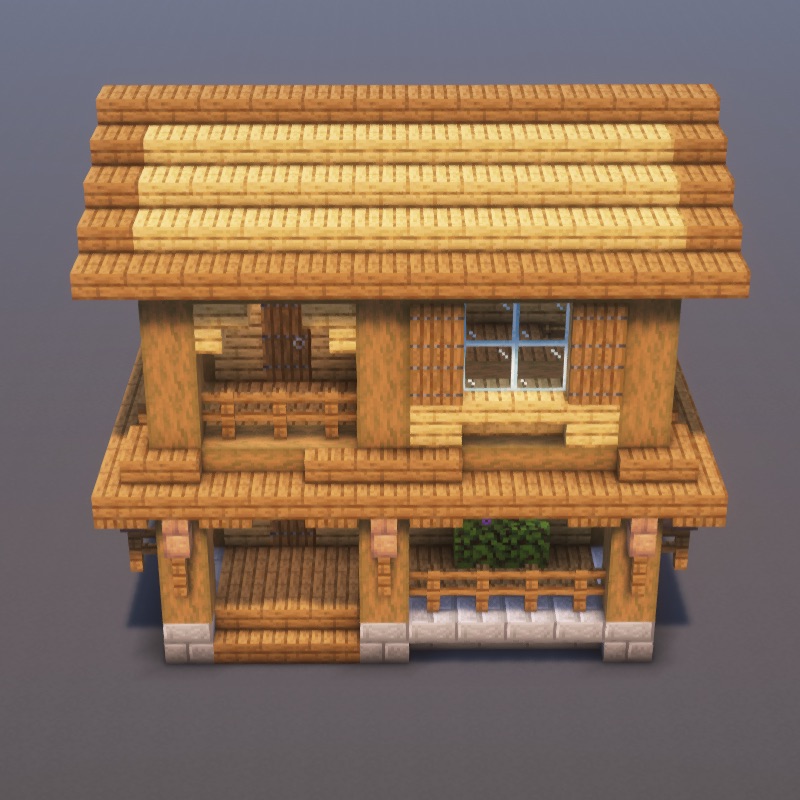
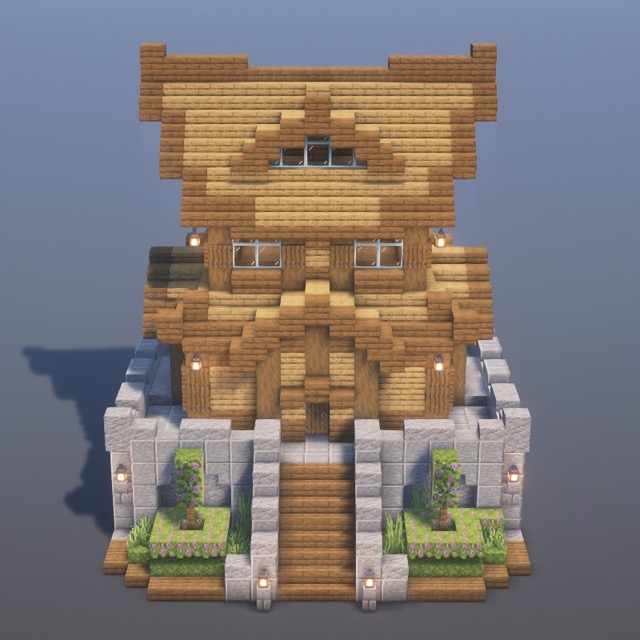
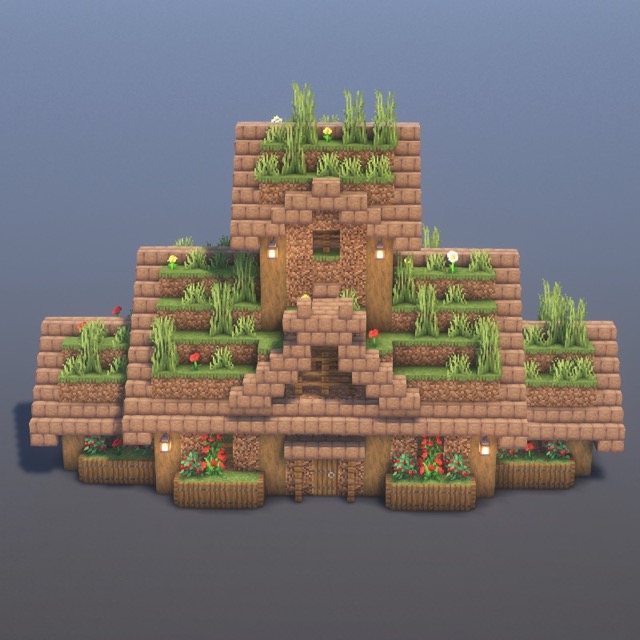
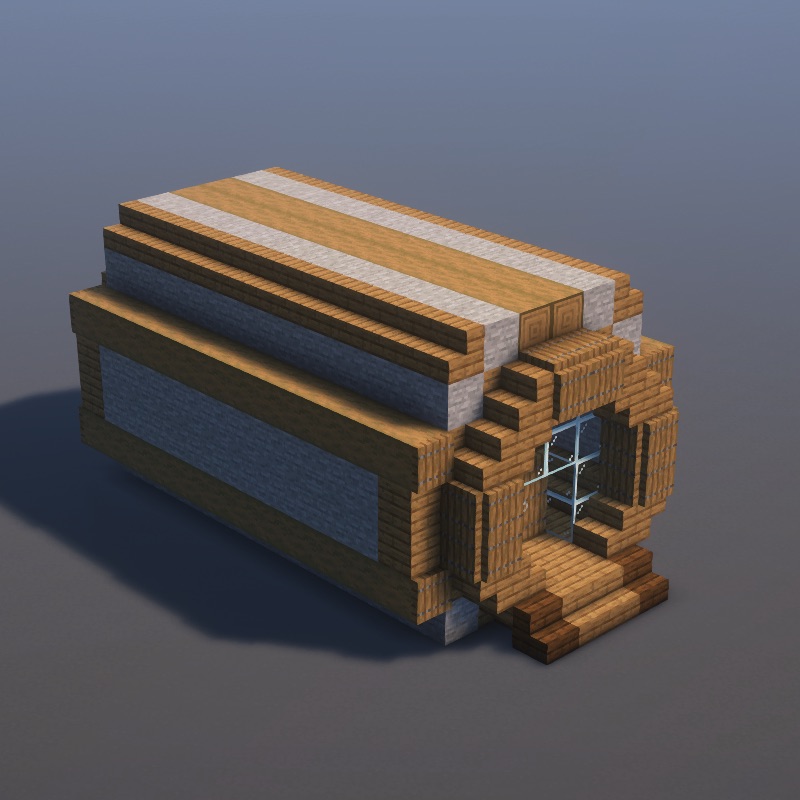
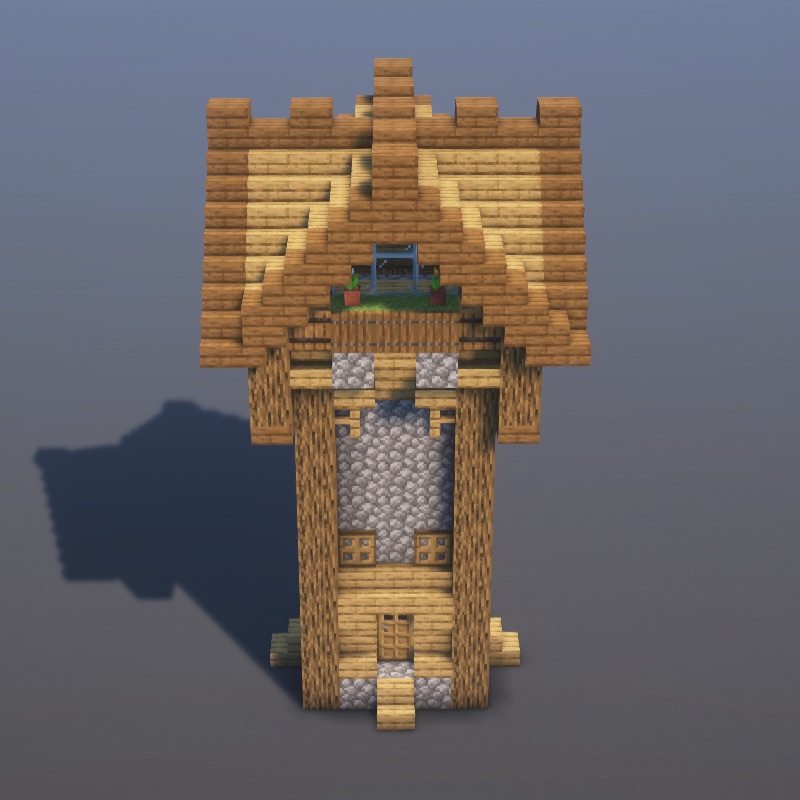
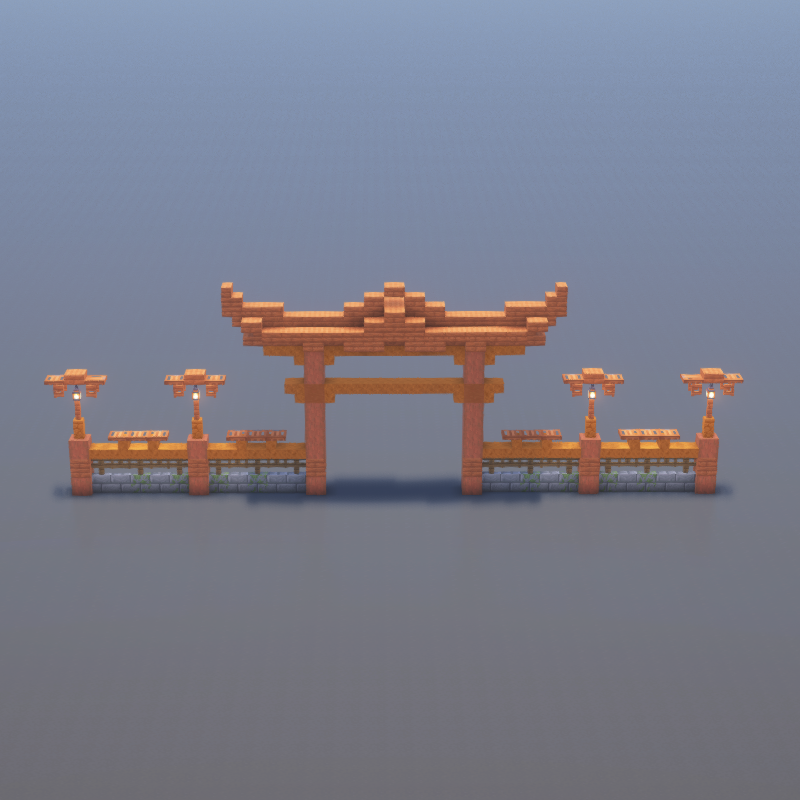
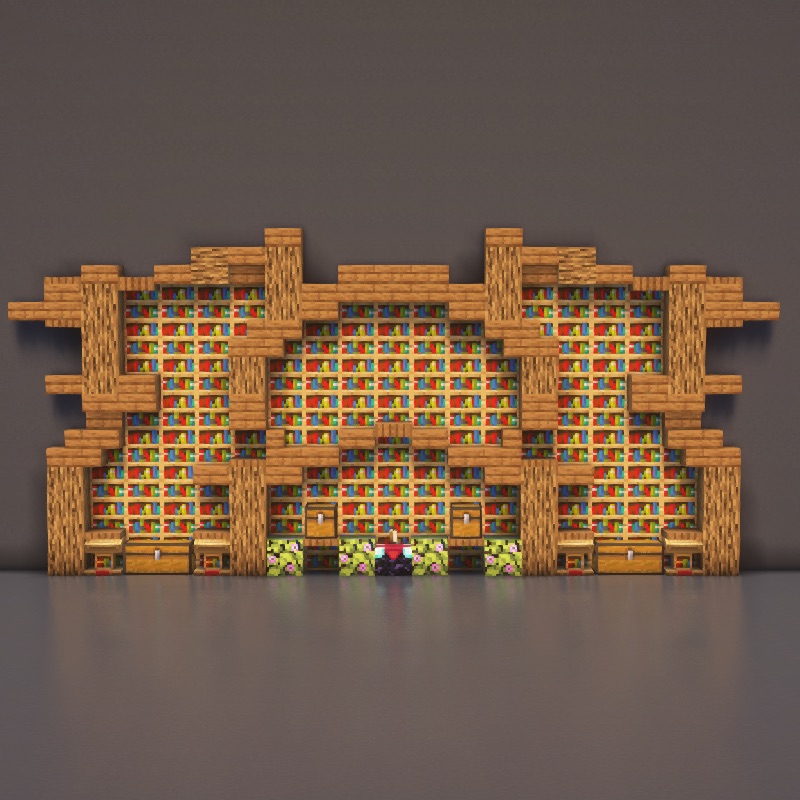
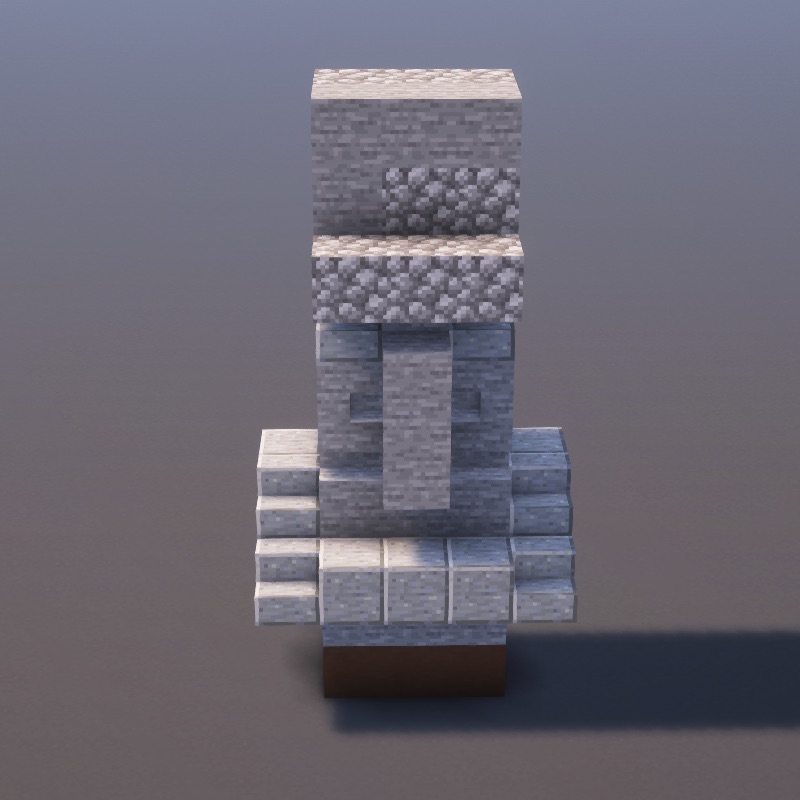
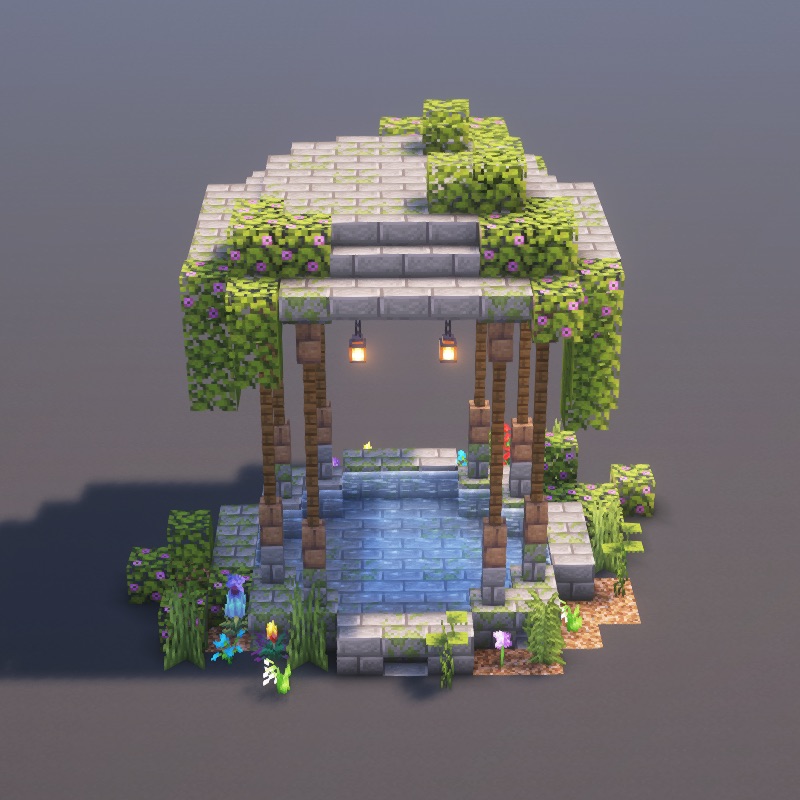
Download 104+ free .schem files for Litematica and WorldEdit. Paste entire builds into your world in seconds, or use the schematic as a survival-mode blueprint. Every schematic also comes with a step-by-step tutorial.
.minecraft/schematics/.schematics/ folder (or the server's plugin folder).//schem load <name> to load it.//paste — the entire structure drops in instantly.Castles, towers, blacksmiths, and medieval village buildings.
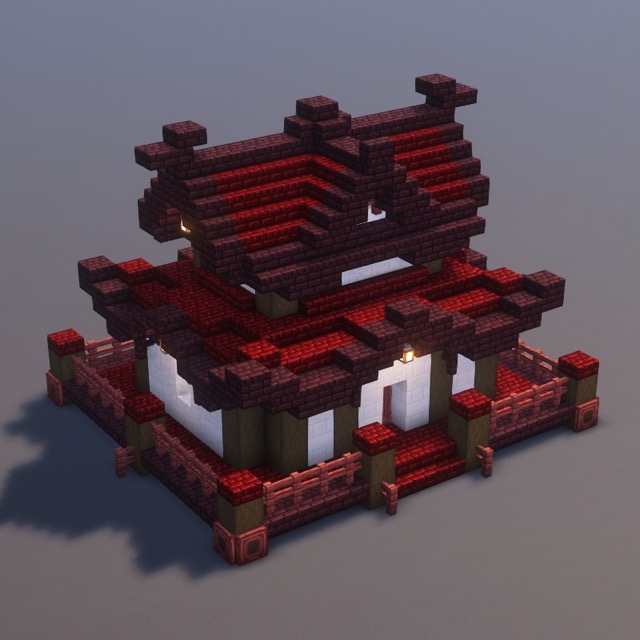
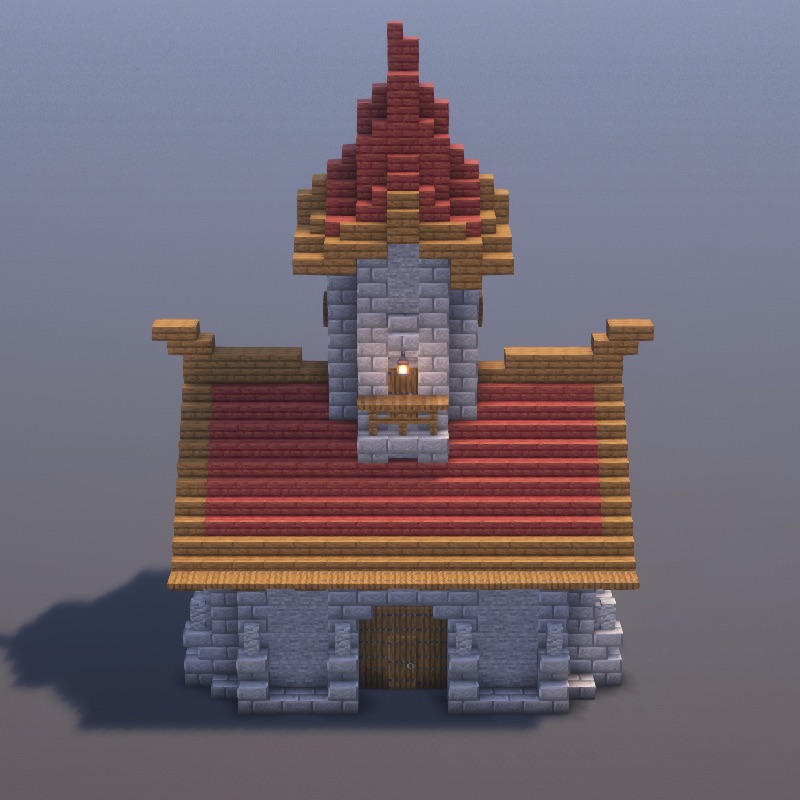
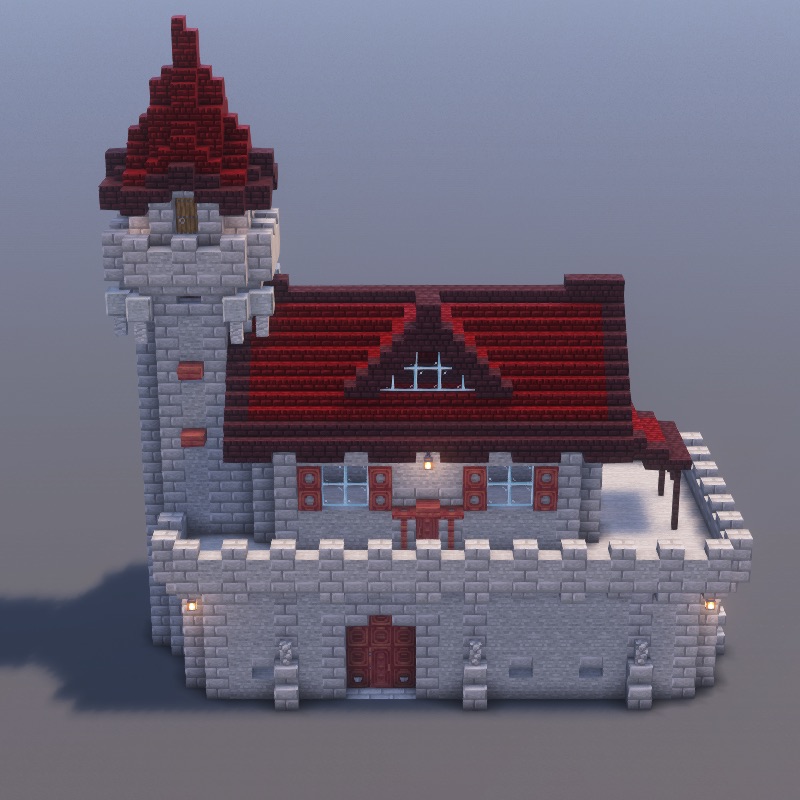
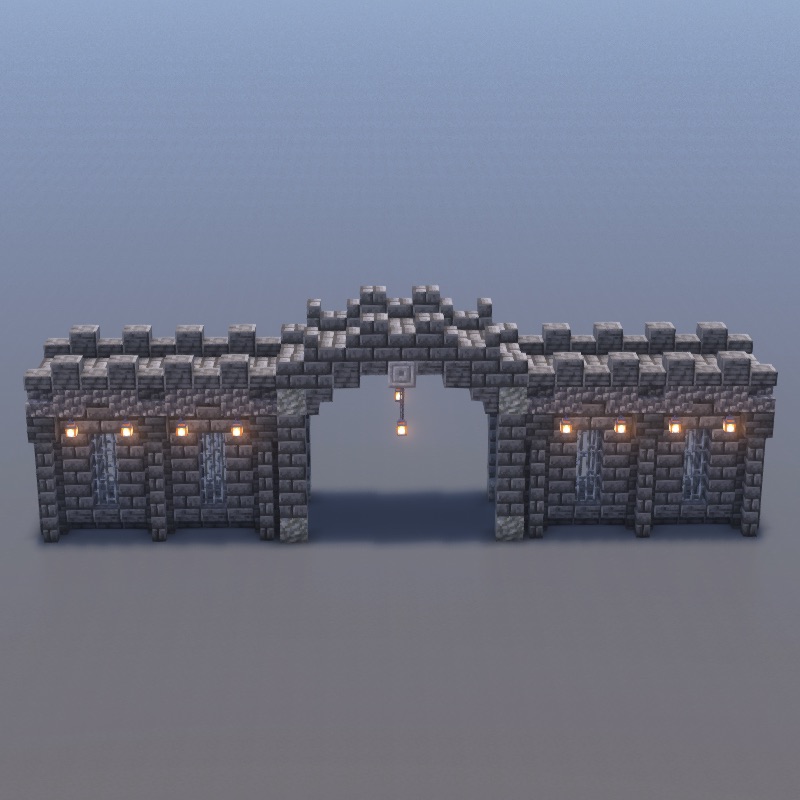
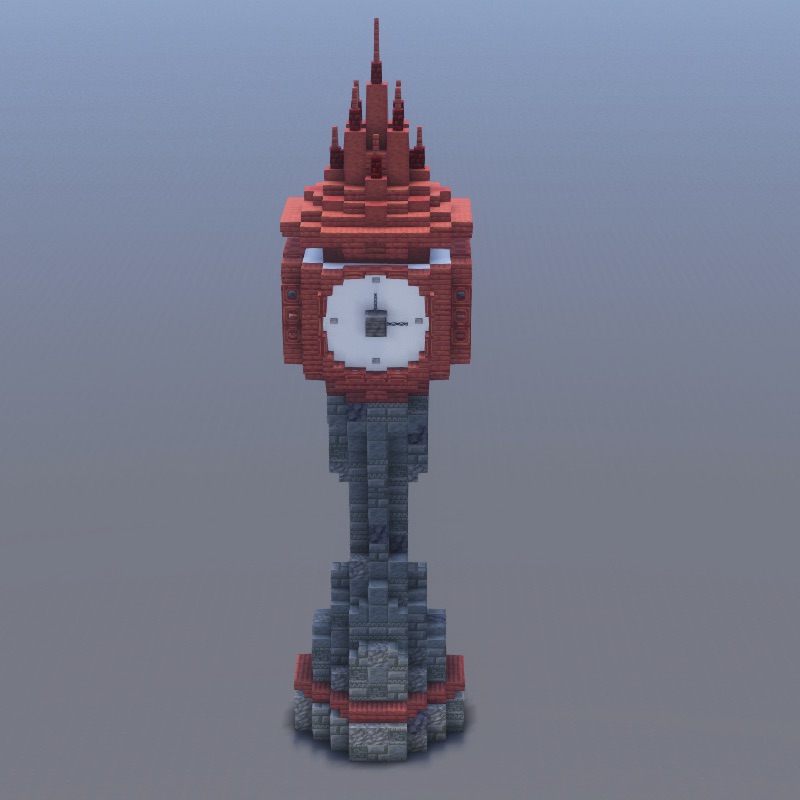
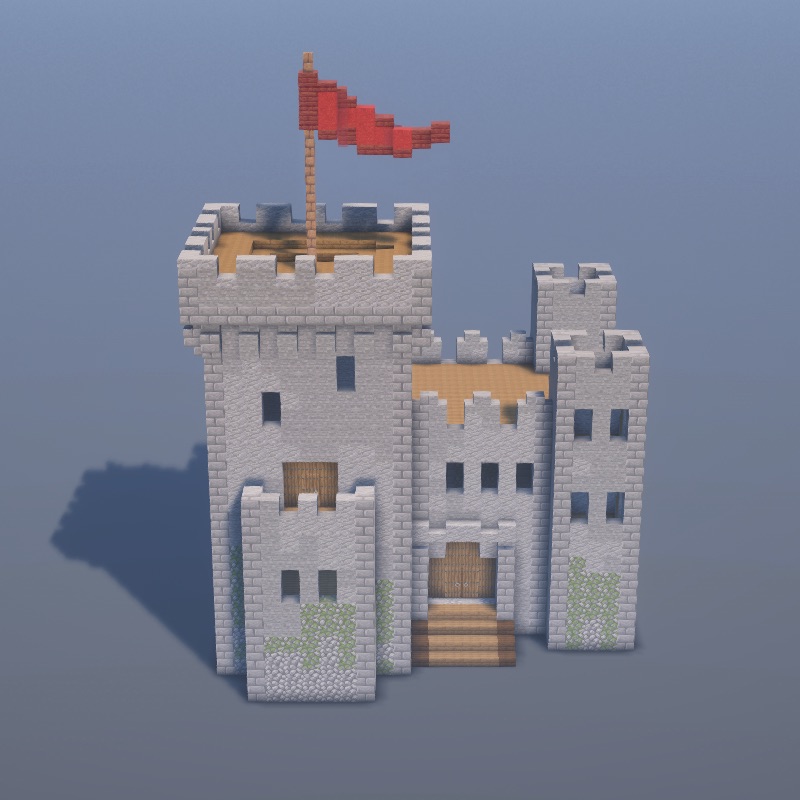
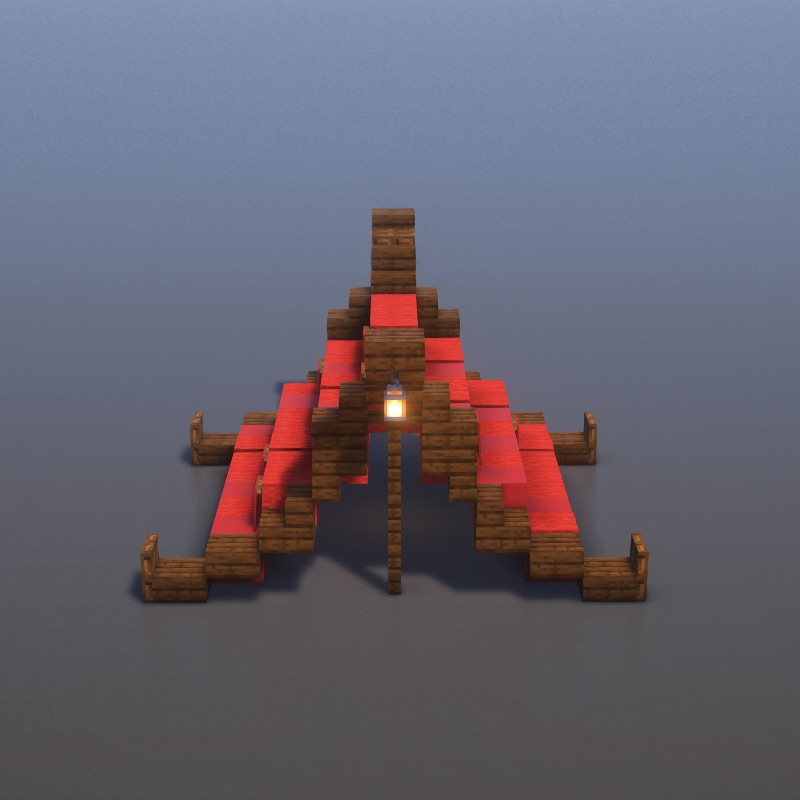
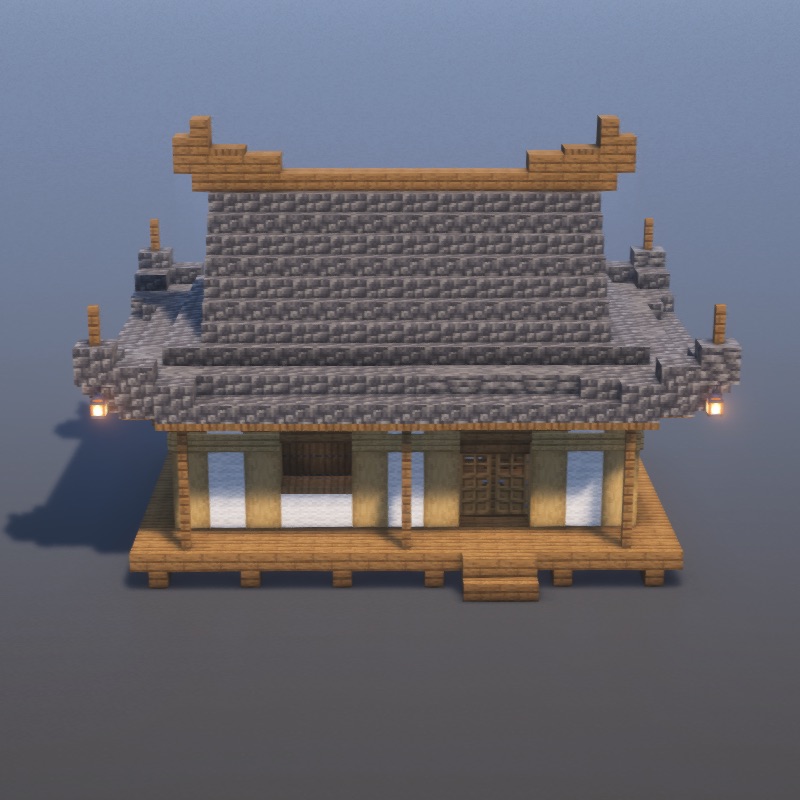
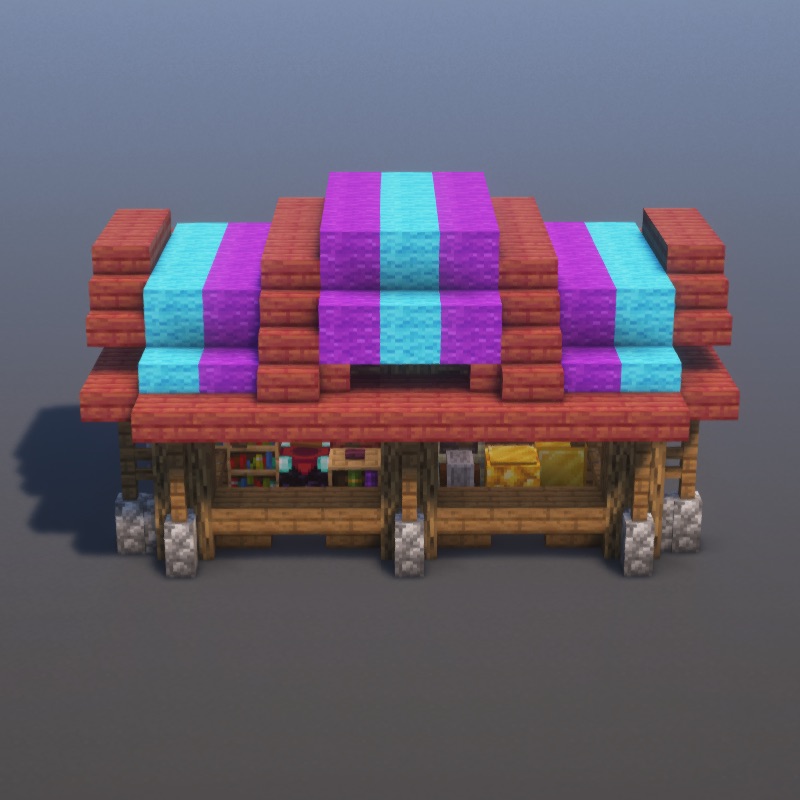
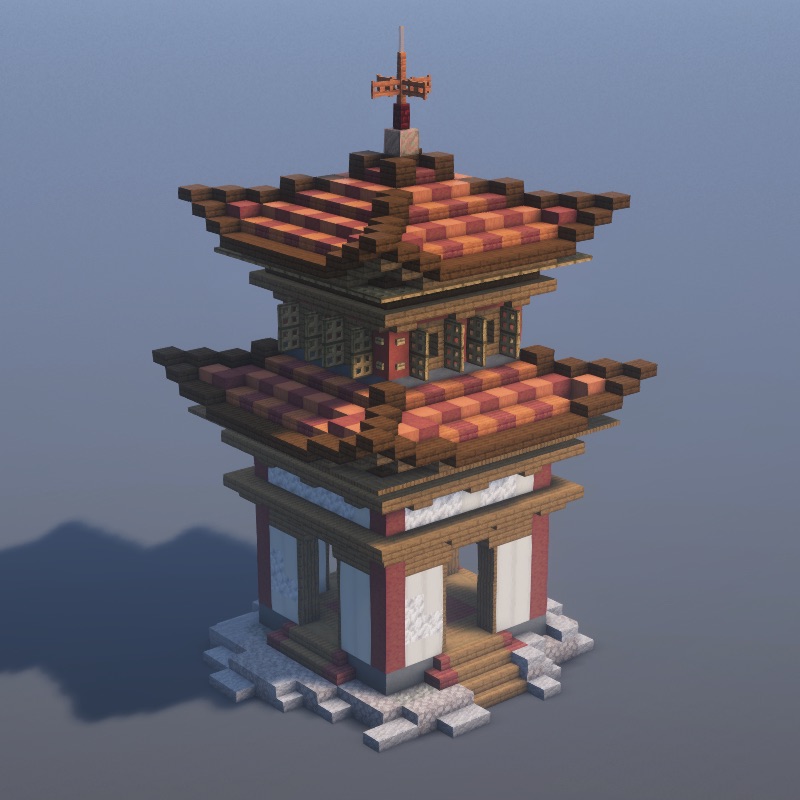
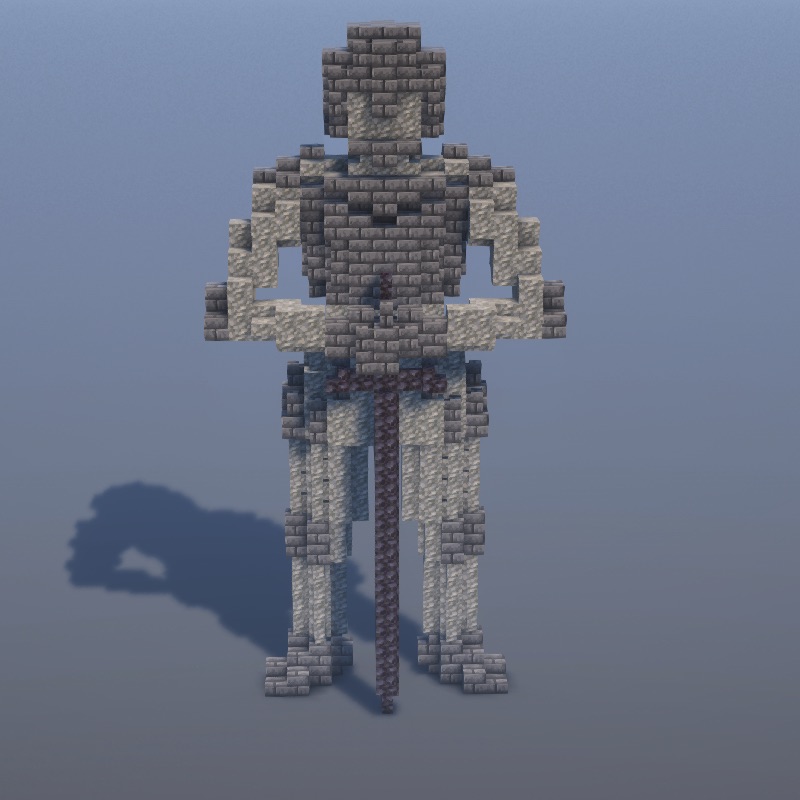
Contemporary villas, apartments, and sleek modern architecture.
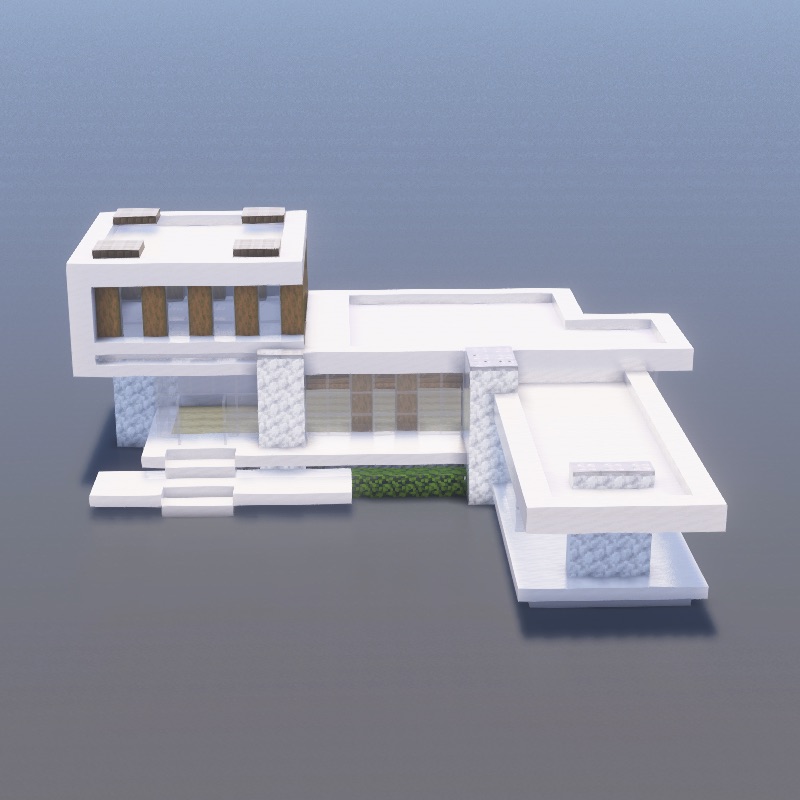
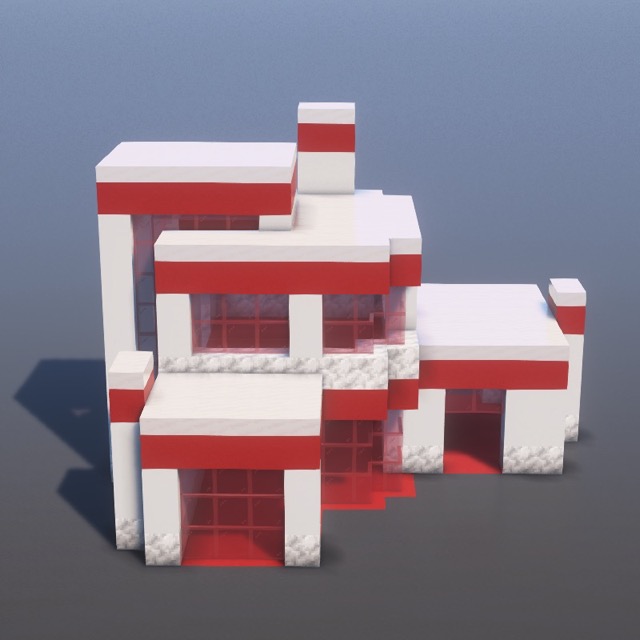
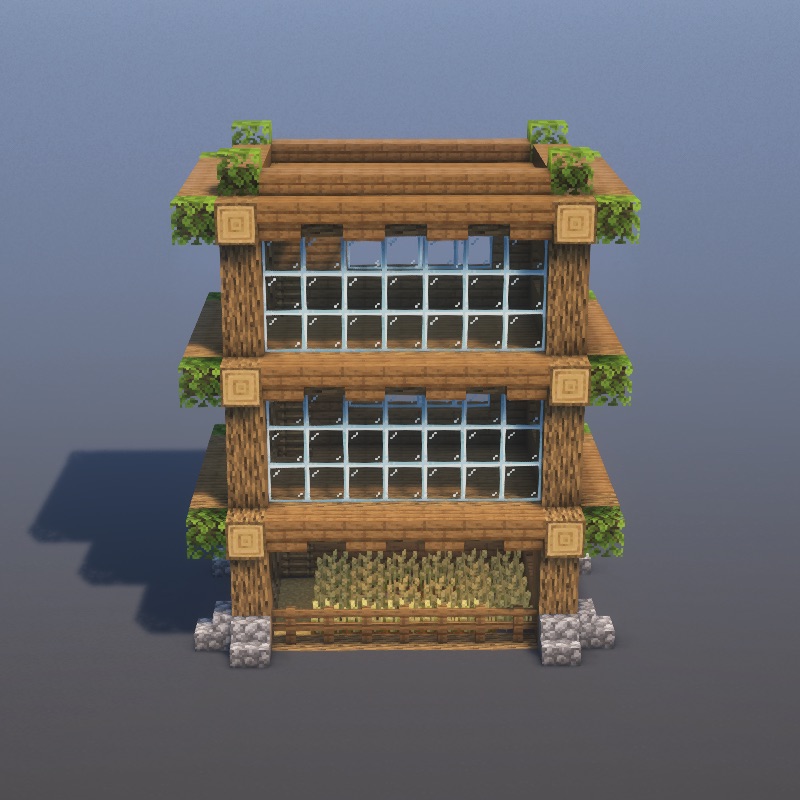
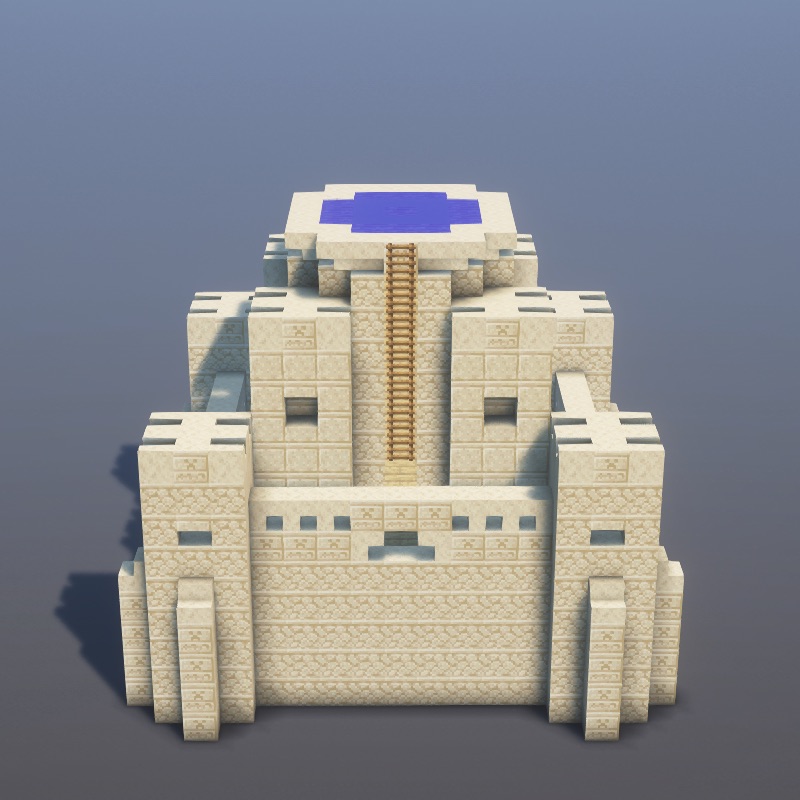
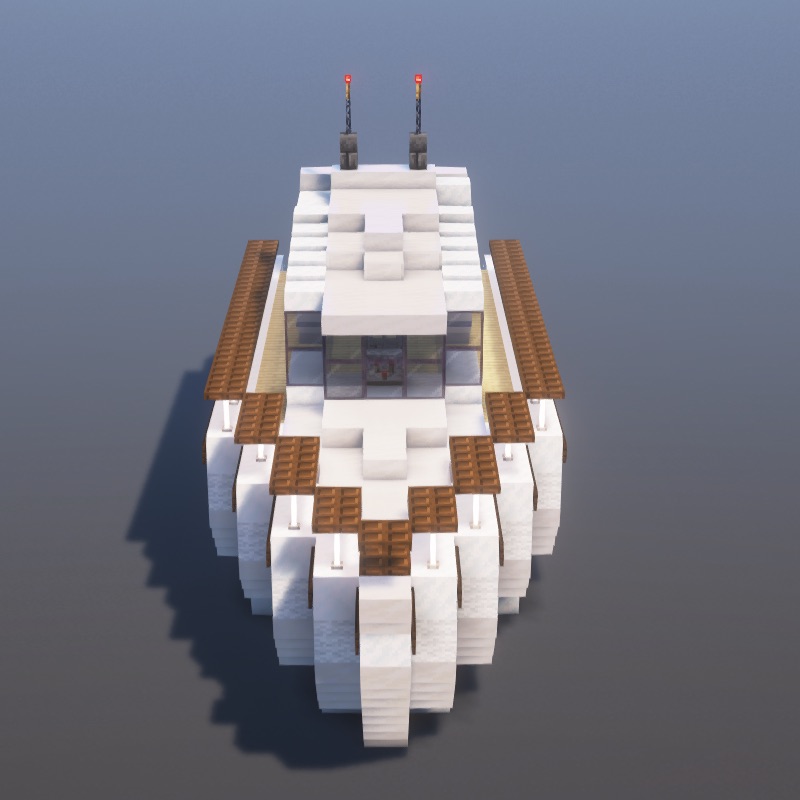
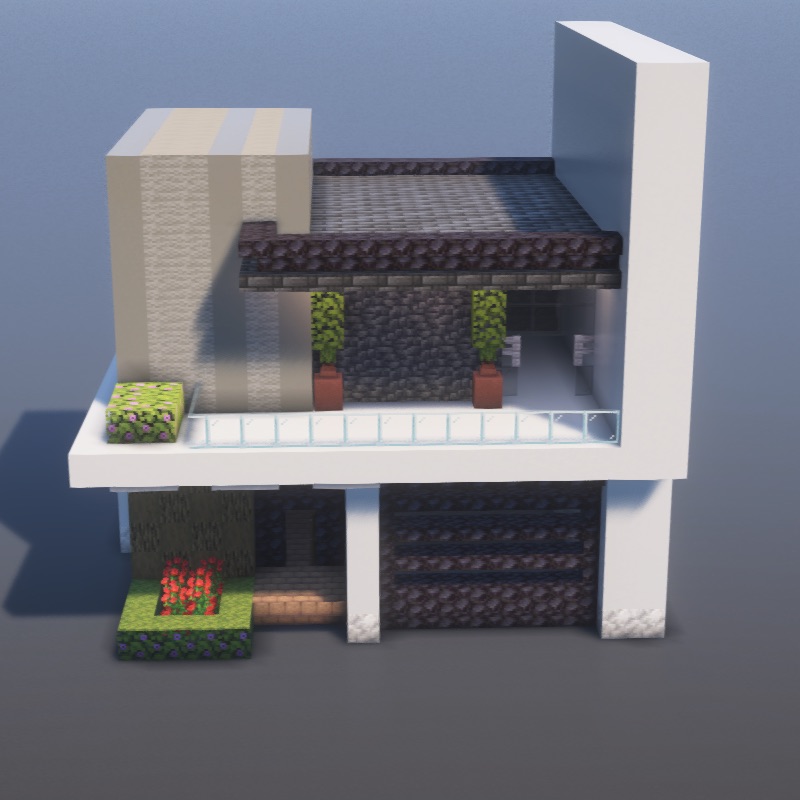
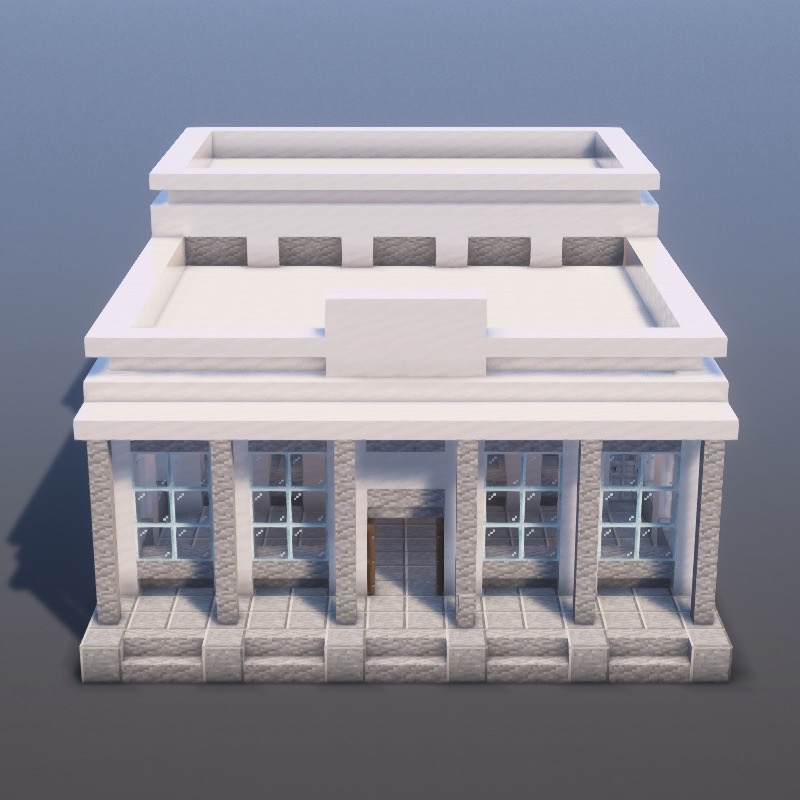
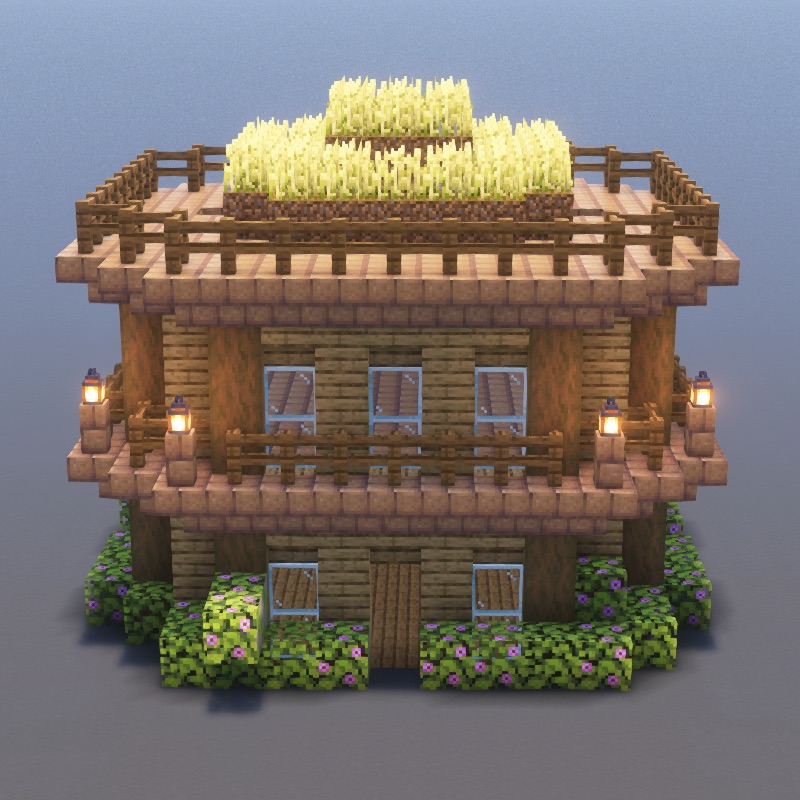
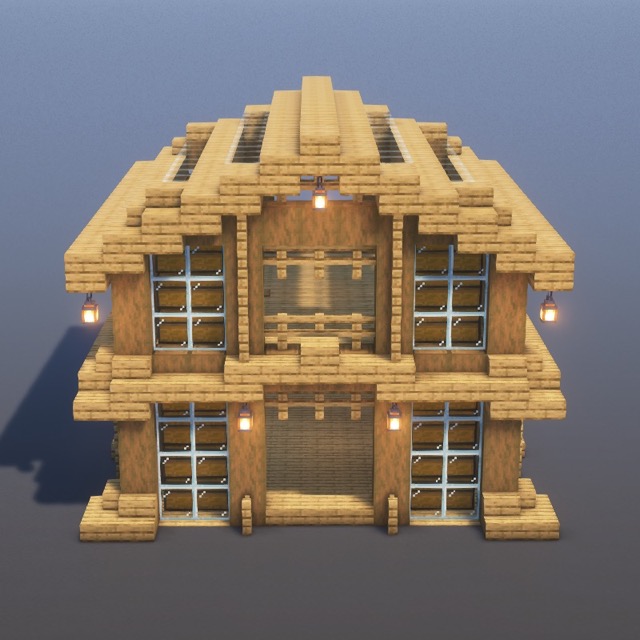
Cozy cabins, farmhouses, treehouses, and countryside builds.
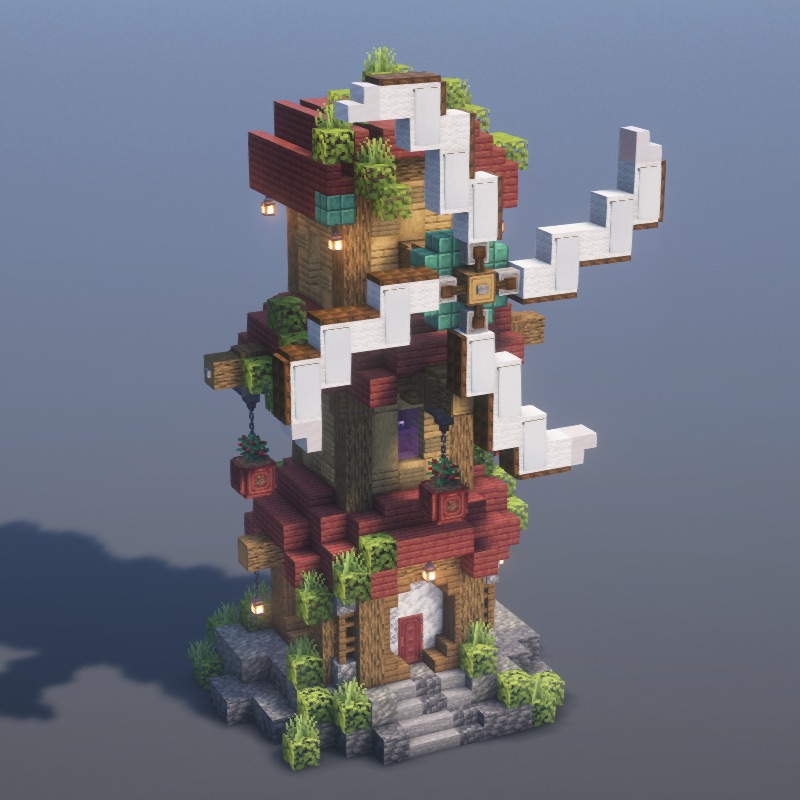
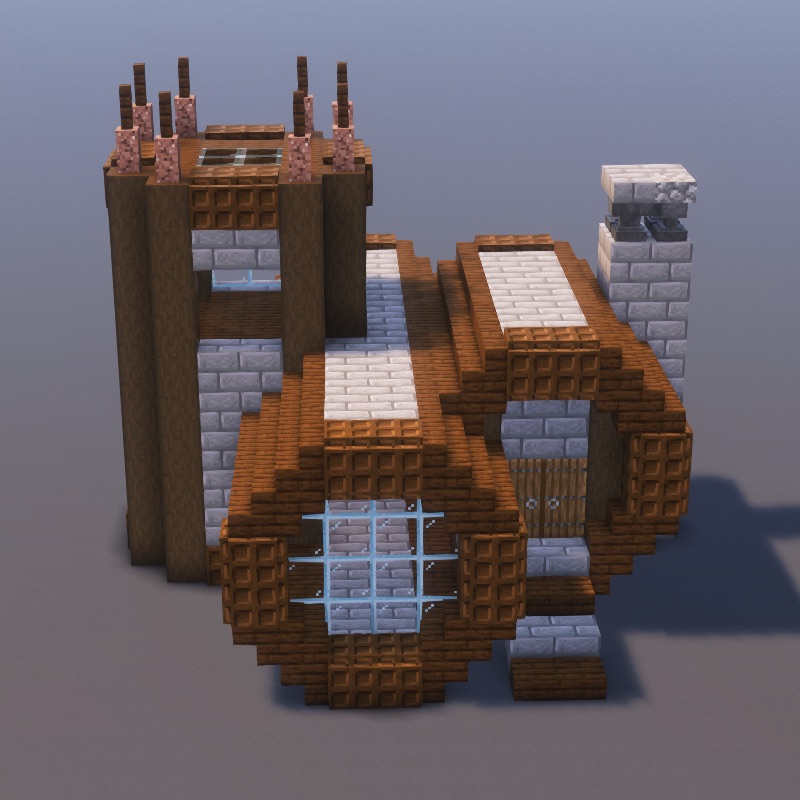
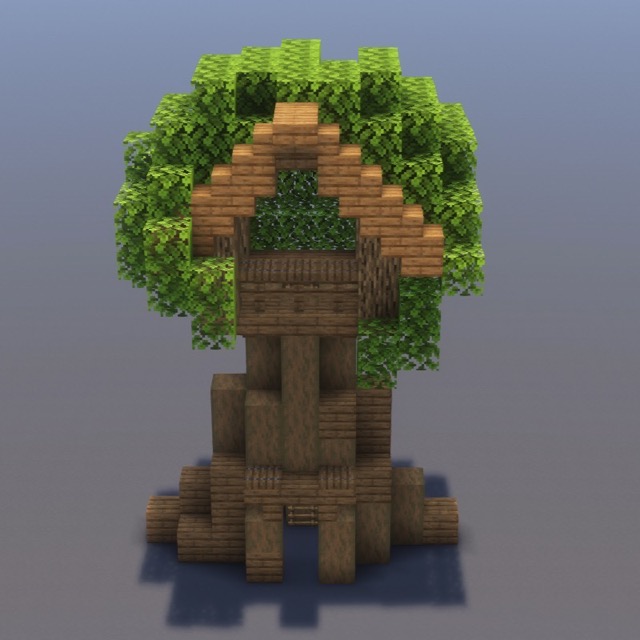
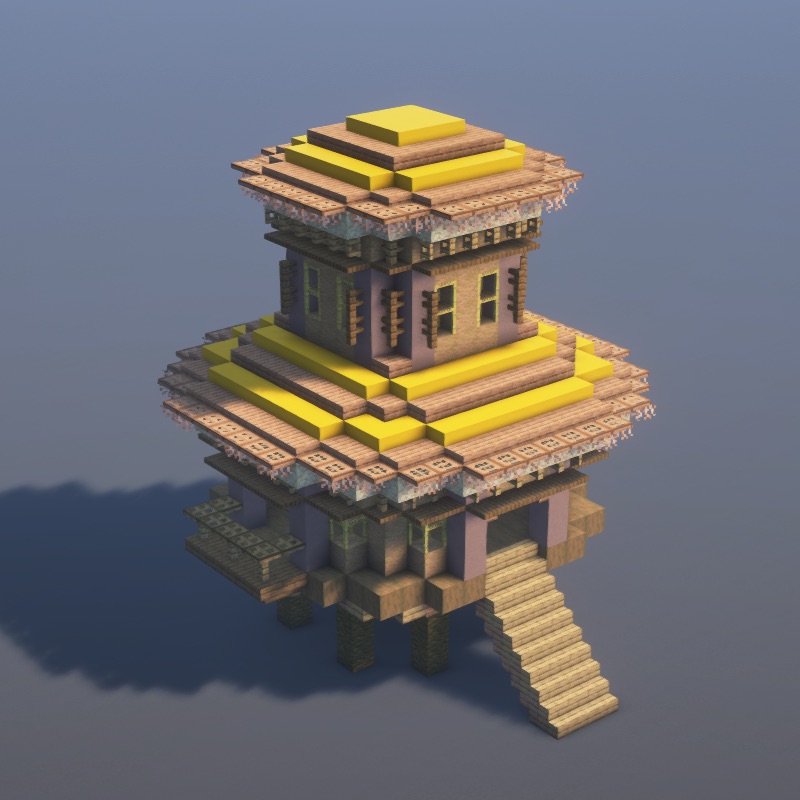
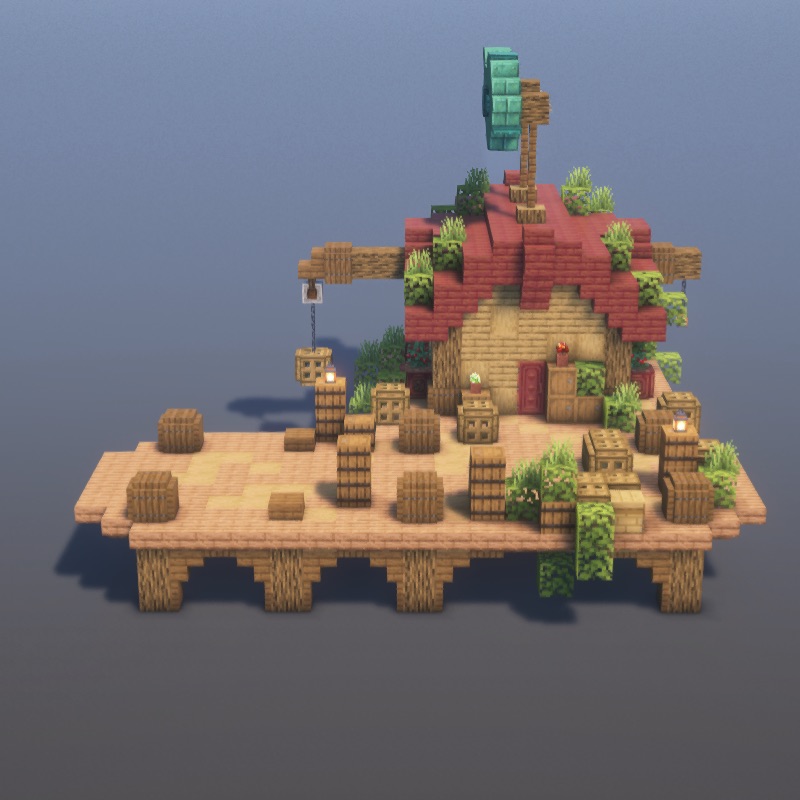
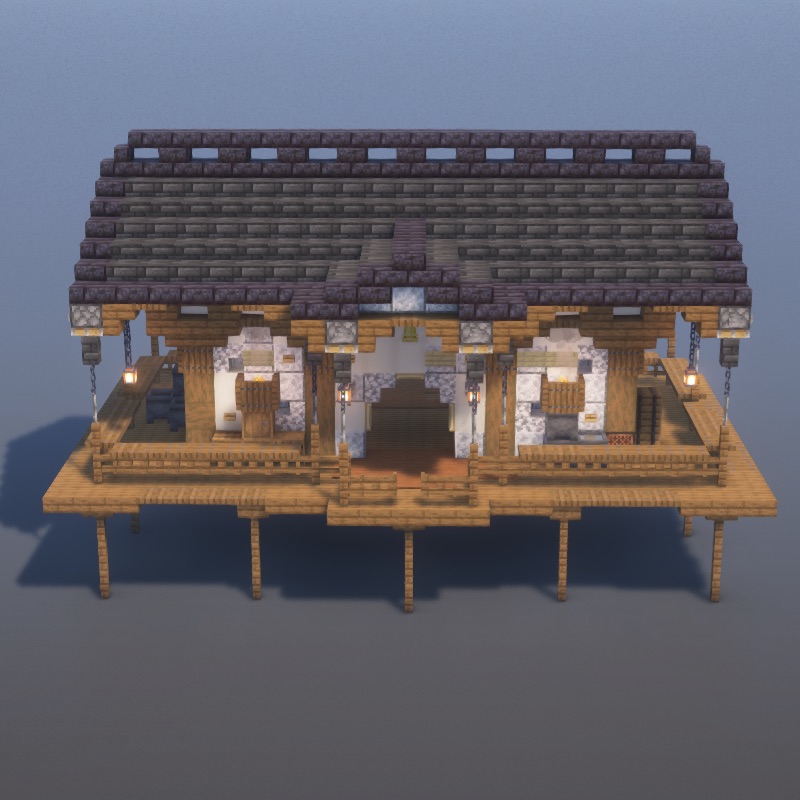
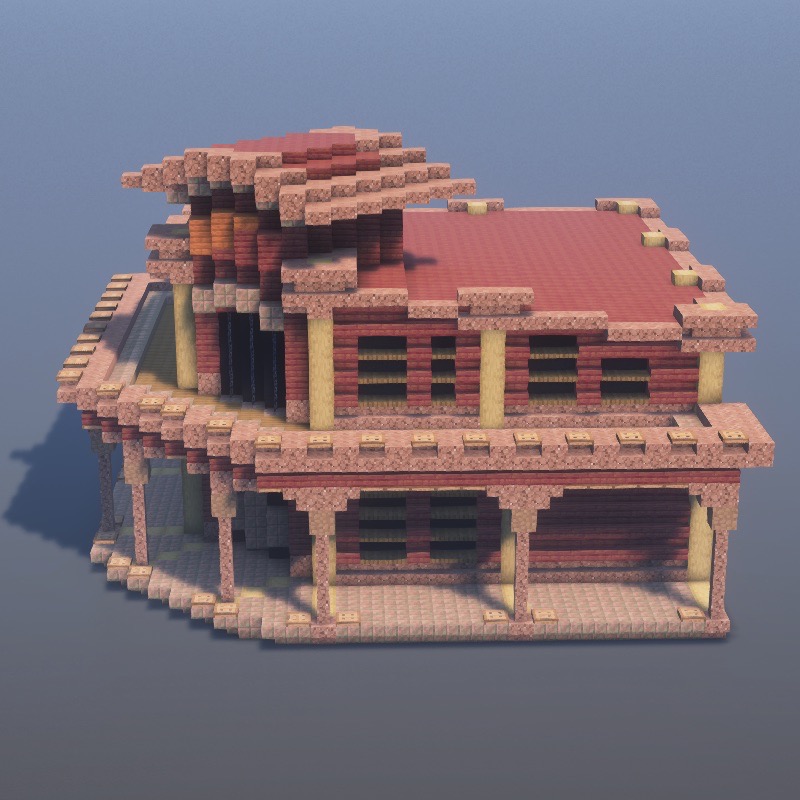
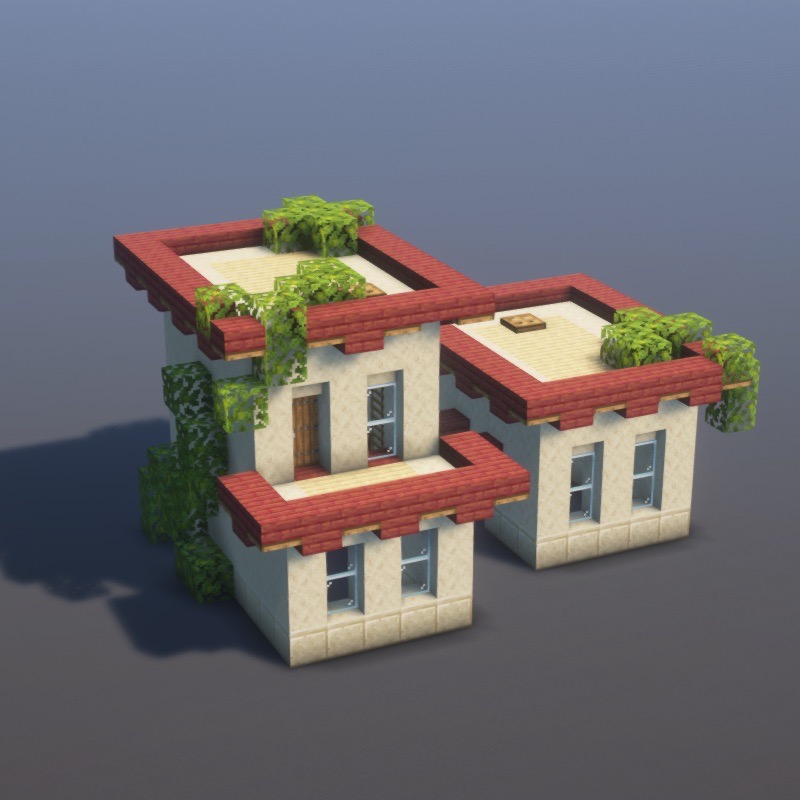
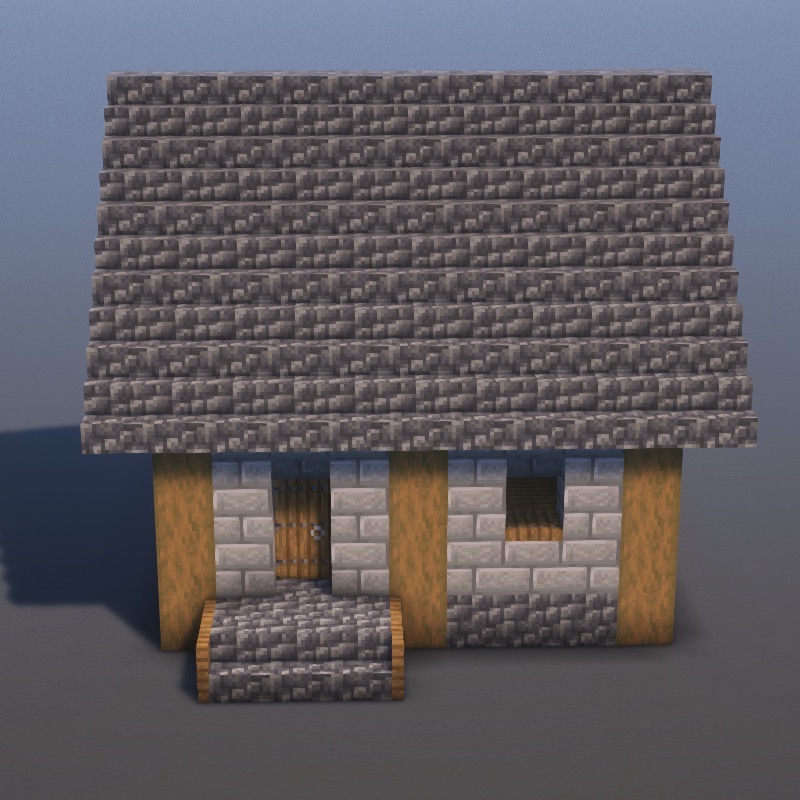
Magical towers, enchanted structures, and mythical builds.
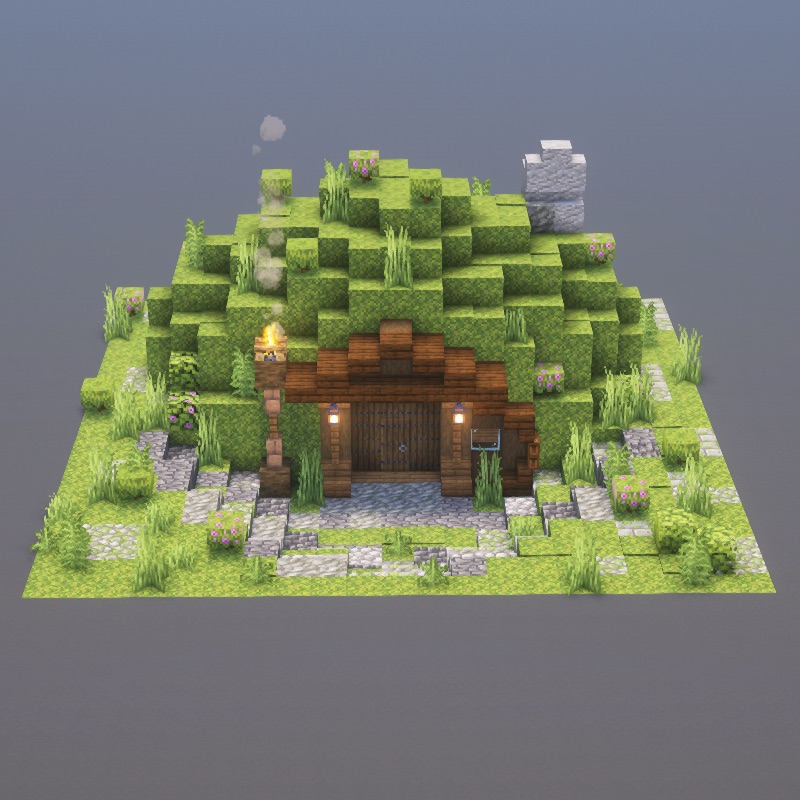
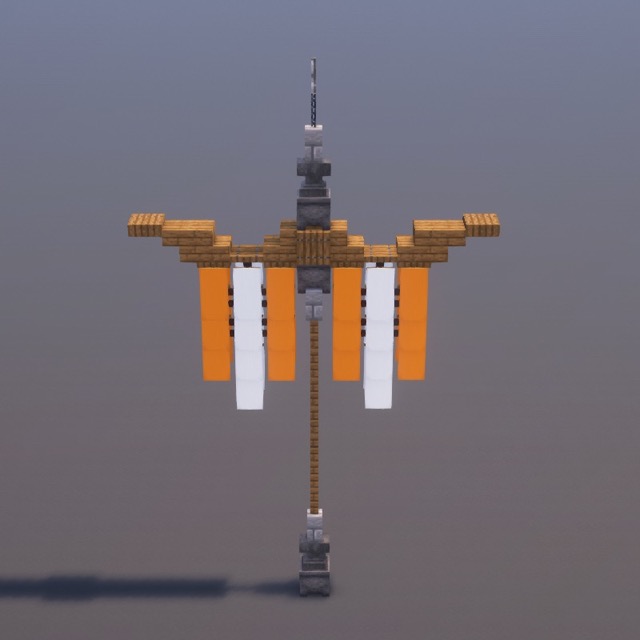
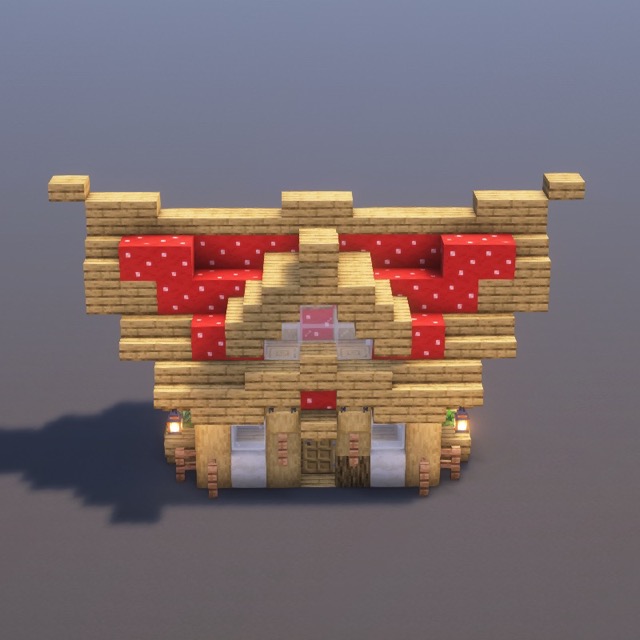
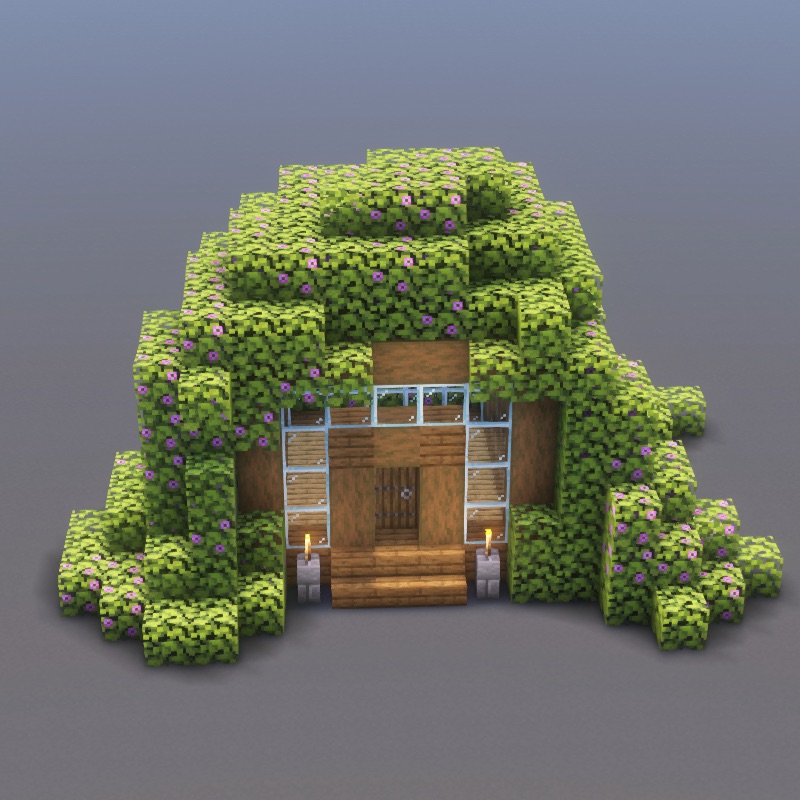
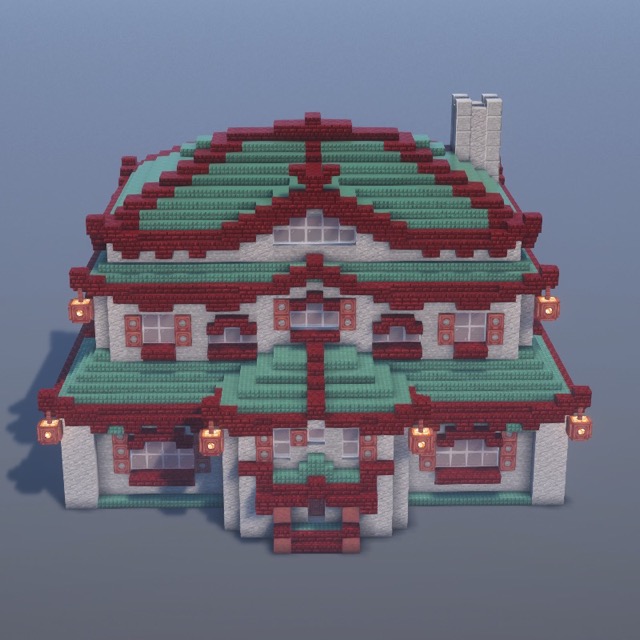
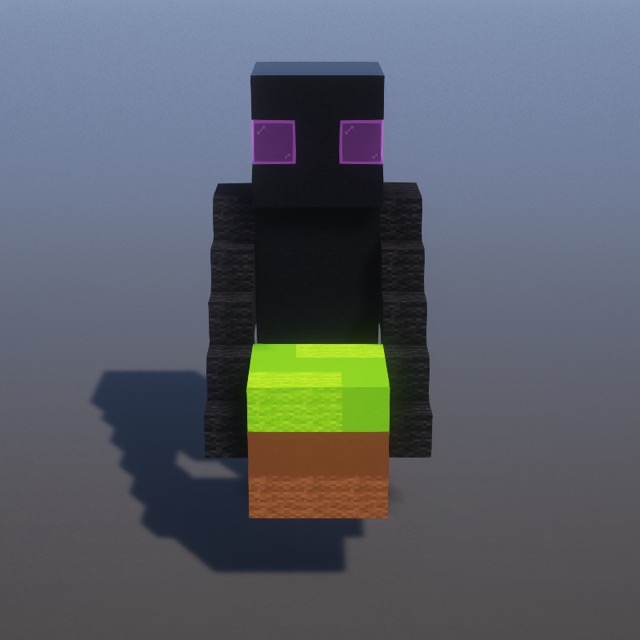
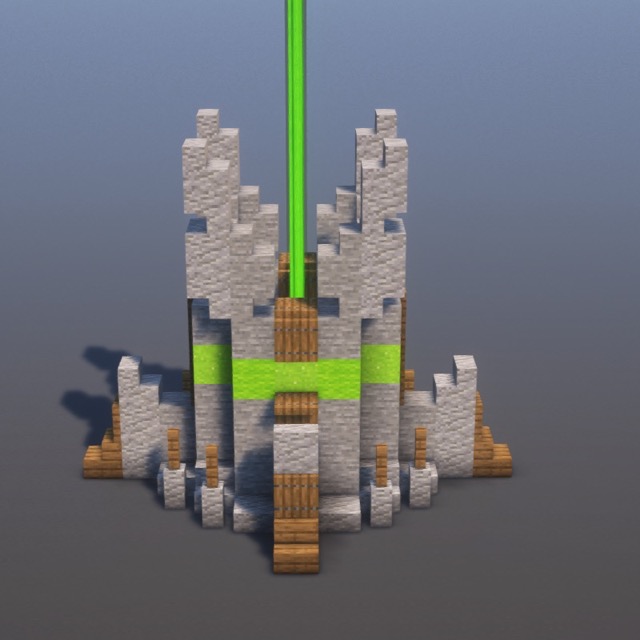
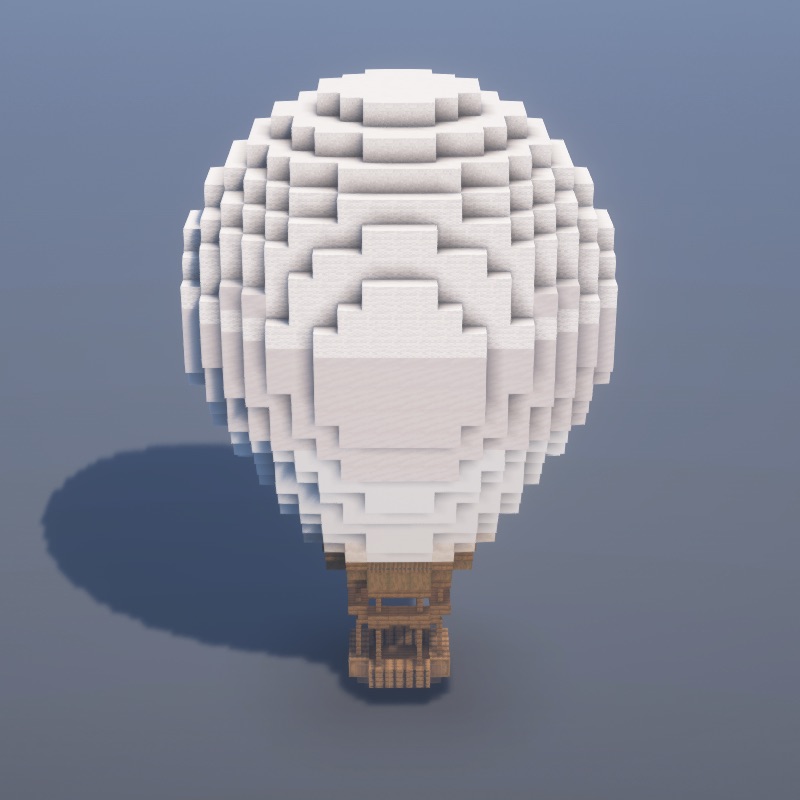
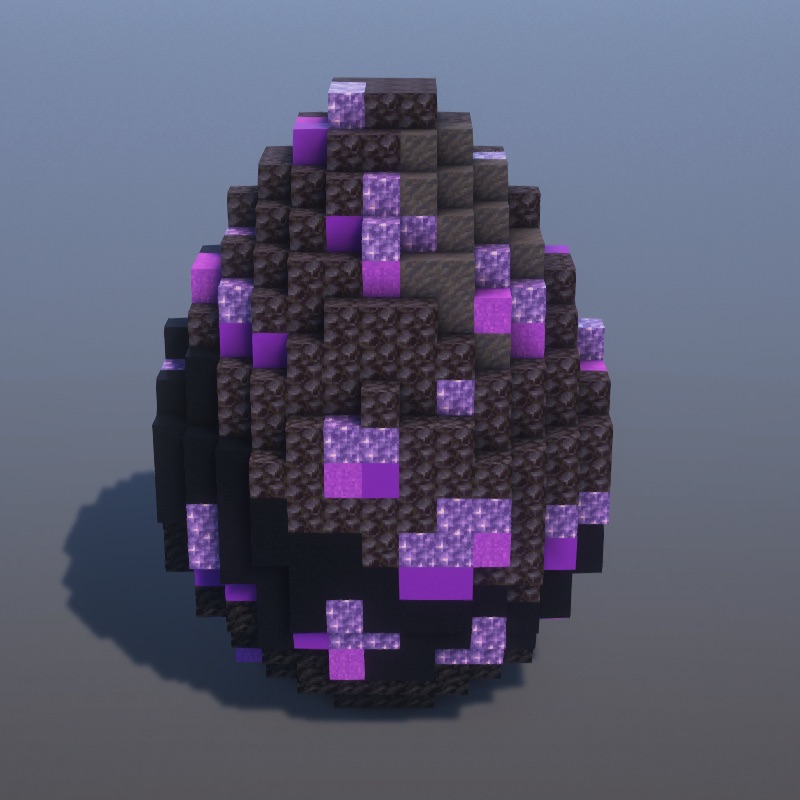
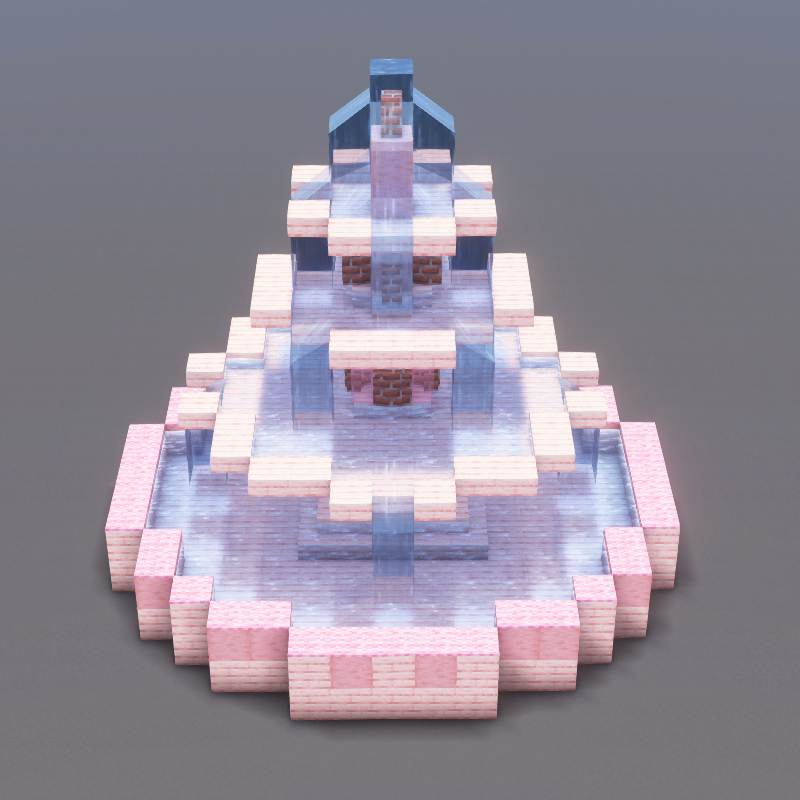
Statues, fountains, gardens, and decorative pieces.
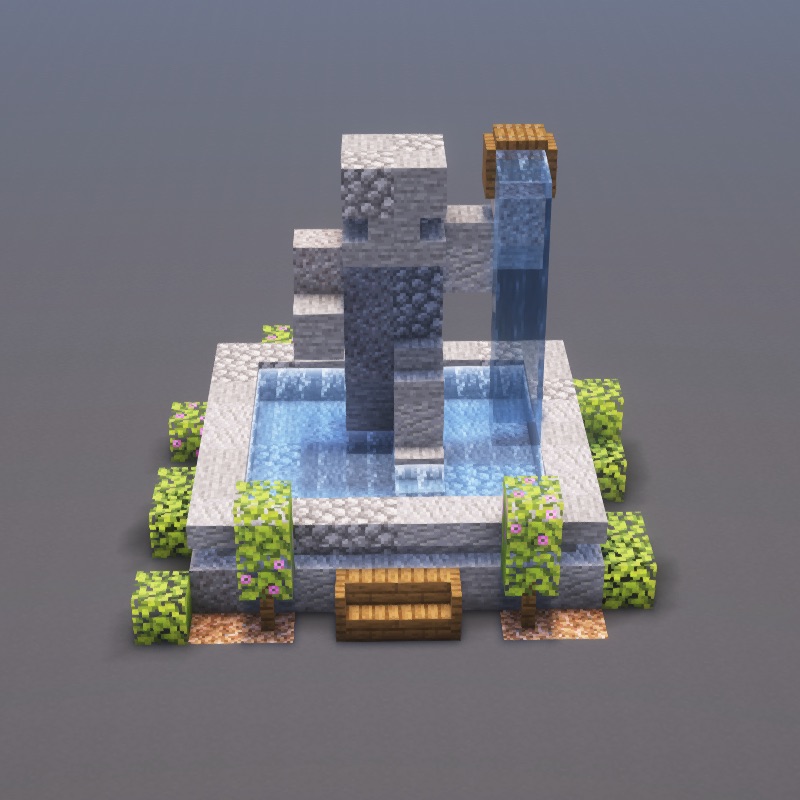
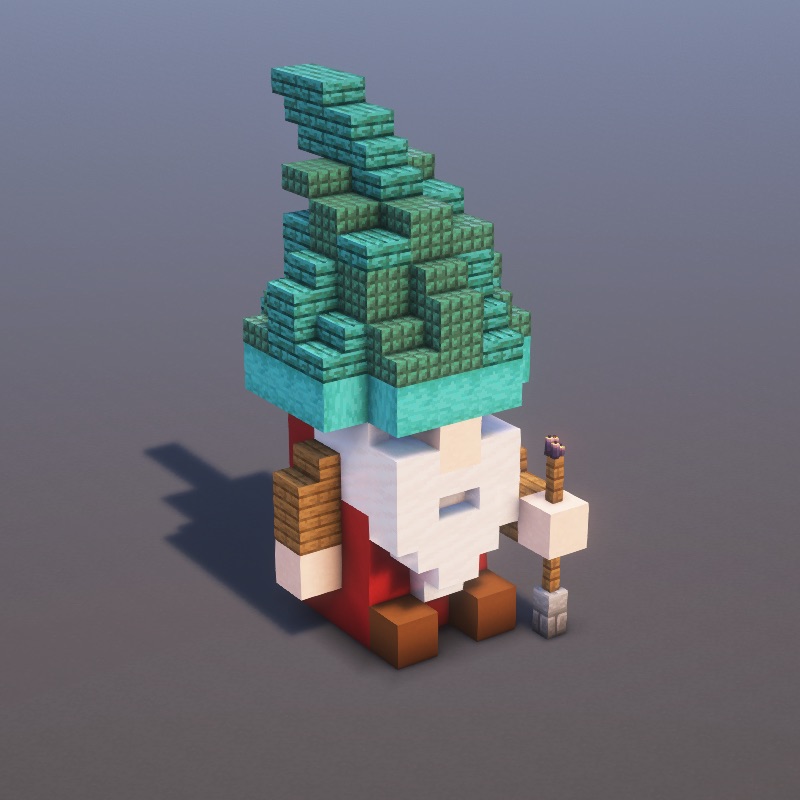
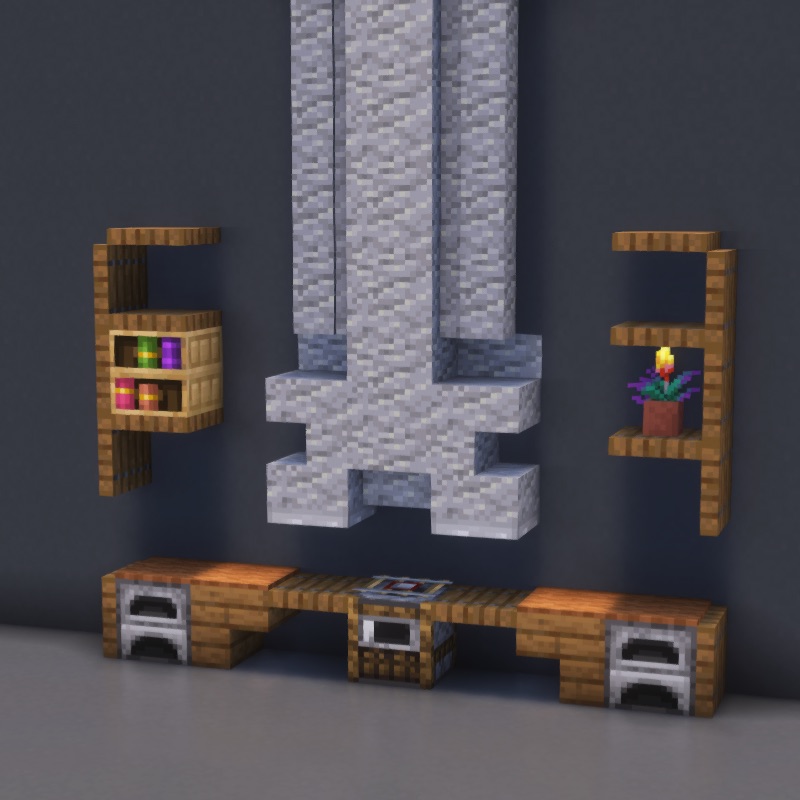
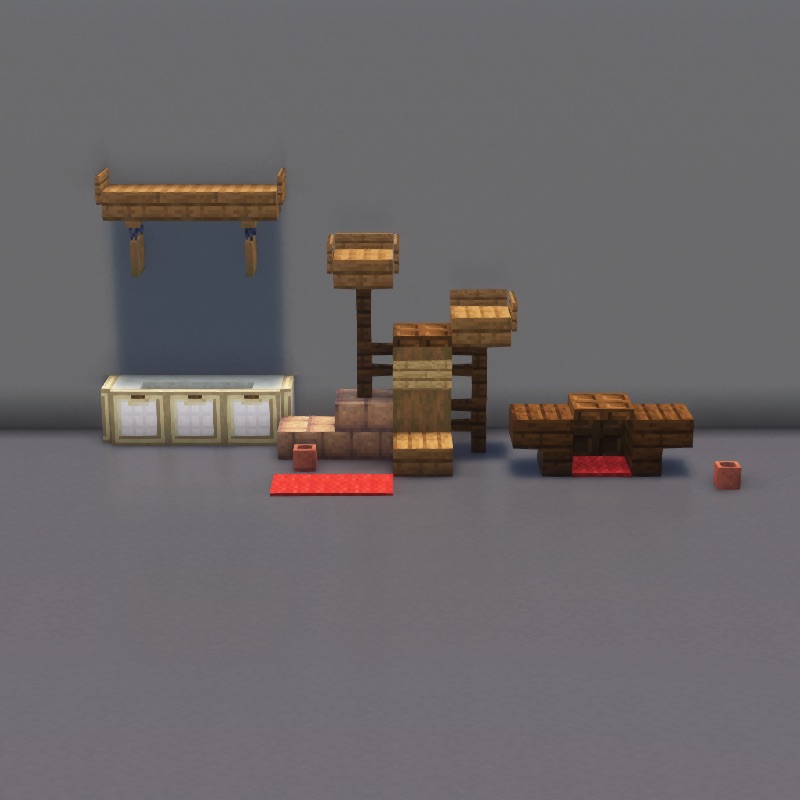
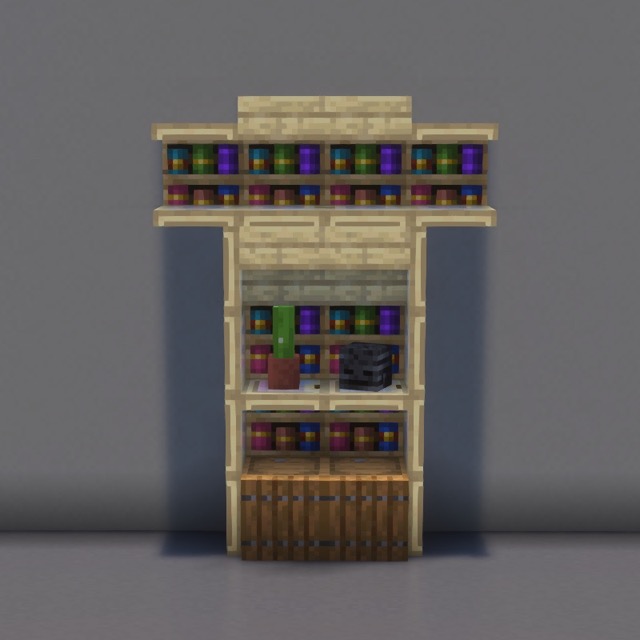
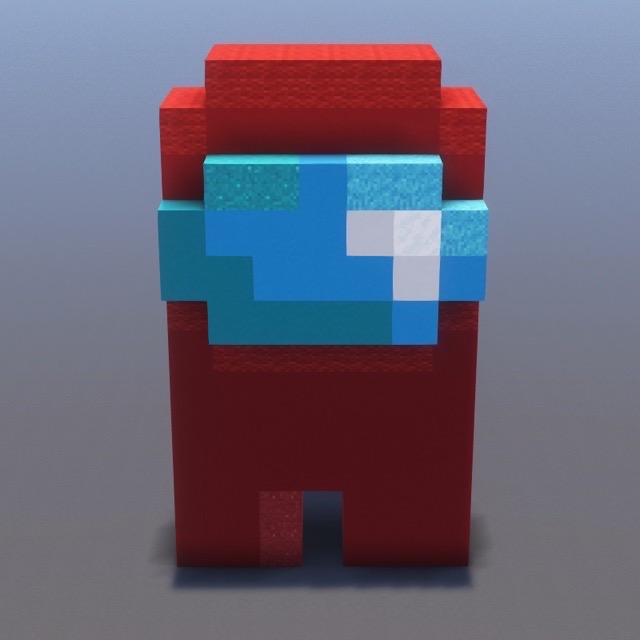
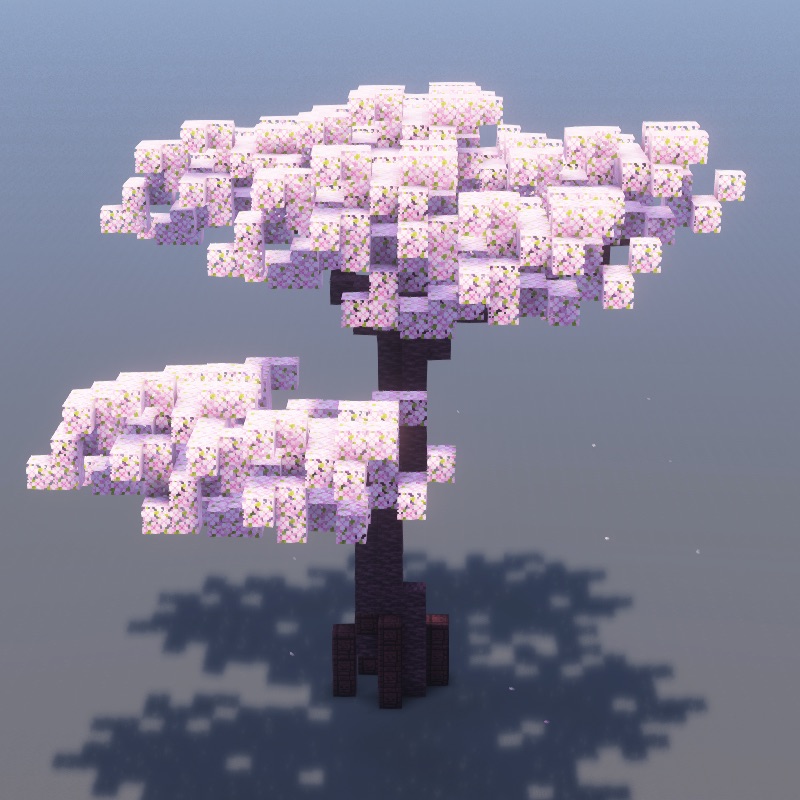
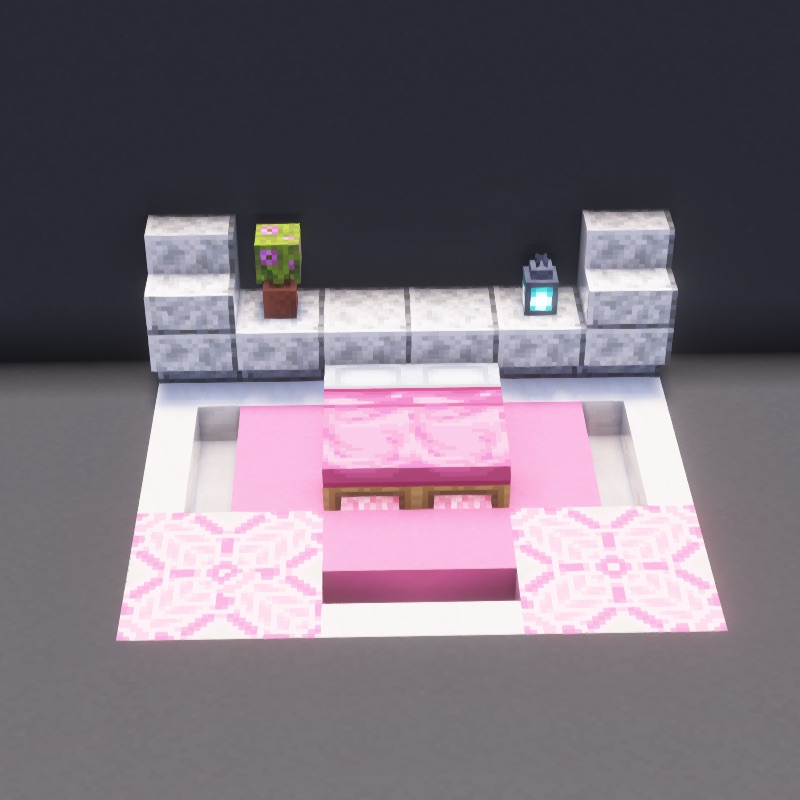
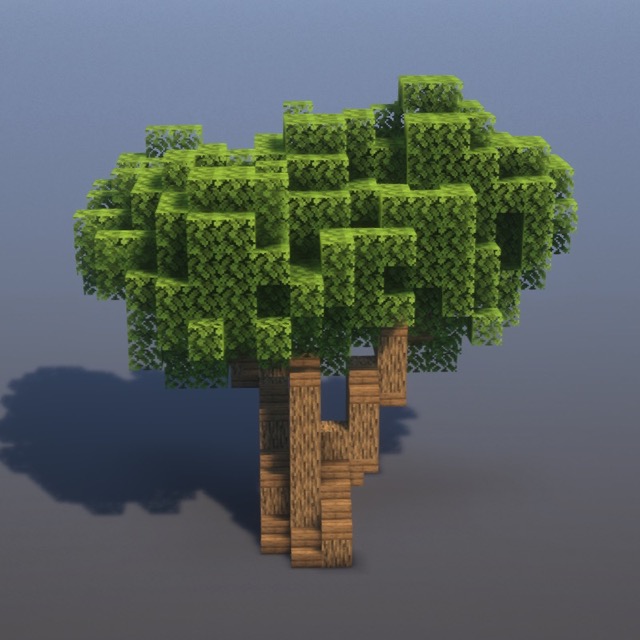
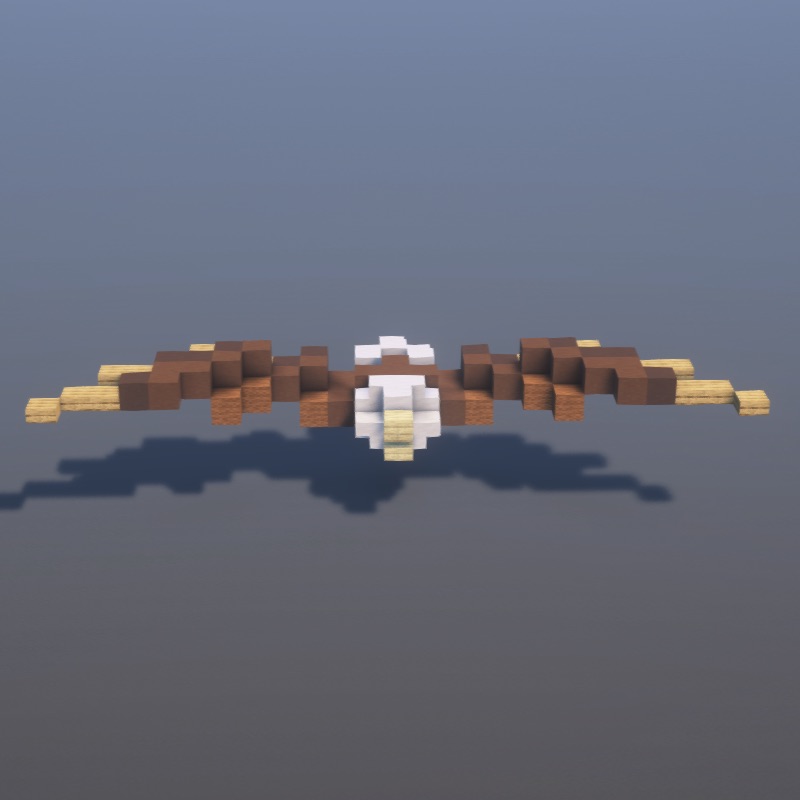
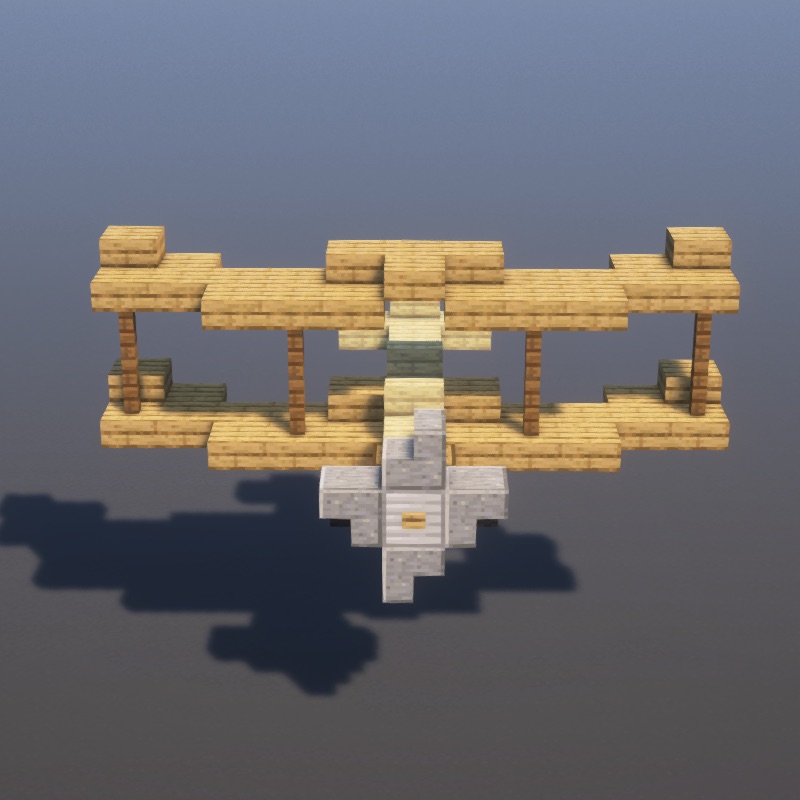
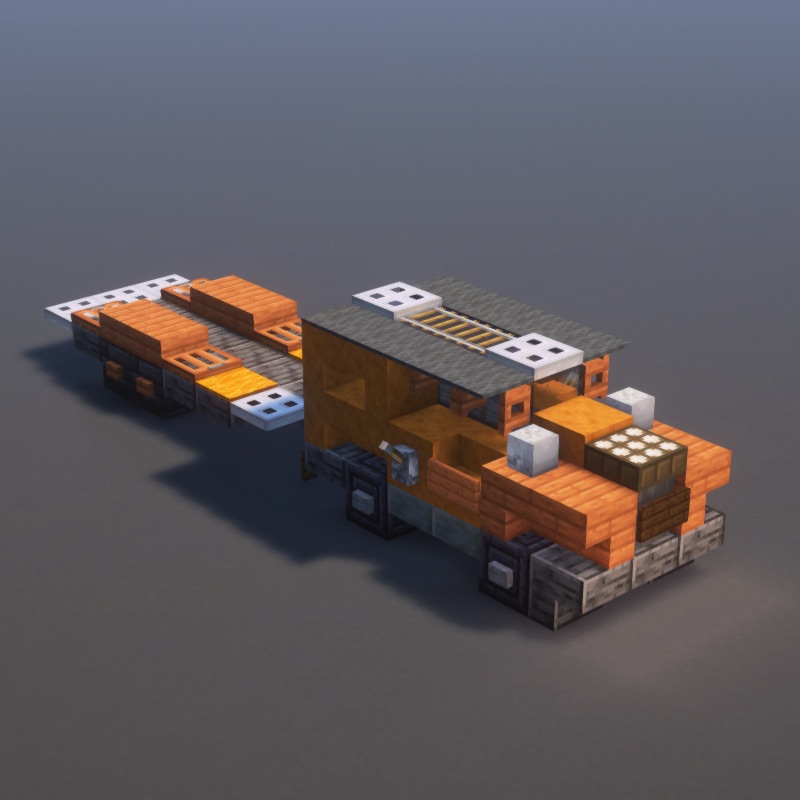
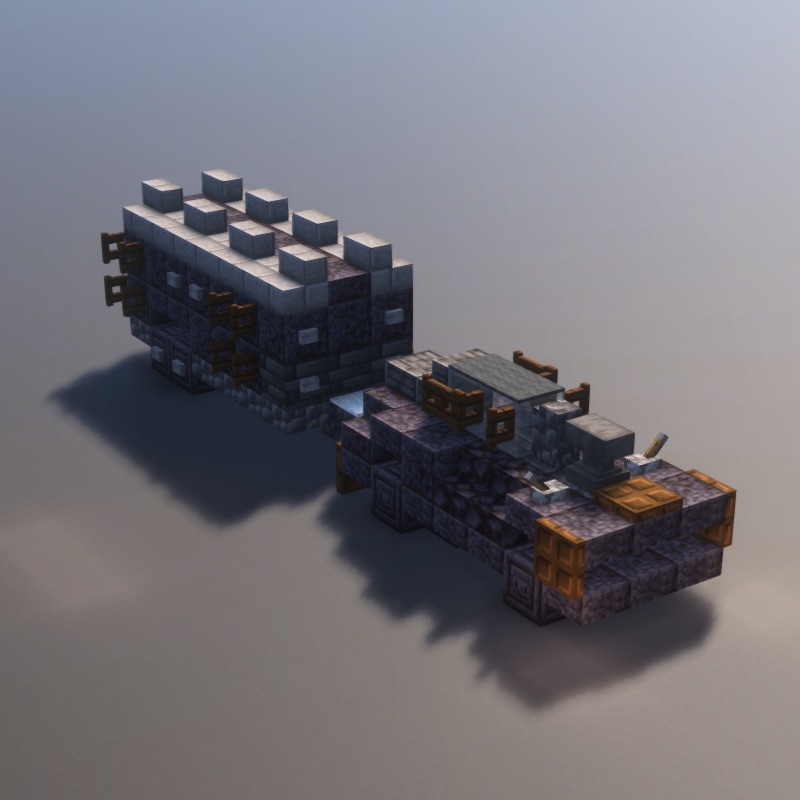
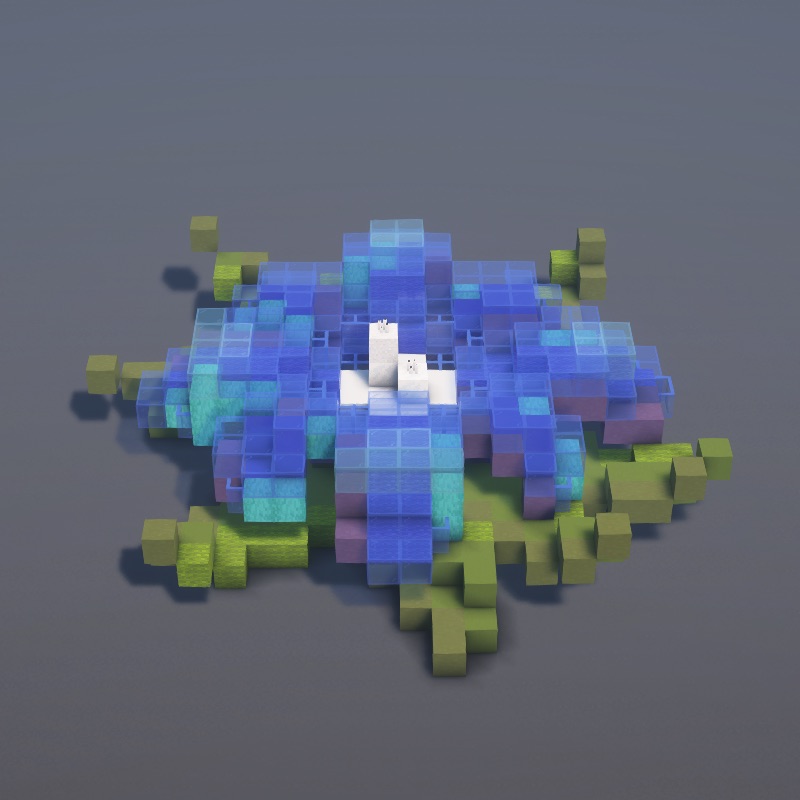
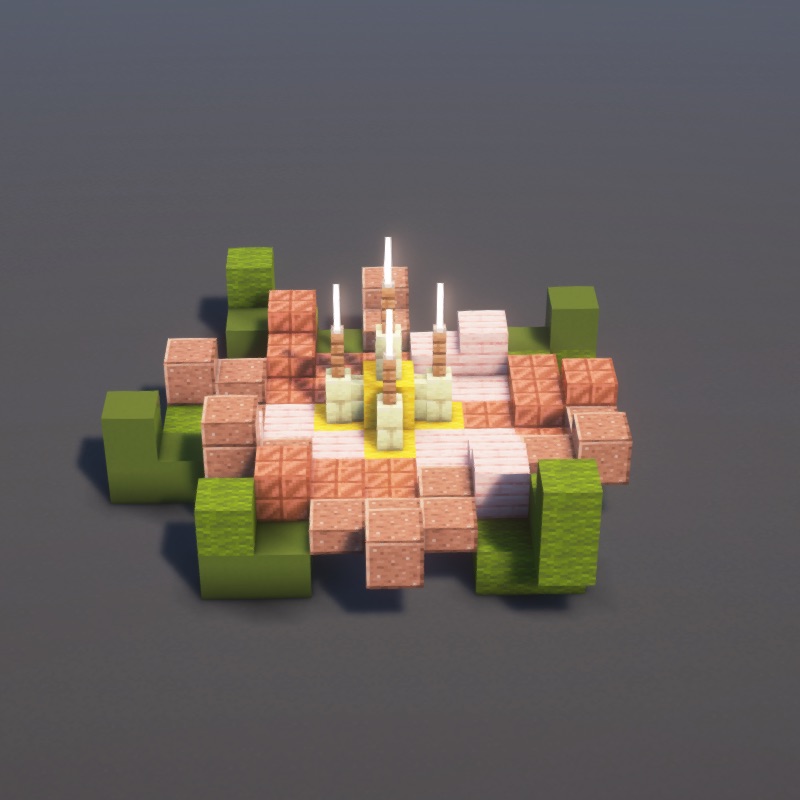
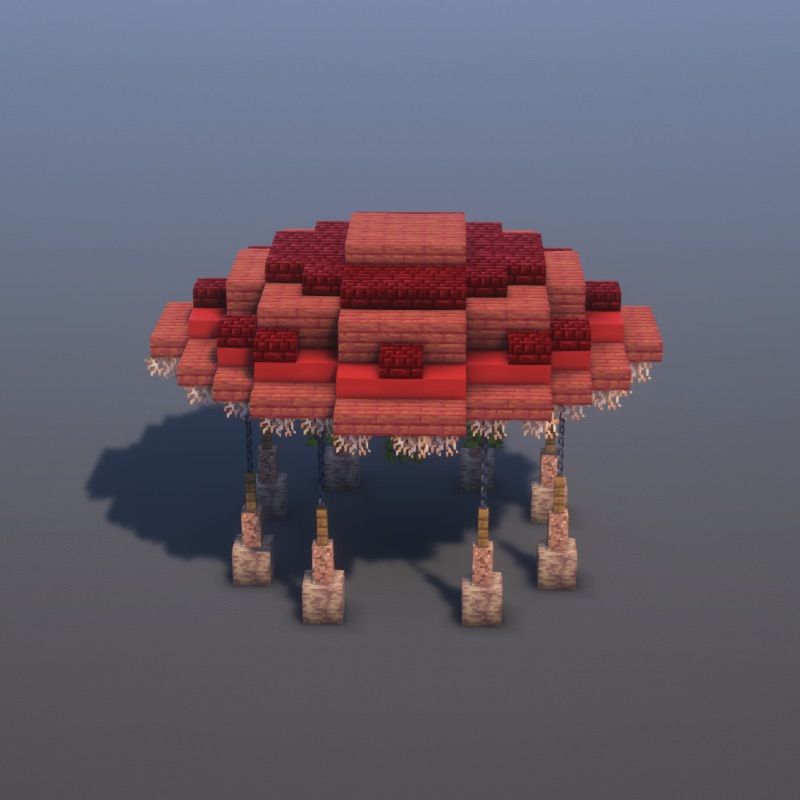
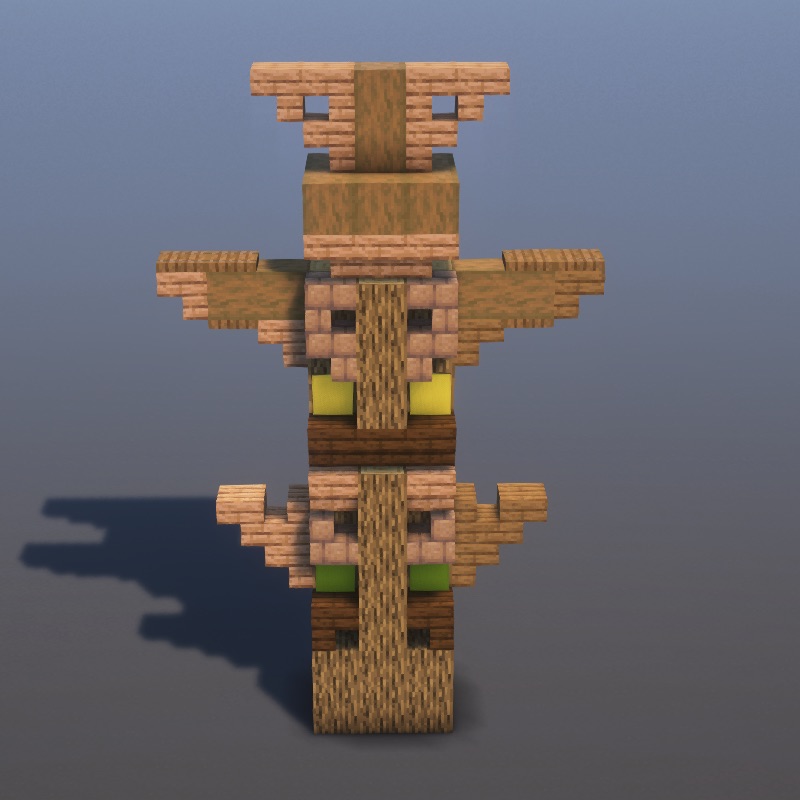
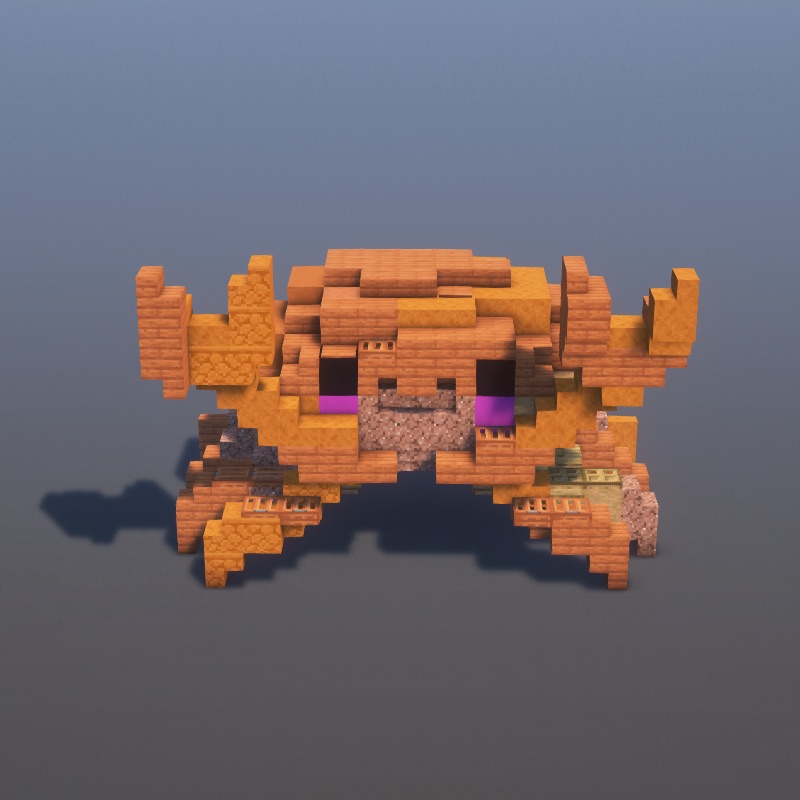
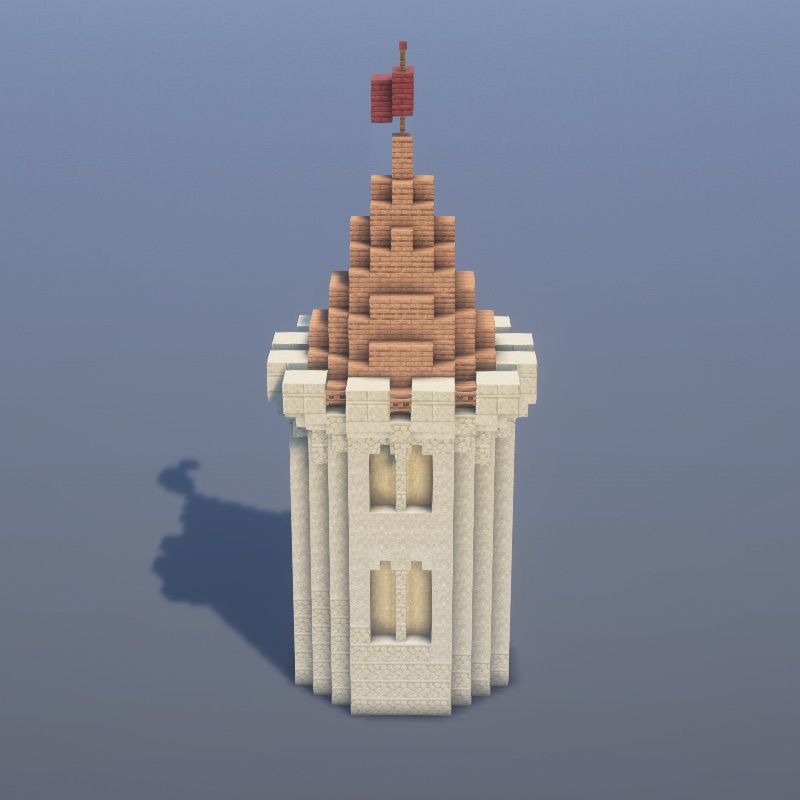
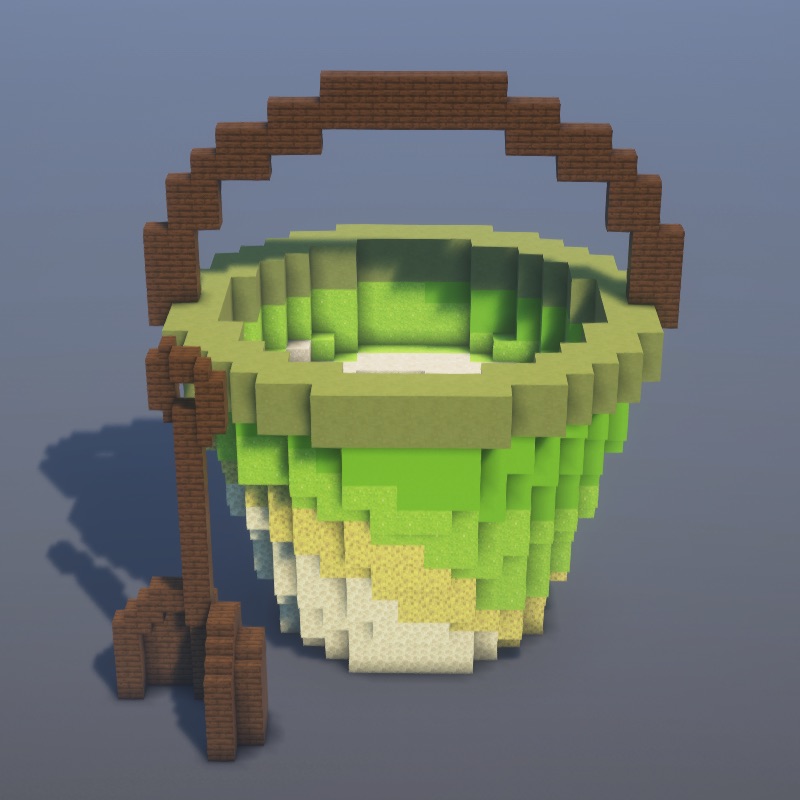
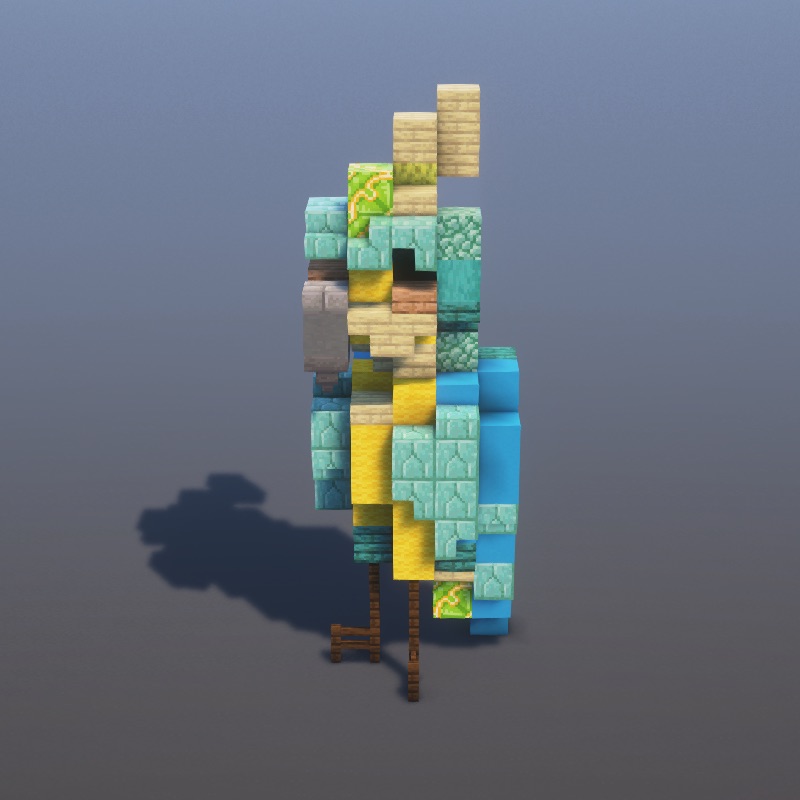
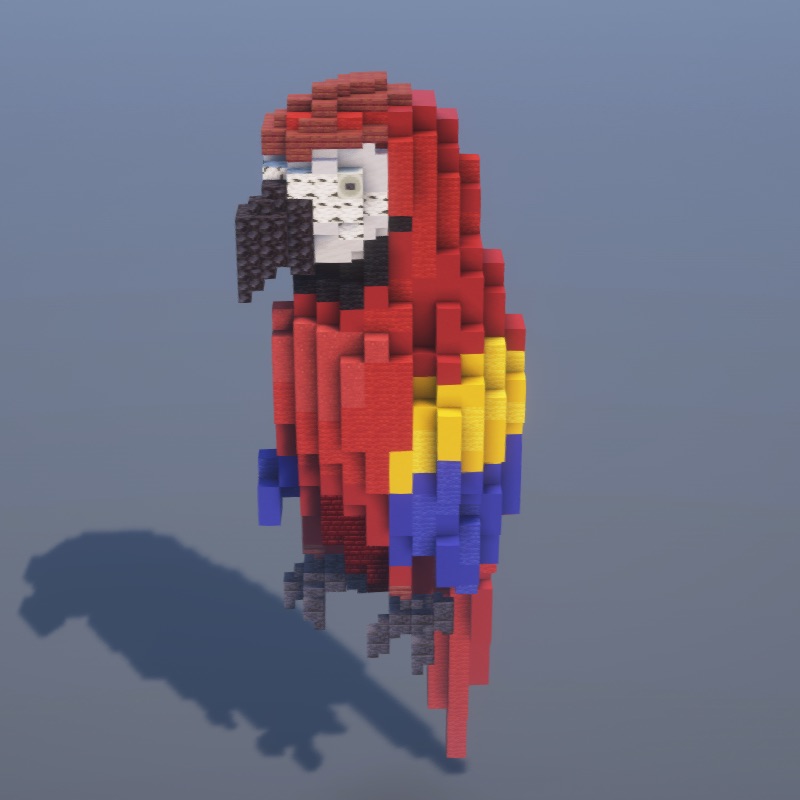
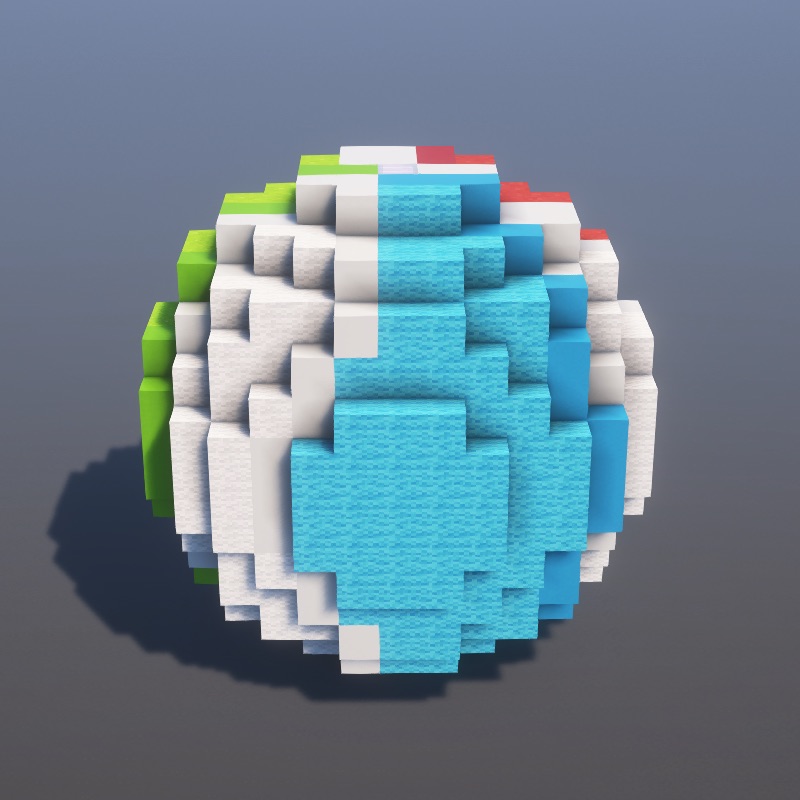
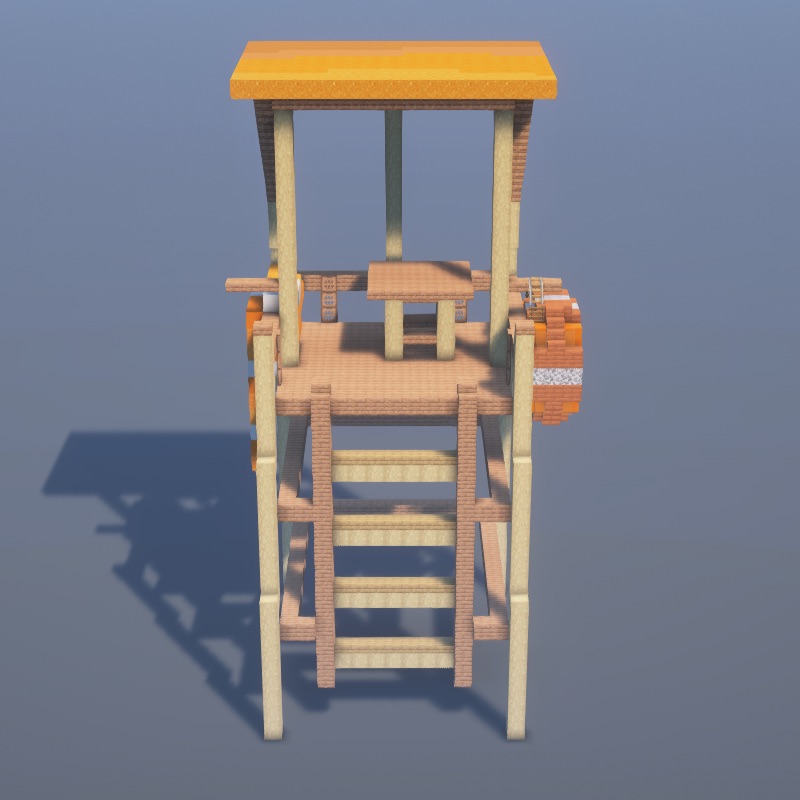
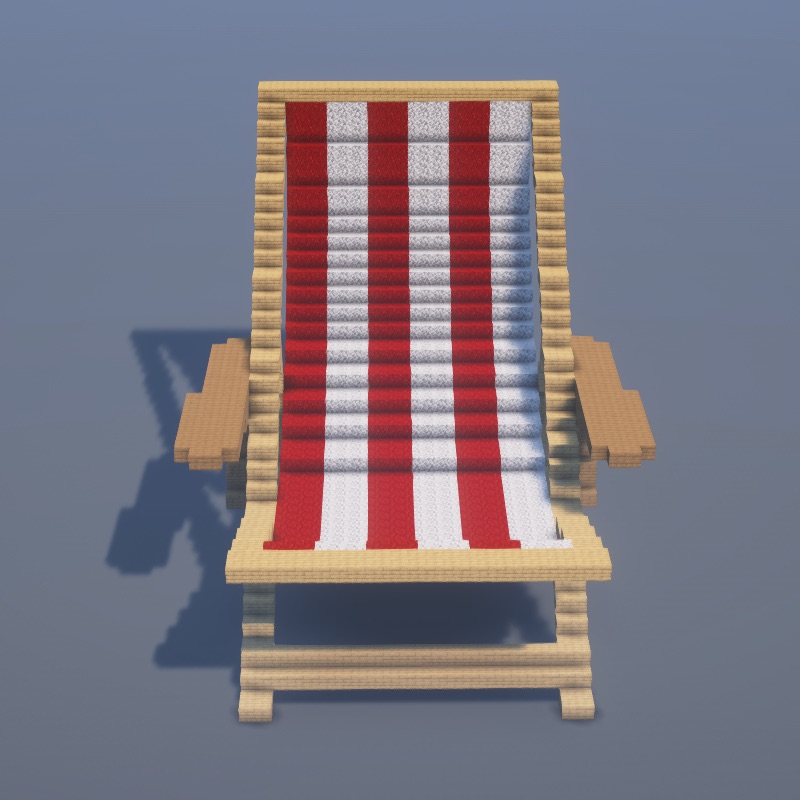
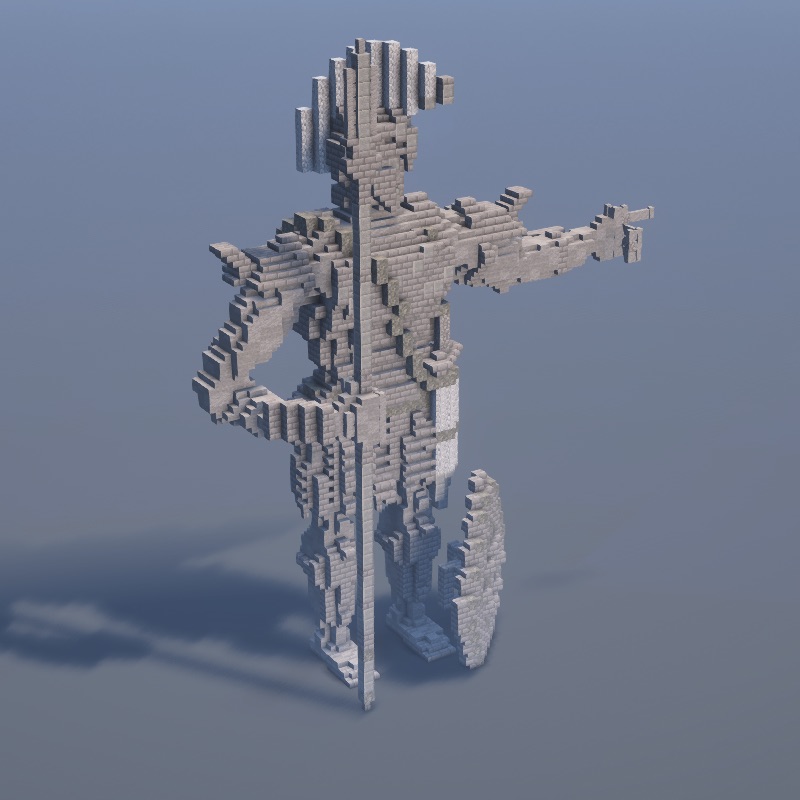
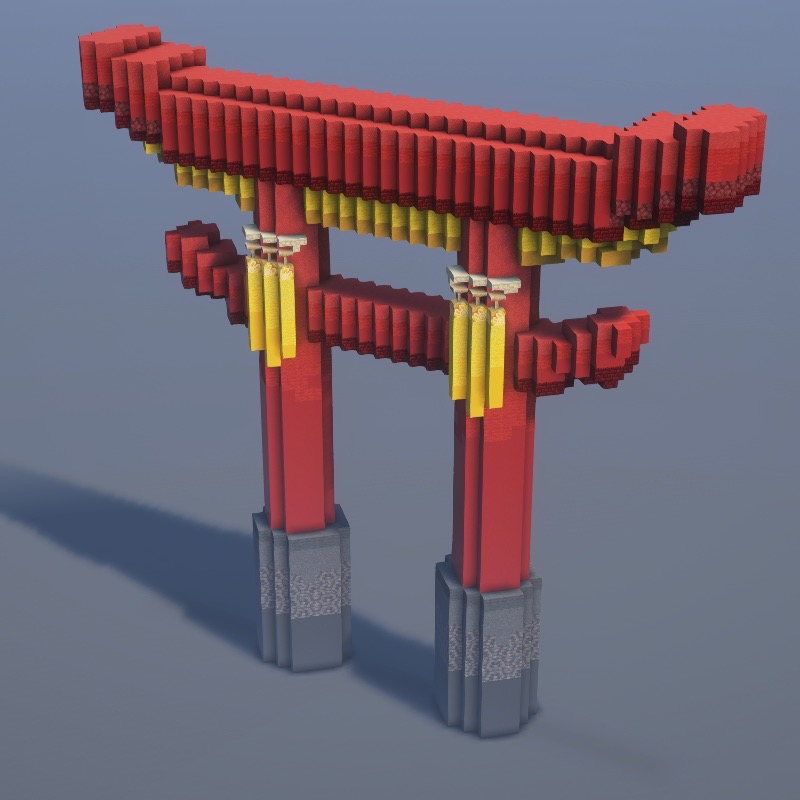
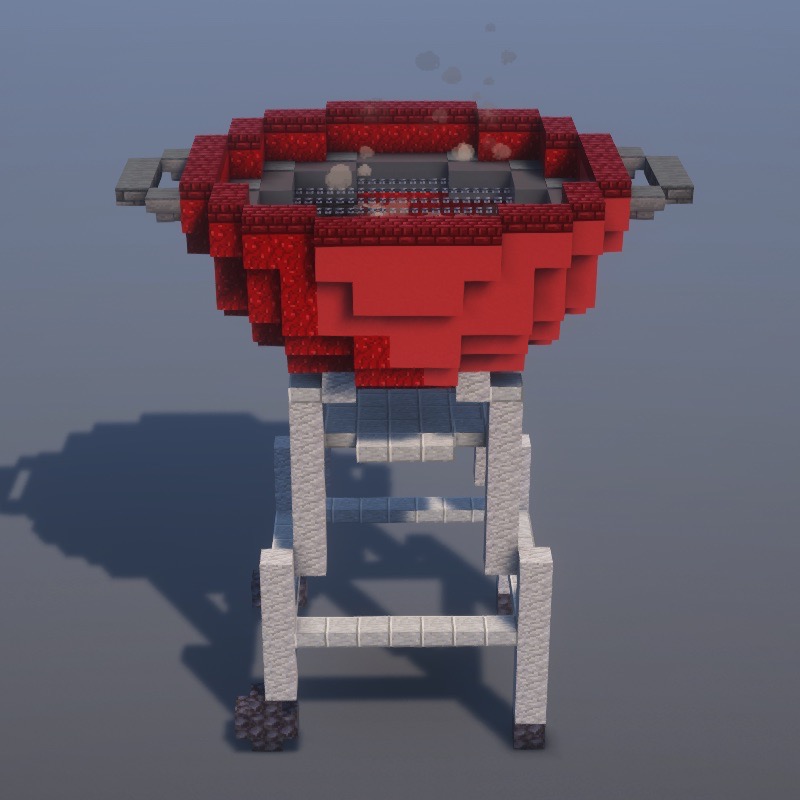
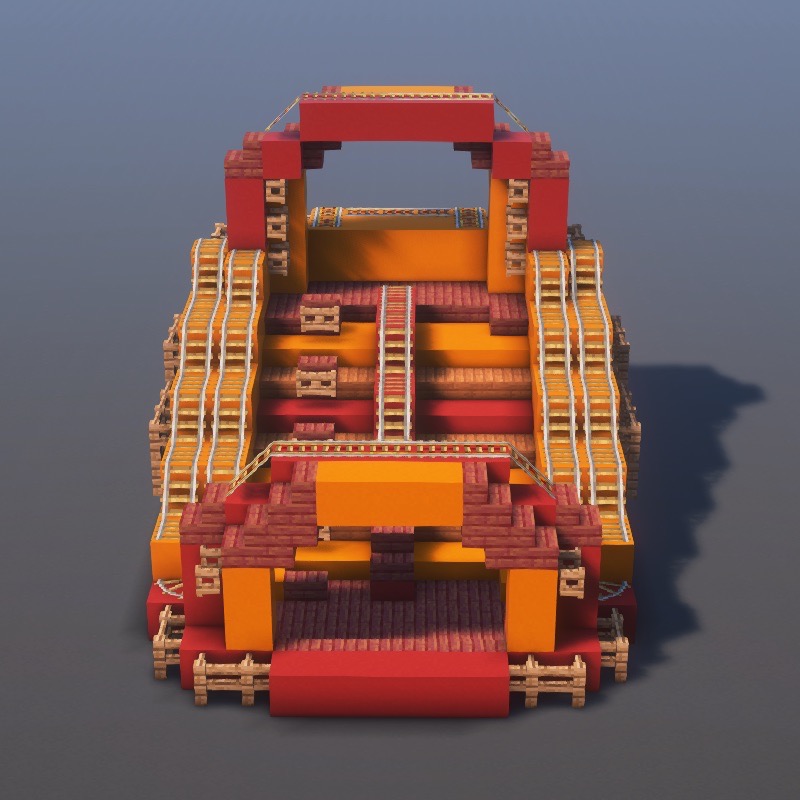
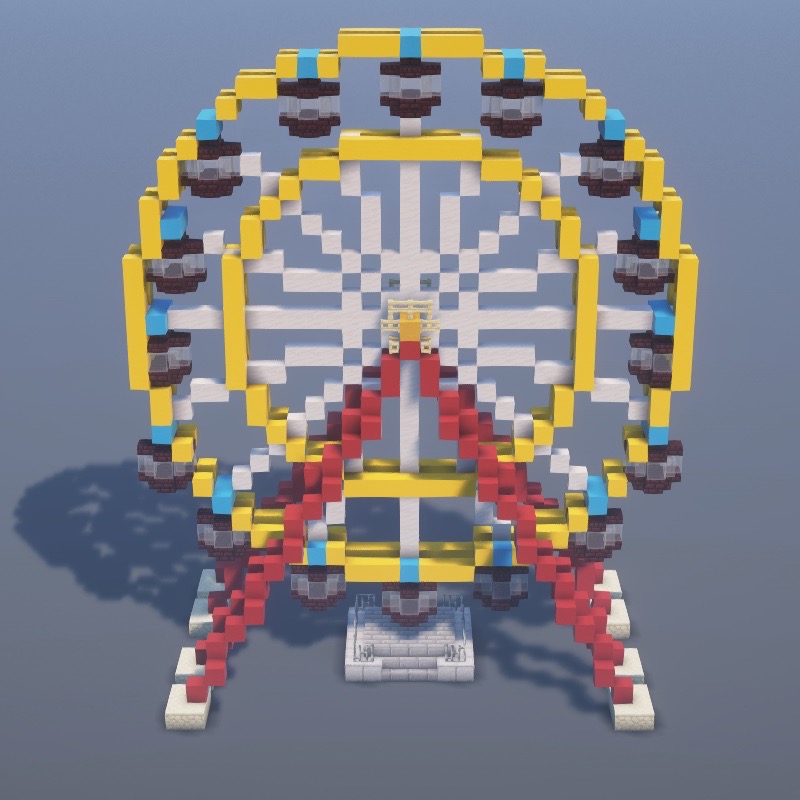
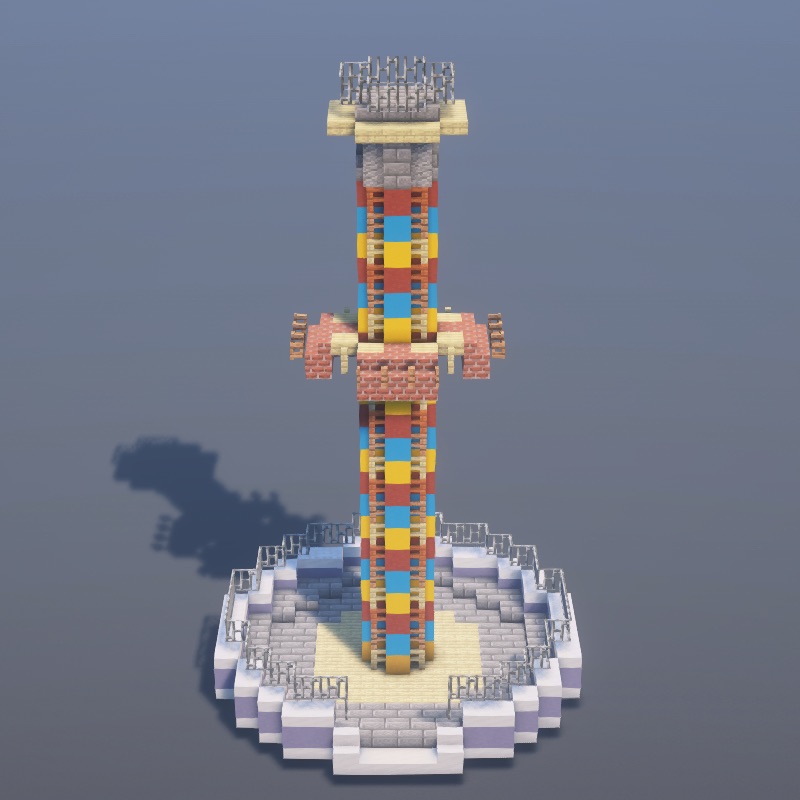
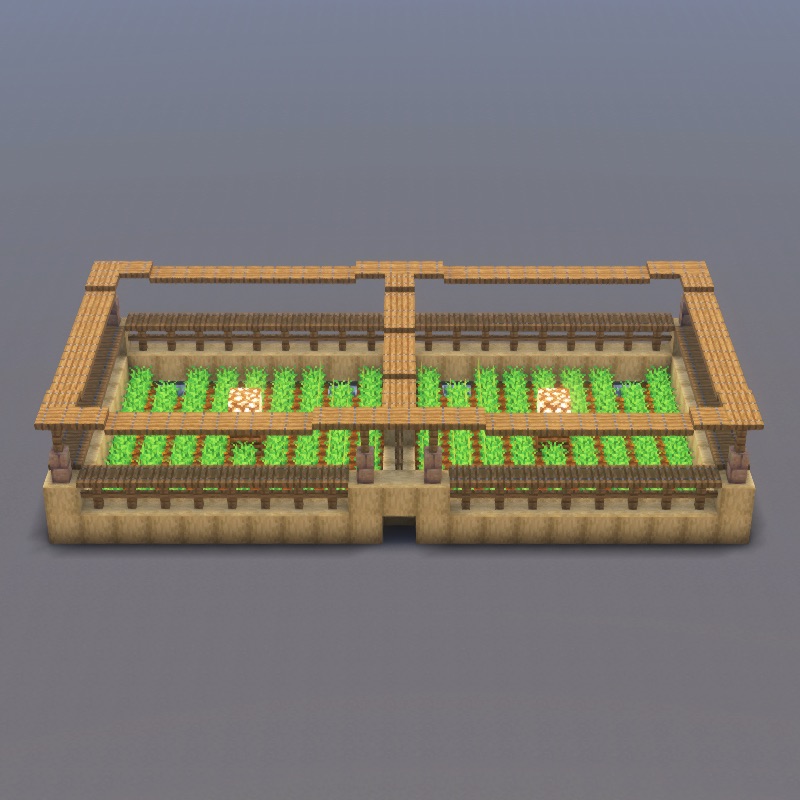
Practical bases, shelters, and survival-mode essentials.
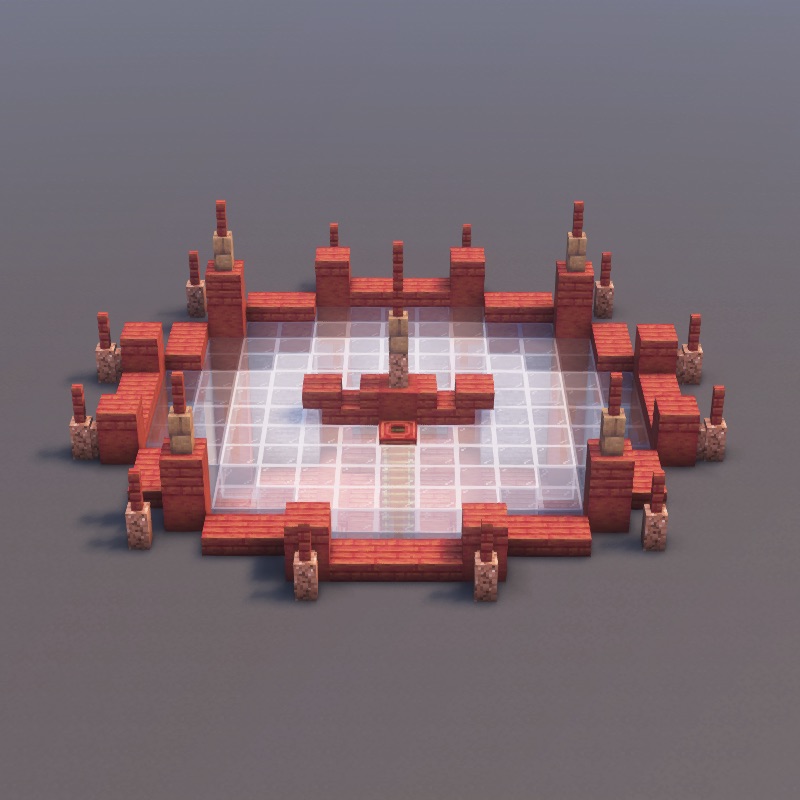
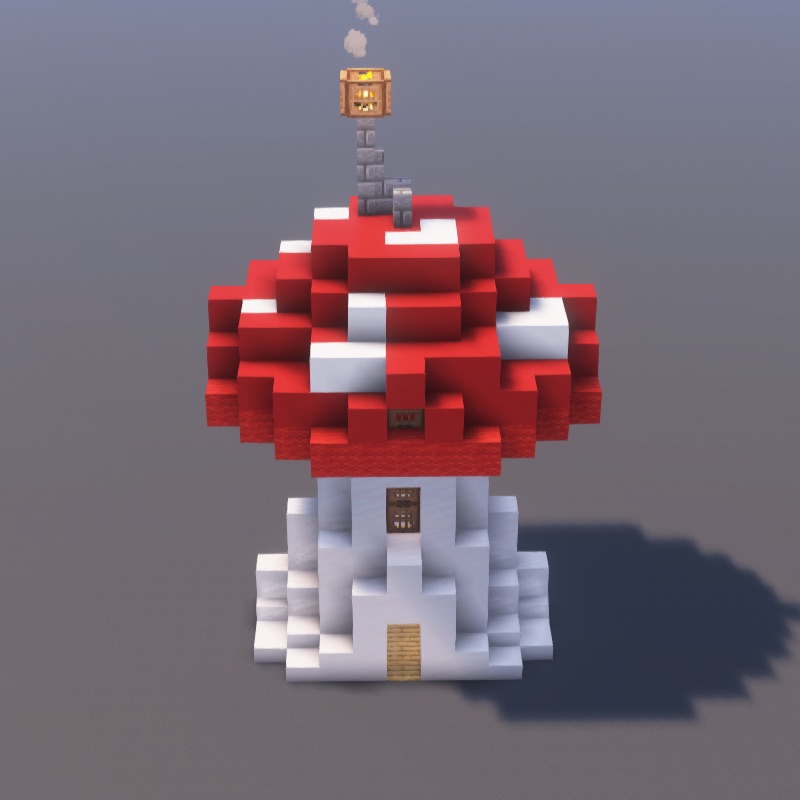
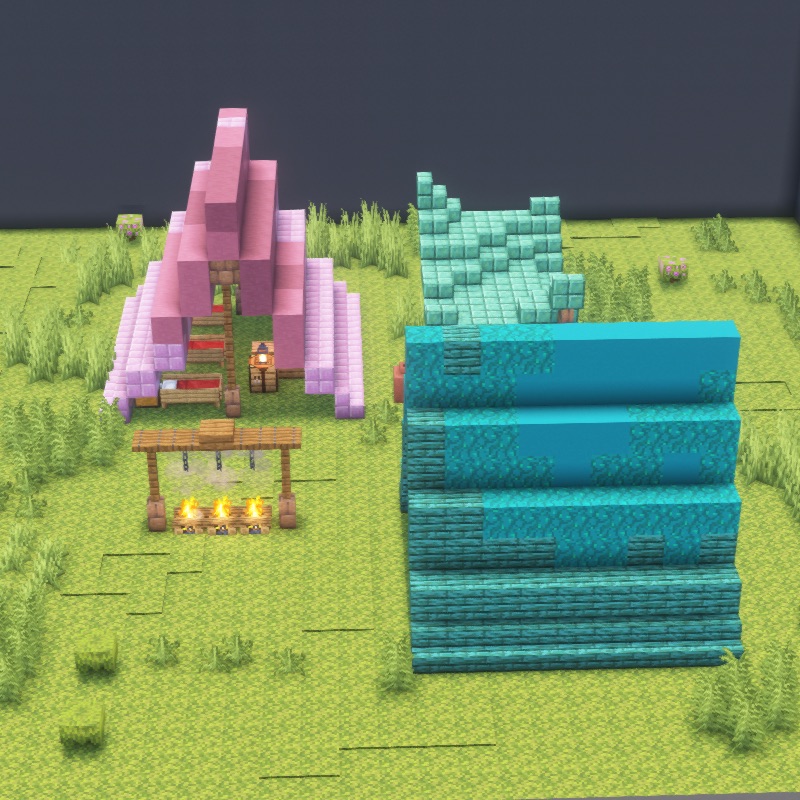
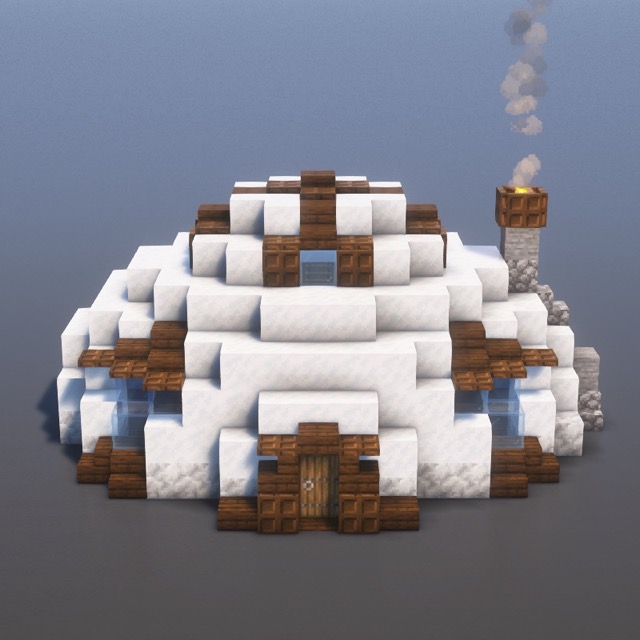
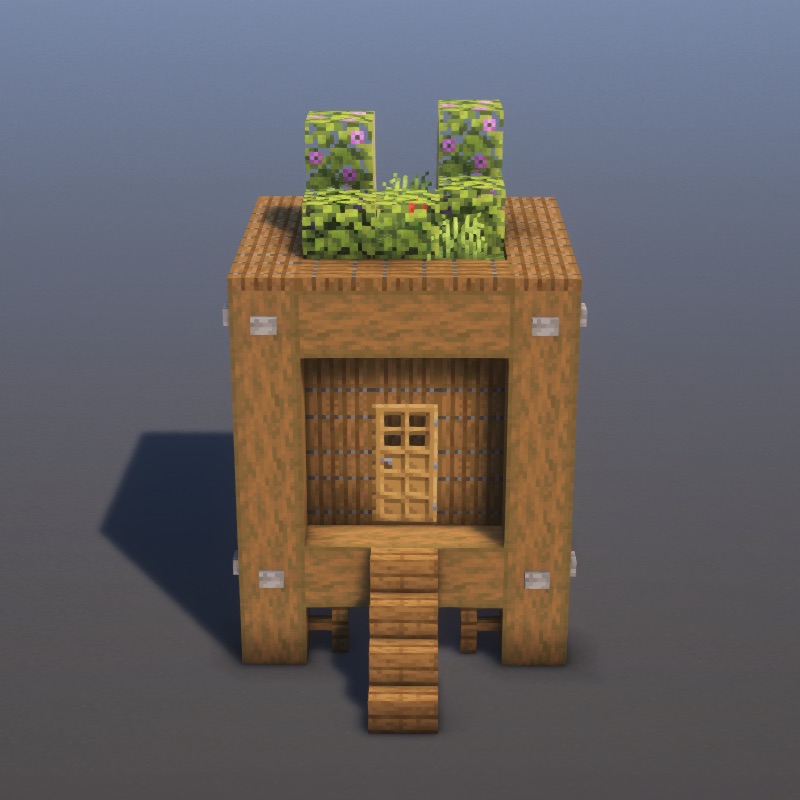
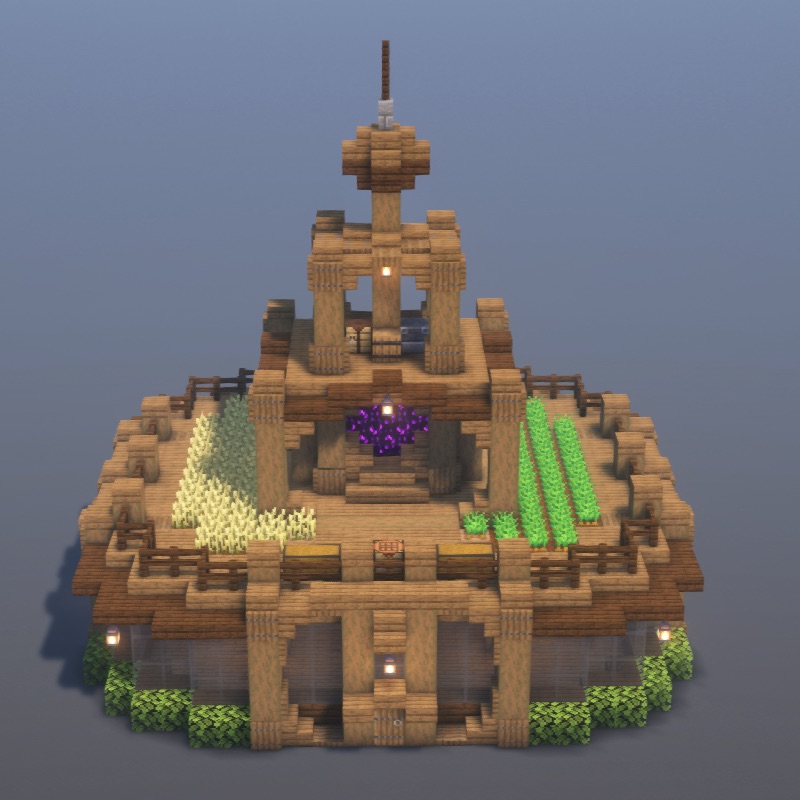
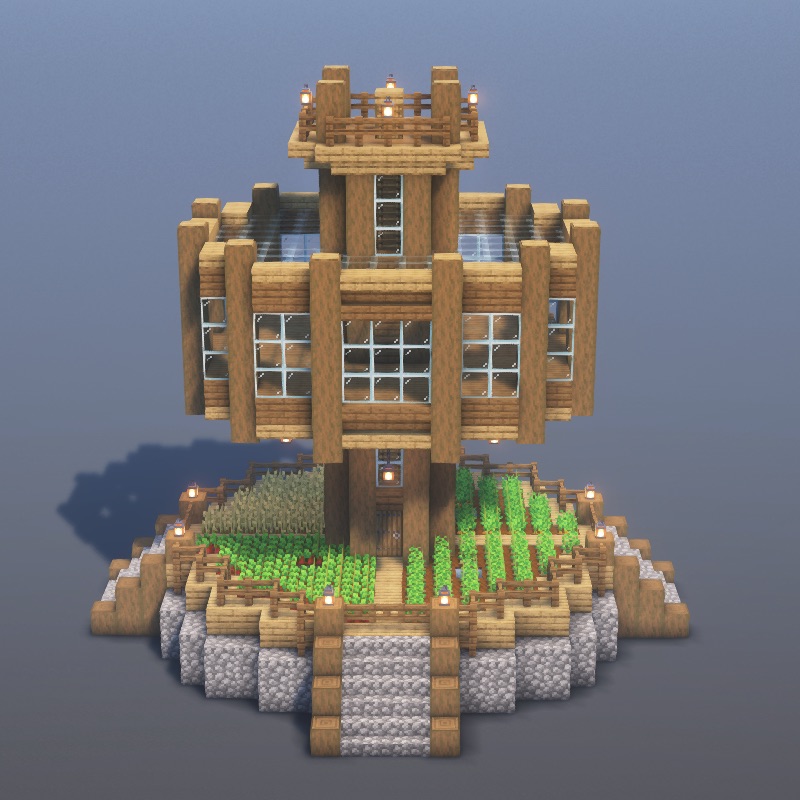
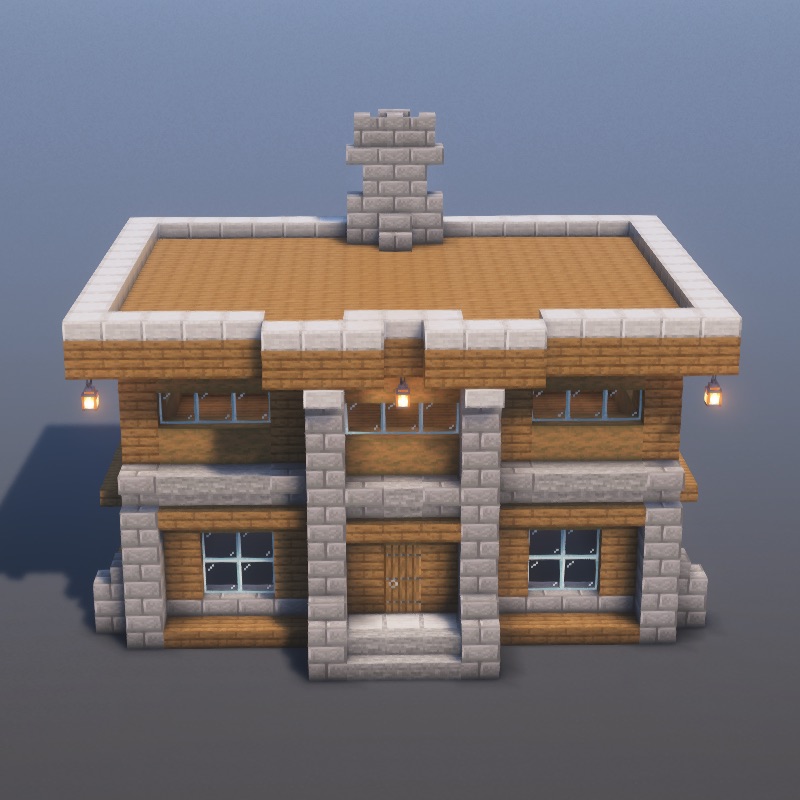
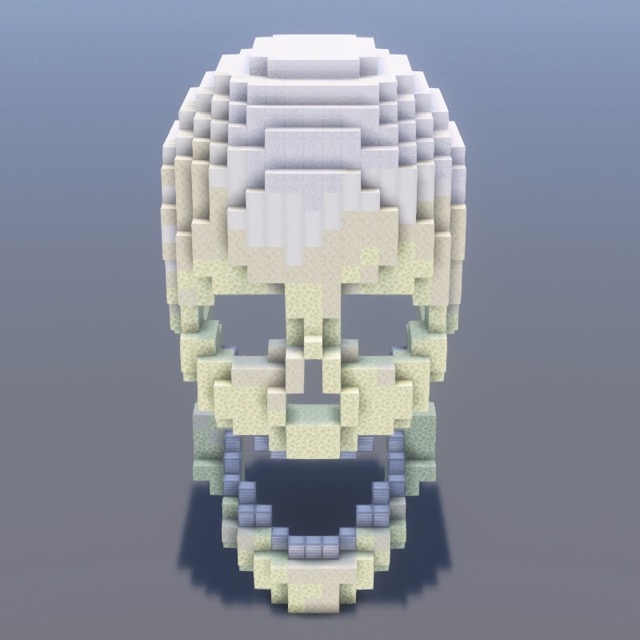
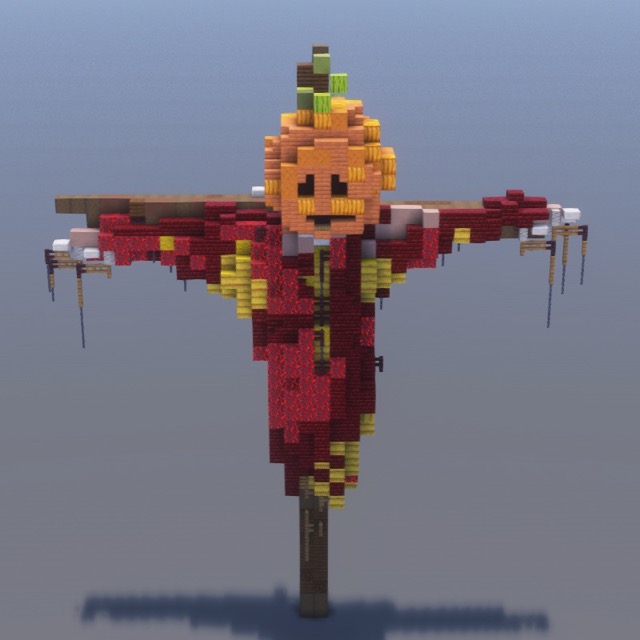
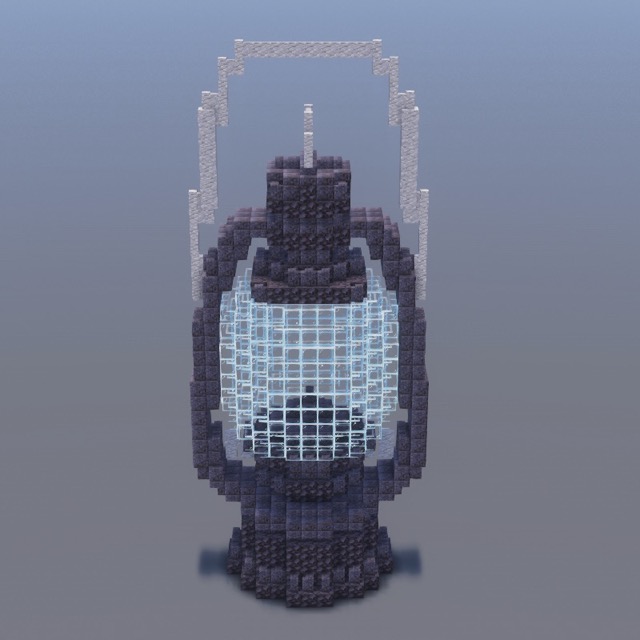
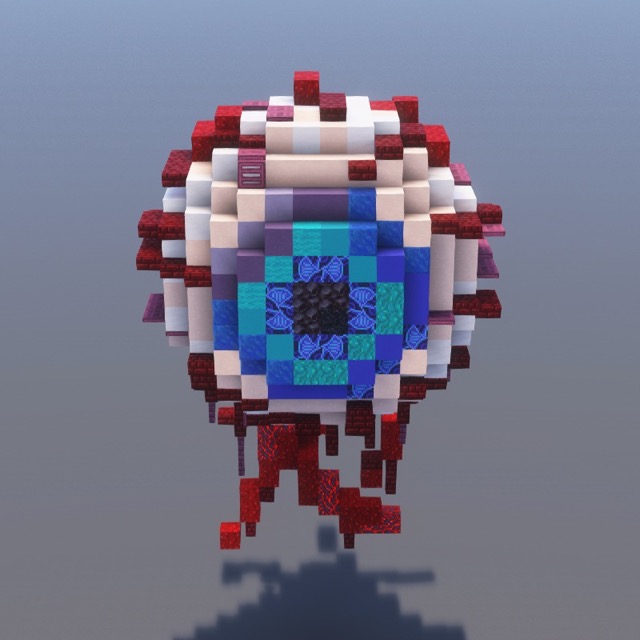
Spooky pumpkins, skulls, scarecrows, and haunted builds.
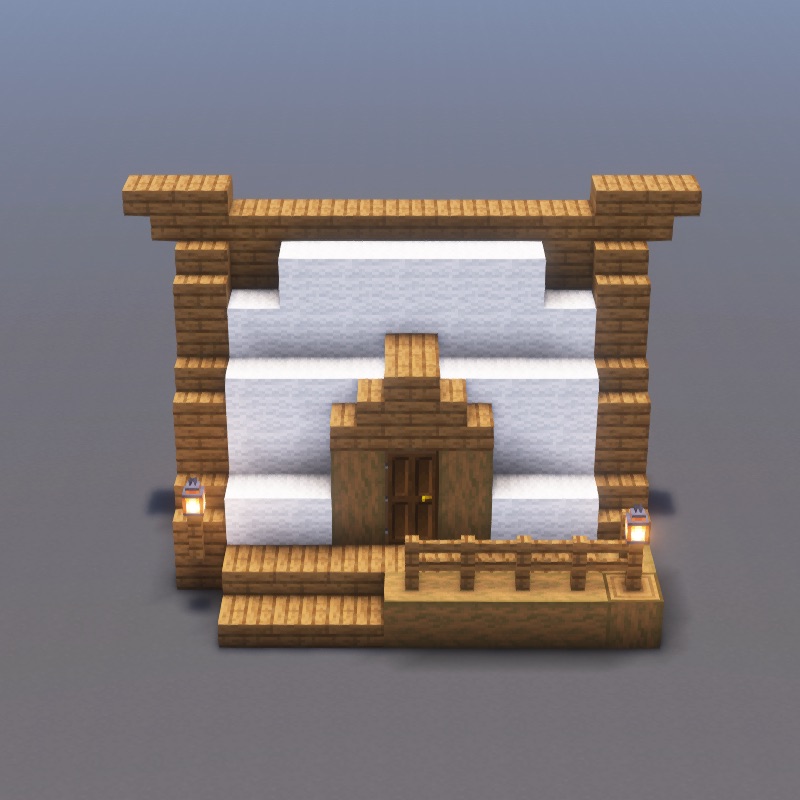
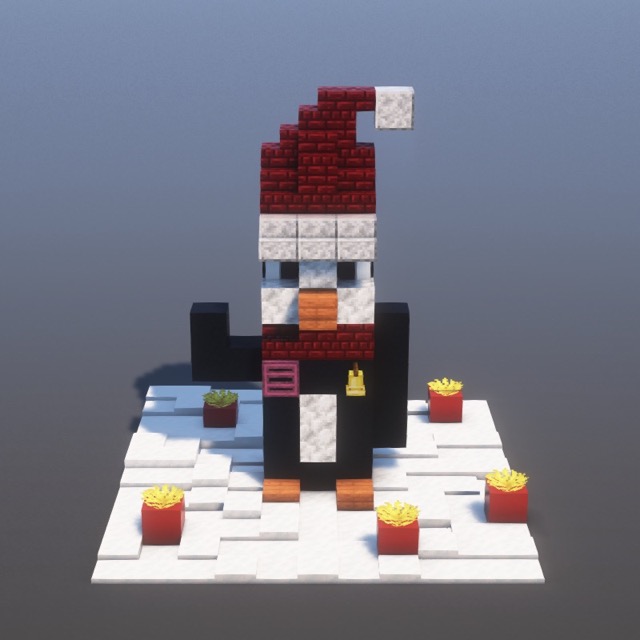
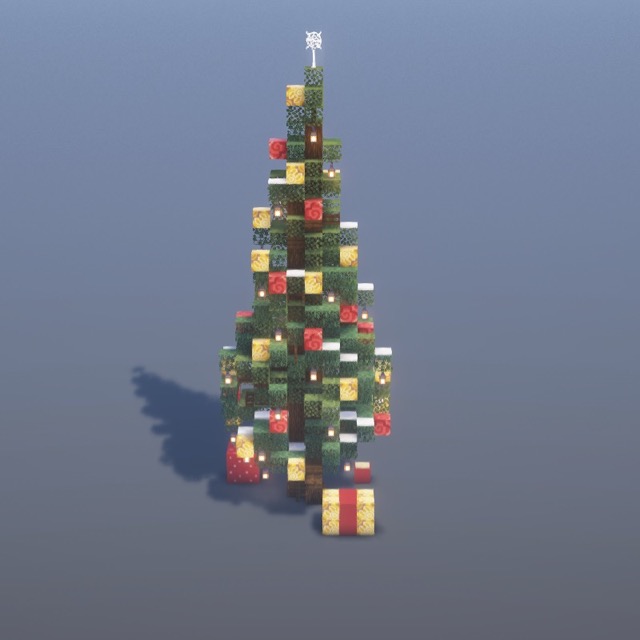
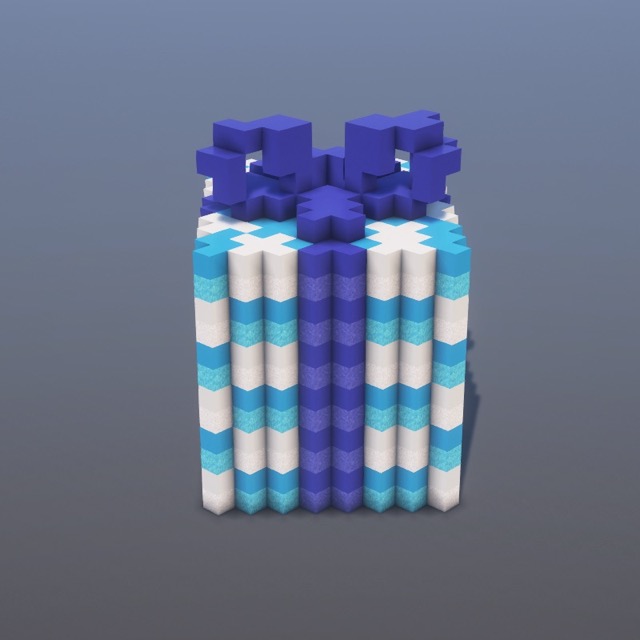
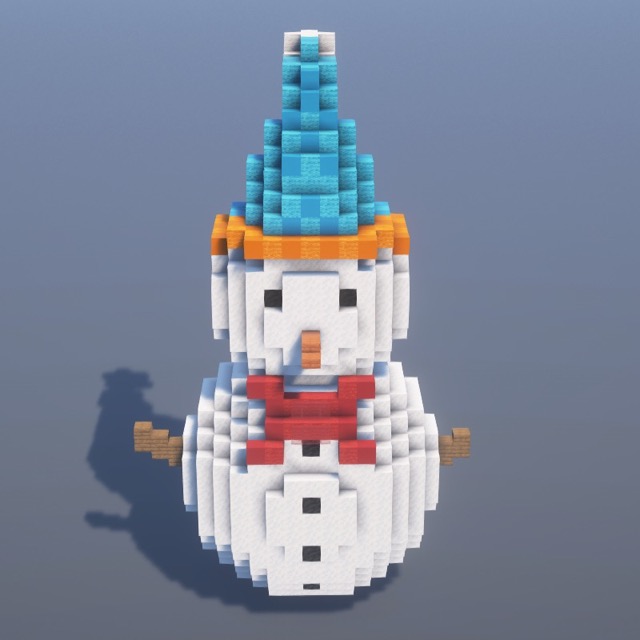
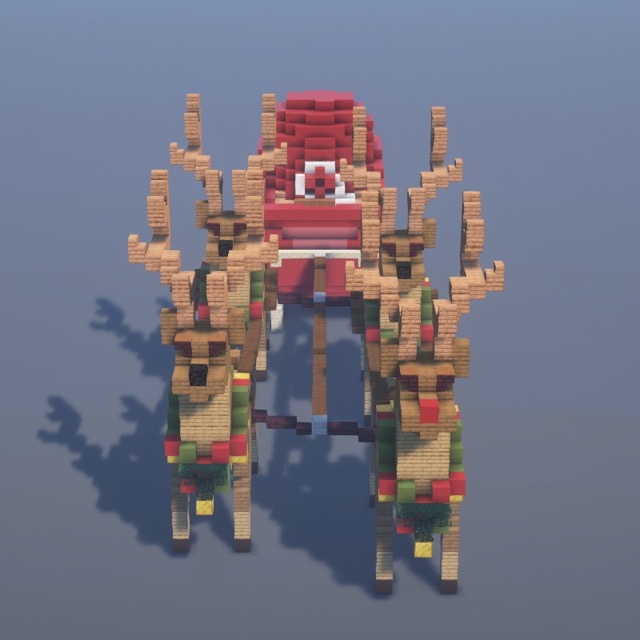
Festive trees, presents, snowmen, and holiday decorations.
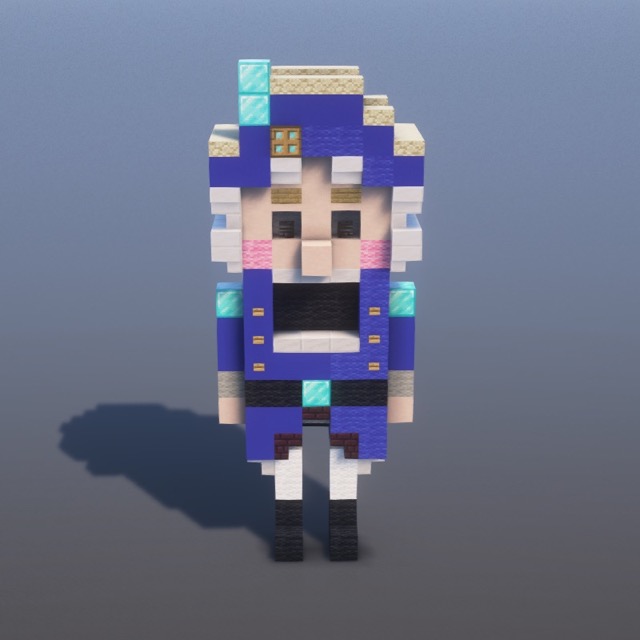
Yes, every .schem file on this page is free to download. No signup, no email gate, no watermark. Each schematic also includes a free step-by-step tutorial with the complete materials list.
Use Litematica (free Java mod for survival-mode block-by-block guidance) or WorldEdit (creative-mode plugin/mod that pastes the build instantly). Drop the file in .minecraft/schematics/ and load it in-game.
.schem is Java Edition format. Bedrock players can still build everything using the step-by-step tutorial — every block placement is shown with images, no schematic file required.
All schematics use vanilla Java Edition blocks and load cleanly on Minecraft 1.18 and newer with Litematica, WorldEdit, FastAsyncWorldEdit, or any tool that reads the Sponge .schem format.
Yes — drop the file into your server's schematics/ folder and use //schem load <name> followed by //paste. Works on Spigot, Paper, Fabric, Forge, and most modded servers.
You can use them freely in your own worlds, videos, and servers. Please don't repackage and resell them as your own — link back to the original tutorial if you share.
Follow step-by-step on your phone while you play.