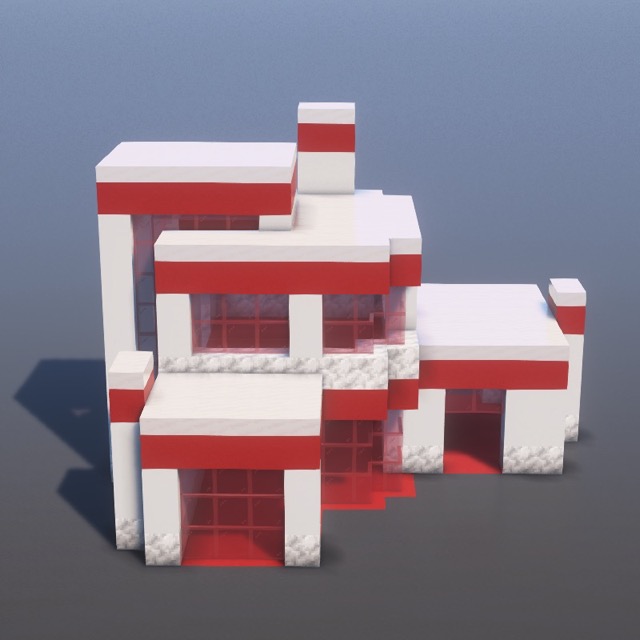
Modern Red White House Minecraft build — Modern category
.schem
🏢Modern

Modern Red White House

Step-by-step Minecraft build tutorial

63
Steps
5
Materials
~2h 6m
Time
DifficultyModerate
Download .schem (Free)
Materials Needed5 blocks
Red Concrete × 345345
Smooth Quartz Slab × 155155
White Concrete × 153153
Red Stained Glass Pane × 104104
Calcite × 7575
How do I use the .schem file?
Litematica (free Java mod, survival): drop the file into .minecraft/schematics/, press M in-game, load the schematic, and build using the ghost overlay.
WorldEdit (creative): place the file in schematics/, then run //schem load modern-red-white-house and //paste.
Bedrock players: follow the step-by-step guide — every block is shown with images.
About This Minecraft Build

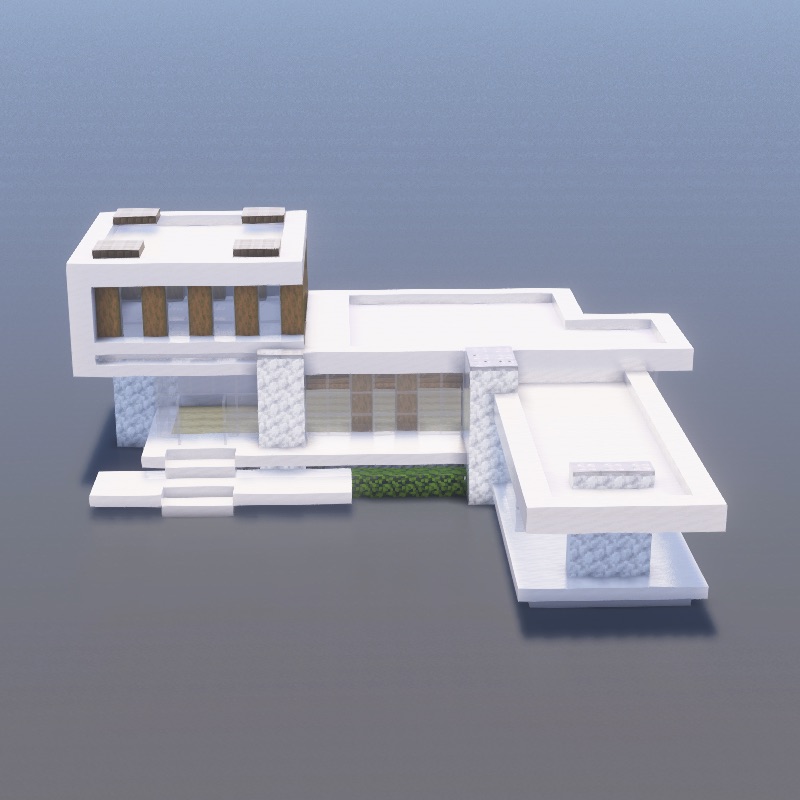
Learn how to build Modern Red White House in Minecraft with this detailed 63-step modern tutorial. This modern build uses Red Concrete, Smooth Quartz Slab, White Concrete, Red Stained Glass Pane and 1 more materials. Follow the step-by-step images above to create this sleek structure, perfect for contemporary worlds. A moderate build suitable for most players.

Every block placement is shown with a clear image, so you can build along on Java Edition, Bedrock Edition, or Pocket Edition without mods. Estimated build time is around 126 minutes depending on whether you play in creative or gather materials in survival. Want to skip ahead? Download the free Modern Red White House .schem file and paste the entire build instantly with Litematica or WorldEdit.

Need help with techniques? Check our Minecraft building tips or browse all modern builds.

More Modern Minecraft Builds

Explore more modern building tutorials with step-by-step guides

Build on the go

Follow step-by-step on your phone while you play.

Download on the App StoreGet it on Google Play