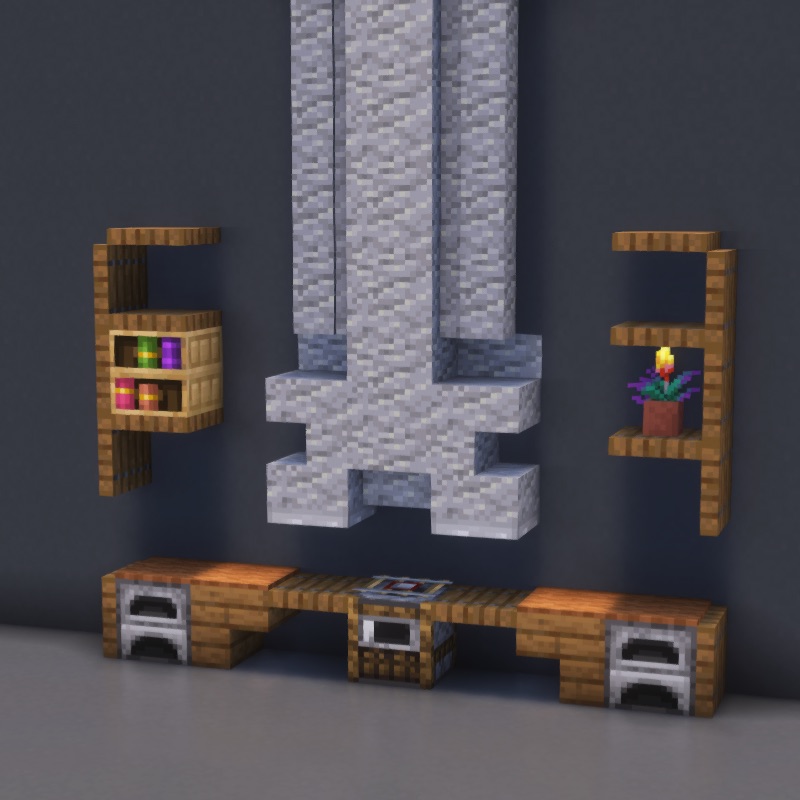
Kitchen Minecraft build — Decoration category
.schem
🎨Decoration

Kitchen

Step-by-step Minecraft build tutorial

22
Steps
13
Materials
~44m
Time
DifficultyBeginner
Download .schem (Free)
Materials Needed13 blocks
Spruce Trapdoor × 1616
Andesite Slab × 99
Andesite Wall × 88
Brown Carpet × 44
Andesite Stair × 33
Polished Andesite × 33
Spruce Stairs × 22
Iron Trapdoor × 22
Furnace × 22
Detector Rail × 11
Chiseled Bookshelf × 11
+2
How do I use the .schem file?
Litematica (free Java mod, survival): drop the file into .minecraft/schematics/, press M in-game, load the schematic, and build using the ghost overlay.
WorldEdit (creative): place the file in schematics/, then run //schem load kitchen and //paste.
Bedrock players: follow the step-by-step guide — every block is shown with images.
About This Minecraft Build

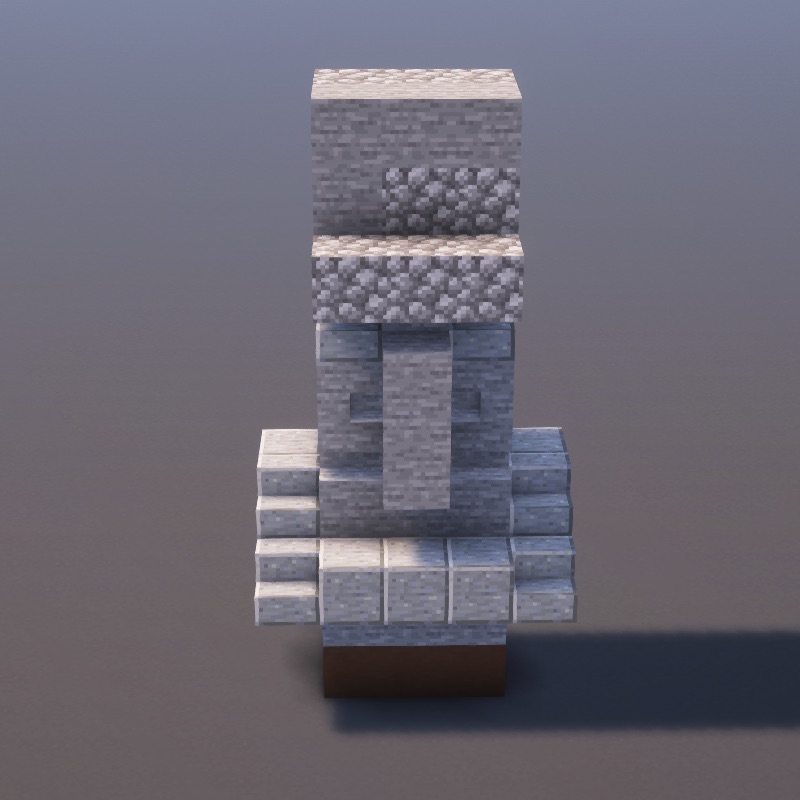
Learn how to build Kitchen in Minecraft with this detailed 22-step decoration tutorial. This decoration build uses Spruce Trapdoor, Andesite Slab, Andesite Wall, Brown Carpet and 9 more materials. Follow the step-by-step images above to create this decorative structure, perfect for adding detail and flair to any world. Great for beginners!

Every block placement is shown with a clear image, so you can build along on Java Edition, Bedrock Edition, or Pocket Edition without mods. Estimated build time is around 44 minutes depending on whether you play in creative or gather materials in survival. Want to skip ahead? Download the free Kitchen .schem file and paste the entire build instantly with Litematica or WorldEdit.

Need help with techniques? Check our Minecraft building tips or browse all decoration builds.

More Decoration Minecraft Builds

Explore more decoration building tutorials with step-by-step guides

Build on the go

Follow step-by-step on your phone while you play.

Download on the App StoreGet it on Google Play