.schem
489
Steps
19
Materials
~16h 18m
Time
DifficultyEpic
Materials Needed19 blocks
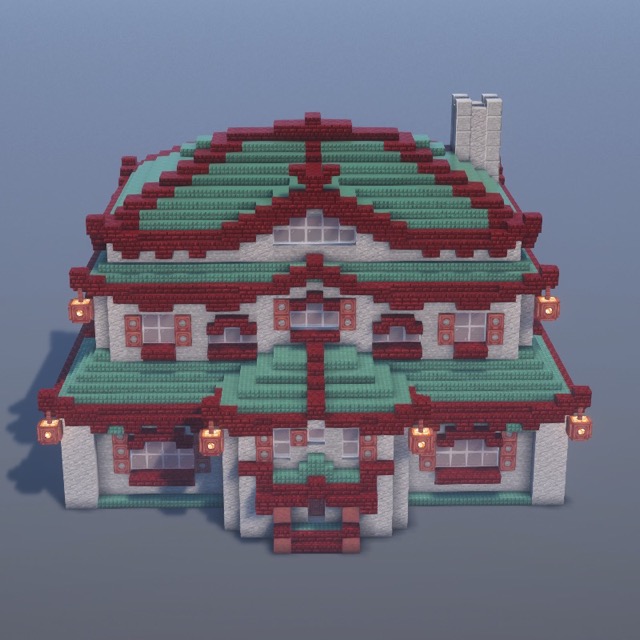
Red Nether Bricks × 16311631
Stone × 11831183
Red Nether Brick Slab × 374374
Dark Prismarine Slab × 317317
Dark Prismarine Stairs × 315315
Red Nether Stairs × 278278
Andesite × 274274
Dark Prismarine × 245245
White Stained Glass Pane × 162162
Mangrove Trapdoor × 117117
Polished Andesite × 3636
+8
How do I use the .schem file?
Litematica (free Java mod, survival): drop the file into
.minecraft/schematics/, press M in-game, load the schematic, and build using the ghost overlay.WorldEdit (creative): place the file in
schematics/, then run //schem load fantasy-temple-house and //paste.Bedrock players: follow the step-by-step guide — every block is shown with images.