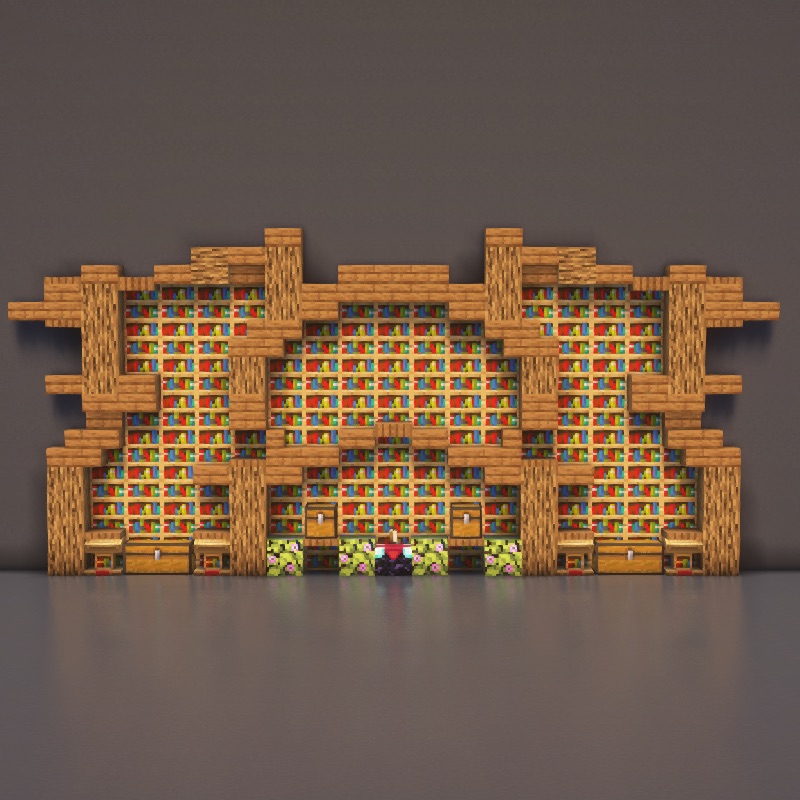
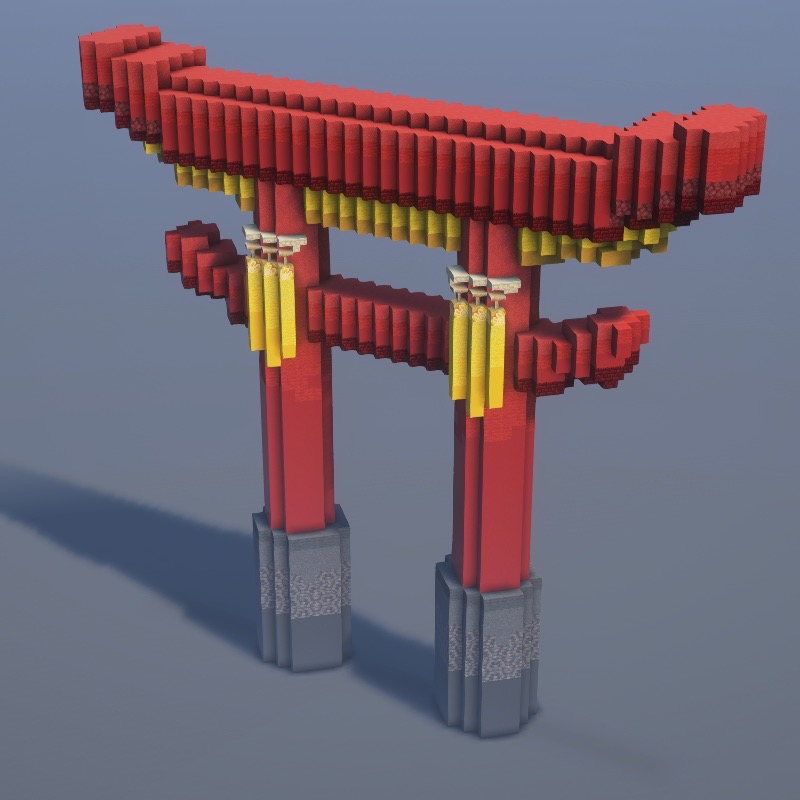
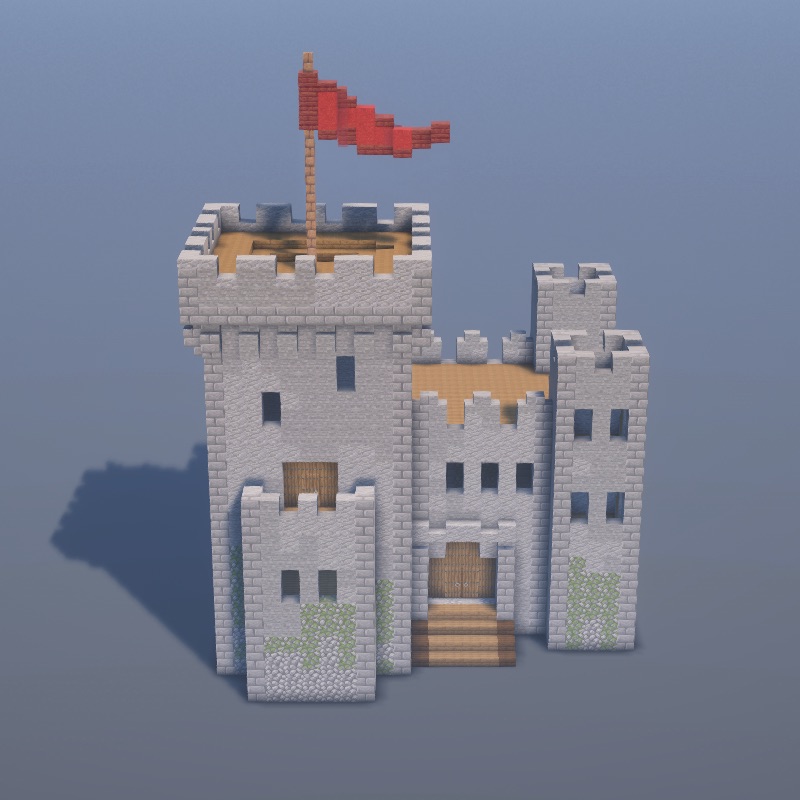
Vanilla Minecraft is fine for building, but it's slow. You place blocks one at a time, your palette is limited to ~150 decorative blocks, and big structures eat weekends of your life. The right mods solve all of that — shapes, blueprints, 7,000 decorative blocks, bulk commands, shaders that make your builds look like concept art.
This list covers the 10 mods that actually change how serious builders play in 2026. All are free, most work on Minecraft Java Edition 1.21.5 (we'll flag the exceptions), and every one is worth the 60 seconds it takes to install.
Client-Side vs Server-Side Mods
Before the list, a quick note: client-side mods (Litematica, Axiom, shaders, minimaps) only need to be installed on your own PC — you can use them on any server. Server-side plugins (WorldEdit on Paper, etc.) need to be installed on the server itself. Both-side mods (Chipped, Framed Blocks) add new blocks and must be installed on every client AND the server for everyone to see them correctly.
1. Litematica — Blueprint Holograms
Type: client-side · Loader: Fabric · Version: 1.21.5 supported · Install: CurseForge
Load any .litematic schematic, place a ghost hologram in your world, and build block-by-block. Wrong blocks flash red; correct ones clear the ghost. Has a materials-list feature that tells you exactly what to gather before you start. This is the single most impactful mod for any builder. Full tutorial: How to Use Litematica.
2. WorldEdit — Bulk Block Editing
Type: server-side (via plugin) or client-side for single-player · Loader: Fabric / Paper · Version: 1.21.x supported · Install: CurseForge
Select a region with two wooden-axe clicks and run //set stone to fill it, //replace grass dirt to swap blocks, //rotate 90 to rotate your selection, or //copy and //paste to duplicate structures. WorldEdit turns week-long terraforming projects into minute-long commands. Essential for mega-builds.
On paid servers, look for FastAsyncWorldEdit instead — same commands, much better performance for huge operations. See our builder plugin guide.
3. Axiom — Creative Mode Power Tools
Type: client-side · Loader: Fabric · Version: 1.21.x · Install: Modrinth
Axiom is what happens when you cross WorldEdit with a 3D modeling program. It adds terrain brushes, block picker UI, shape tools (cylinders, spheres, cones), curves and paths, and a full history timeline. It only works in creative mode but transforms what's possible there. The "paint with blocks" brush alone is worth installing it.
4. Building Gadgets — Survival-Friendly Bulk Placing
Type: both (client + server) · Loader: Forge / NeoForge · Version: 1.21.1 (Forge lags 1.21.5) · Install: CurseForge
Adds five tools: Building Gadget (place blocks in lines/walls), Exchanging Gadget (swap block types), Destruction Gadget (break large areas), Copy-Paste Gadget (clone a region), and Block Storage (hold infinite blocks). Works in survival — perfect for large SMP projects where WorldEdit isn't allowed.
5. Chipped — 7,000+ Decorative Blocks
Type: both (client + server) · Loader: Fabric / Forge · Version: 1.21.5 supported · Install: CurseForge
Chipped adds a Mason Table, Carpenter Table, Glassblower, and more. Pop in a stack of cobblestone and you get dozens of chiseled variants. Sandstone becomes 60+ different patterns. Glass gets stained and etched. If vanilla's 150-block palette feels limiting, Chipped is the fix — and it keeps the vanilla art style.
6. Effortless Building — Shapes & Mirroring
Type: client-side (or both for server use) · Loader: Fabric · Version: 1.21.x · Install: CurseForge
Hold shift and right-click two blocks to place an entire line between them. Walls, floors, cubes, circles, cylinders, spheres — all from the tool radial menu. Also has mirror mode: set a mirror plane and every block you place appears twice, mirrored around it. Symmetrical builds in half the time.
7. Framed Blocks — Shapes You Can Fill With Anything
Type: both · Loader: Forge / NeoForge · Version: 1.21.1 · Install: CurseForge
Adds empty block "frames" in every shape you can imagine — slopes, corners, pyramids, pillars, arches. Right-click the frame with any regular block (oak planks, stone, diamond) and it takes on that texture. One frame becomes thousands of possible aesthetic blocks. Game-changer for detailed medieval and modern builds.
8. Iris Shaders — Make Your Builds Cinematic
Type: client-side · Loader: Fabric · Version: 1.21.5 supported · Install: irisshaders.dev
Iris is the modern replacement for OptiFine's shader feature. It's faster, open-source, and works with Fabric. Drop any shader pack (Complementary, BSL, SEUS, Bliss) into .minecraft/shaderpacks/ and pick it in the Video Settings menu. Your vanilla-looking build suddenly has volumetric lighting, realistic water, and shadow detail that makes screenshots look like concept art.
9. Tweakeroo — Builder Quality of Life
Type: client-side · Loader: Fabric · Version: 1.21.x · Install: CurseForge
Dozens of small tweaks builders swear by: freecam (detach from your body to inspect your build from any angle), snap aim (precisely aim at specific block faces), flexible block placement (place stairs upside down, slabs on top without extra clicks), and hotbar swap (switch entire 9-slot loadouts). From the same author as Litematica and MaLiLib — install them together.
10. Xaero's Minimap + World Map
Type: client-side · Loader: Fabric / Forge · Version: 1.21.5 supported · Install: Minimap + World Map
Once your SMP sprawls across a few thousand blocks, you need navigation. Xaero's Minimap shows your local area in a corner of the screen with player arrows and custom waypoints. The World Map gives you a full-screen explored-area view where you can click any point to teleport to (in creative) or mark it. Also integrates with Litematica to show placements on the map.
If You Install Only Three, Make It These
- Litematica — the single biggest builder upgrade. Even without anything else, blueprints change the game.
- Chipped — 7,000+ decorative blocks in the vanilla style. Every build looks 10x more detailed.
- Iris Shaders — makes the builds you already made look like you spent 10x the effort.
The "Just Give Me a Modpack" Alternative
If you don't want to pick and choose, look at modpacks built around building. Better Minecraft on CurseForge includes many of the decorative mods above. All of Fabric is a good starting point if you're new to the Fabric ecosystem. Install a modpack through the CurseForge launcher or Prism Launcher in two clicks and everything is pre-configured.
A Note on Server Compatibility
Client-side mods (Litematica, Axiom, Iris, Tweakeroo, Xaero's Minimap) work on any server — you install them on your own PC and connect normally. Server-side or both-side mods (Chipped, Framed Blocks, WorldEdit) require the server to also run them. Running modded blocks on a vanilla server will cause those blocks to appear as "Missing Texture" or be removed.
If you're hosting for friends, see our server hosting guide for how to install mods server-side.