An SMP — short for Survival Multiplayer — is the classic Minecraft multiplayer experience: a persistent world where a group of friends (or strangers) play, build, and survive together over weeks or months. Some SMPs are vanilla; most add a few plugins for land protection, commands, and community features. The best ones feel like small digital towns you show up to after work.
This guide walks you through launching your own SMP in a weekend, start to finish. All steps target Minecraft Java 1.21.5 running on Paper (the performance-tuned vanilla fork).
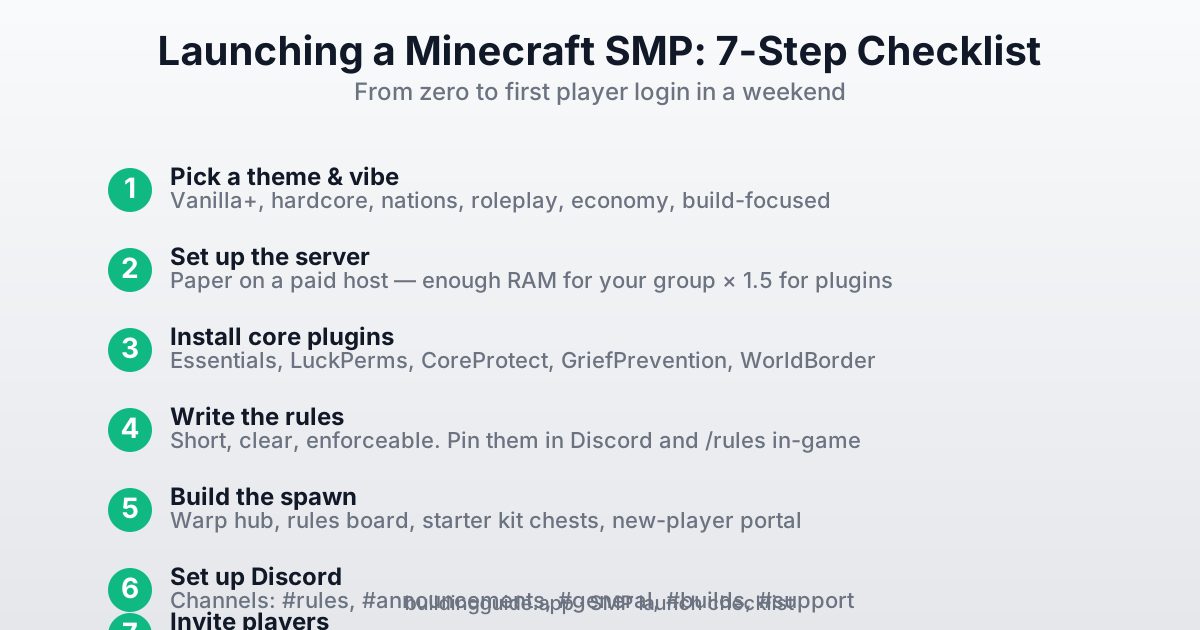
Step 1: Pick a Theme
An SMP without a theme drifts. The theme is the promise you make to players about what kind of world they're joining. Keep it to one sentence.
- Vanilla+ — "Vanilla Minecraft with grief protection and
/home." Low-lift, welcoming to any player. - Hardcore — "One life. Permanent death." Tight community, very dramatic.
- Nations / factions — "Found nations, wage wars, claim territory." Needs strong admin presence.
- Roleplay — "Play a character in a shared fantasy world." Great for creative writers; requires thick rules.
- Economy — "Earn money, trade at shops, grow businesses." Adds a Runescape-like layer to survival.
- Build-focused — "Collaborative city-builder. Survival tools, creative heart." Attracts players from our tutorials.
Step 2: Set Up the Server
For an SMP with 5+ players, you want a paid host running Paper (not vanilla). Paper has dramatically better performance, supports plugins, and costs the same as vanilla. We cover the full hosting setup in How to Host a Minecraft Server, but the SMP-specific notes are:
- Use Paper, not vanilla or Spigot. Download from papermc.io.
- Size RAM 1.5× what you'd need for vanilla — plugins add overhead. See our RAM guide.
- Enable the whitelist from day one.
/whitelist on. You can open later; closing is socially awkward. - Set a world border early.
/worldborder set 10000— a 10,000-block border is huge and keeps chunks/file size manageable. - Pick a spawn biome carefully. Flat meadow or plains biome near water is the most welcoming.
Step 3: Install Core Plugins
These five plugins handle 90% of SMP administration. Install them before your first player joins — retrofitting them later is painful.
EssentialsX
essentialsx.net. Adds /home, /tpa, /sethome, /warp, /spawn, /rules, kits, and dozens of quality-of-life commands that every SMP expects. Non-negotiable.
LuckPerms
luckperms.net. Permissions system. Create groups (default, member, builder, mod, admin) and assign commands per group. Without this, everyone is either an op or a tourist.
# Typical starter permissions setup
/lp group default permission set essentials.home true
/lp group default permission set essentials.tpa true
/lp group default permission set essentials.spawn true
/lp group member permission set essentials.sethome.multiple.default 3
/lp group builder parent add member
/lp group builder permission set worldedit.* true
CoreProtect
CoreProtect on SpigotMC. Block-level logging and rollback. Every block placed, broken, and container interaction is logged. When someone griefs, /co rollback t:3h r:30 u:griefer reverses three hours of their damage in 30 blocks. Insurance against any bad actor.
config.yml (typically 30 days) so the log doesn't balloon to tens of GB. Most griefers are caught within days anyway.GriefPrevention
GriefPrevention on SpigotMC. Lets players claim land with a golden shovel. Inside a claim, only members can break blocks or open containers. Dramatically reduces admin workload — most "help, my base got robbed" tickets disappear.
WorldBorder or Core <code>/worldborder</code>
Vanilla has a built-in /worldborder command — use /worldborder set 10000 to cap at 10,000 blocks. Too-big worlds eat disk space and confuse new players. You can always expand later.
Optional but Common
- DiscordSRV — two-way chat bridge between Minecraft and a Discord channel.
- Vault — economy API. Install if you use an economy plugin like EssentialsX's built-in system.
- ChestShop — player-run shops using signs.
- ViaVersion — lets players on older Minecraft clients (e.g., 1.20.6) connect to your 1.21 server.
- Geyser + Floodgate — if you want Bedrock players on your server. See our cross-play guide.
Step 4: Write the Rules
Rules should be short, clear, and enforceable. Seven is a sweet spot — fewer and you'll miss something, more and players ignore them.
- Be kind. No harassment, slurs, hate, or targeted meanness.
- No griefing or stealing. Even of unclaimed chests. If you didn't build it or store it, leave it alone.
- Stay on topic in public chat. Politics and drama go in Discord.
- No cheating. No X-ray, no duping, no auto-clickers, no unapproved mods.
- Ask before moving someone's stuff. Even to help.
- Keep builds far enough apart. At least 50 blocks between bases unless pre-arranged.
- If you see a problem, ping a mod. Don't vigilante-justice.
Pin these in your Discord #rules channel and add them to a welcome book in-game. Most players actually read rules on a good SMP — give them the chance.
Step 5: Build the Spawn Hub
The spawn is the first thing every new player sees. It sets tone, shows off your theme, and is one of the few places rules are tightly enforced. You don't need a mega-build — a clean, welcoming area is enough. Minimum features:
- Welcome sign with SMP name and Discord link.
- Rules board with the rules posted in-world (plus
/rulescommand set up in EssentialsX). - Starter-kit chest with a few tools and food for new arrivals.
- Portal or path out of spawn so new players leave the hub in a specific direction instead of wandering.
- Warp signs to key destinations:
/warp shop,/warp event, etc.
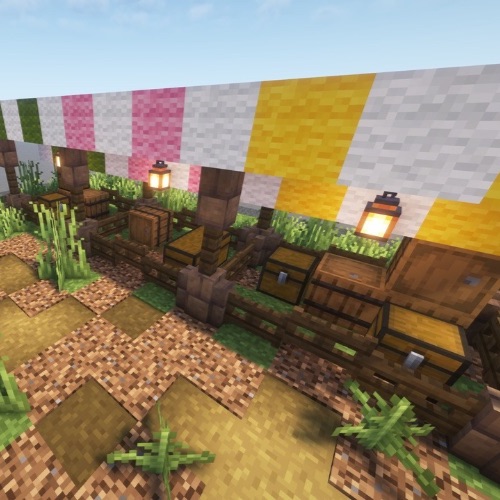
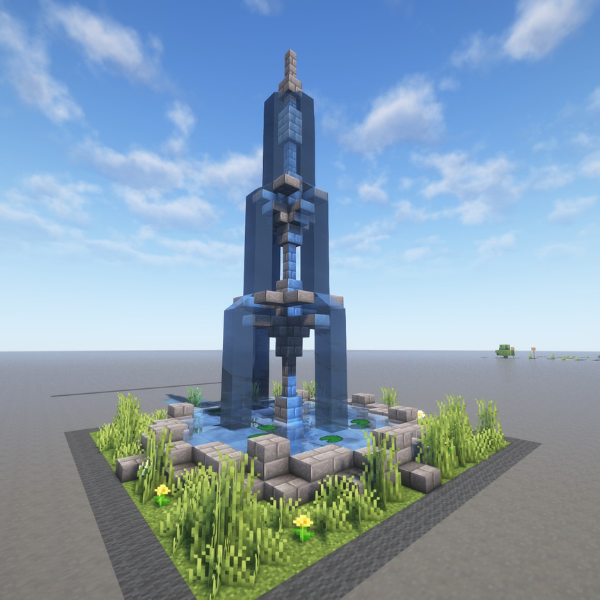
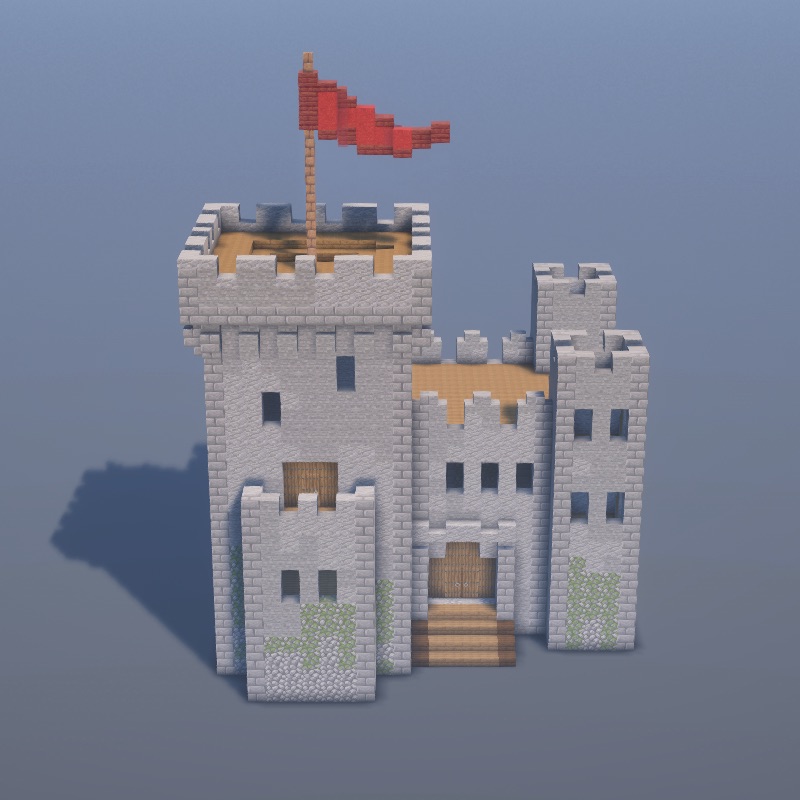
For a quick spawn build that looks polished, browse our medieval tutorials or full tutorials catalog — copy a Trading Hall or Village Well and call it a spawn plaza.
Step 6: Set Up a Discord
Every successful SMP has a Discord. It's where the community actually lives. Use Discord's server templates or start from scratch. Minimum channels:
- #welcome — a landing channel with rules and how to apply/join.
- #rules — pinned rules (copy from step 4).
- #announcements — mods-only, for restart warnings, events, updates.
- #general — open chat.
- #builds — show off screenshots. This channel does a lot of community-building work.
- #support — players report issues or ask for help.
- A voice channel or two — for spontaneous hangouts.
Set up DiscordSRV on the server to mirror in-game chat into a Discord channel. It makes the SMP feel alive even when nobody is logged in.
Step 7: Invite Your First Players
Who you invite depends on your theme. Three common approaches:
- Private — only friends. Whitelist them manually. Smallest maintenance burden, tightest community.
- Application — a Google Form or Discord post asking why they want to join. Great for themed or roleplay SMPs. Filter for players who actually read the theme.
- Open — post on Minecraft Forum or r/mcservers. Expect lots of signups, plan for moderation.
Running the SMP Day-to-Day
Build a Mod Team
As soon as you have 10+ active players, you can't handle moderation alone. Appoint 2–3 mods from among the friendliest, most-trusted players. Give them /tempban, /mute, and /co lookup permissions via LuckPerms. Don't give them /gamemode creative or /give — keep those admin-only.
Run Regular Events
A weekly event keeps the SMP alive. Build competitions ("best tower on spawn island"), PvP tournaments, treasure hunts, or community projects ("let's build a railway to the end portal"). Announce a week ahead in Discord, give small prizes.
Back Up Weekly
Most paid hosts have automatic backups. Still: once a week, download a copy of the world/ folder to your own computer. Worst-case, you lose 7 days if the host goes under. This has saved many SMPs.
Communicate Before You Change Things
Changing server settings (border size, difficulty, plugin rules) without warning kills trust. Post a proposal in Discord 2–3 days ahead, take feedback, then announce the change in #announcements. Players want to feel like they have a voice; giving them one costs you nothing.
Common Mistakes to Avoid
- Opening without a whitelist. Even "small" SMPs get random joiners. Whitelist on day one, open later if you want.
- Letting admins op themselves. Use LuckPerms groups.
/opbypasses everything and makes logs useless. - No rules, or too many rules. Both kill a server.
- Skipping CoreProtect. Eventually someone griefs. Without logs you're stuck.
- Inviting 50 people day one. You won't finish the spawn in time.
- Making everyone pay to join. Against Minecraft's EULA and usually illegal. Donations for cosmetics are fine; gameplay advantages for money are not.